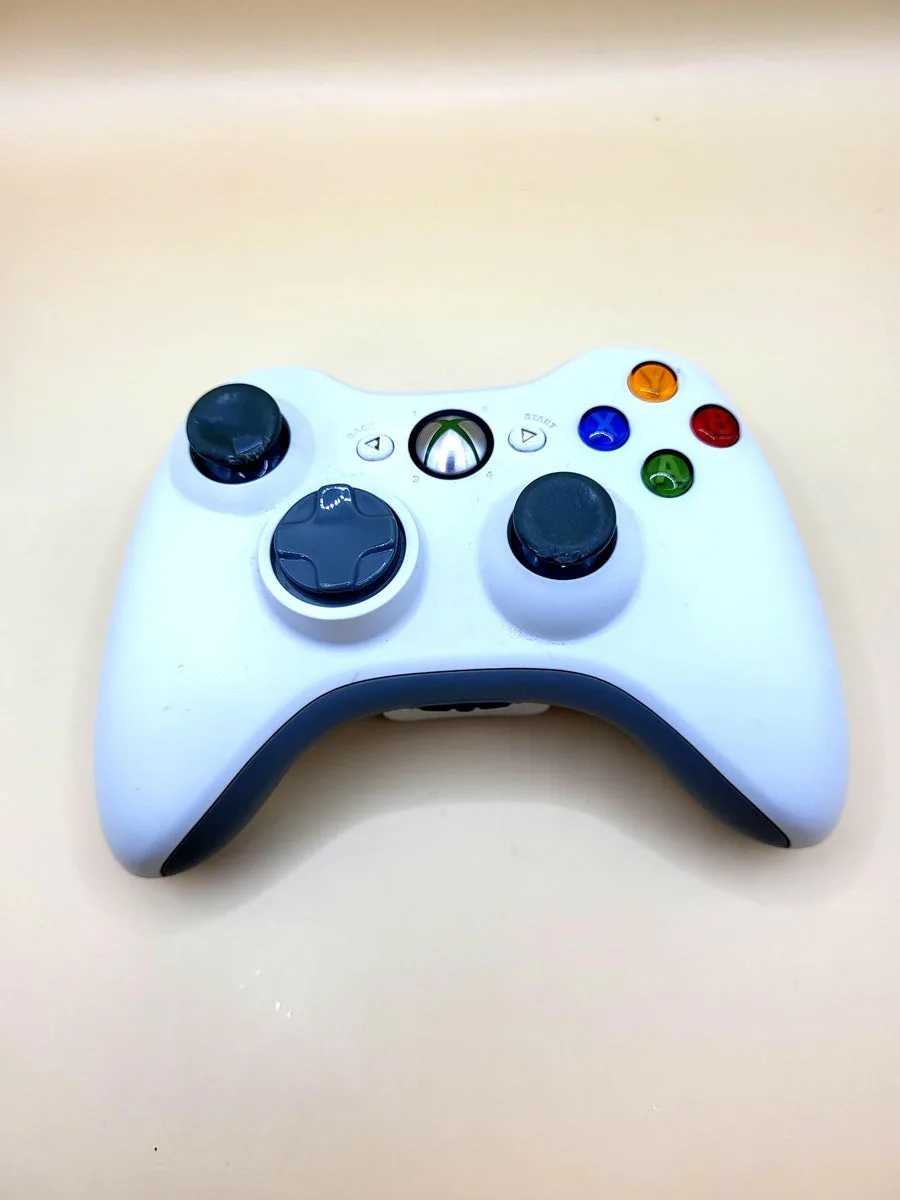
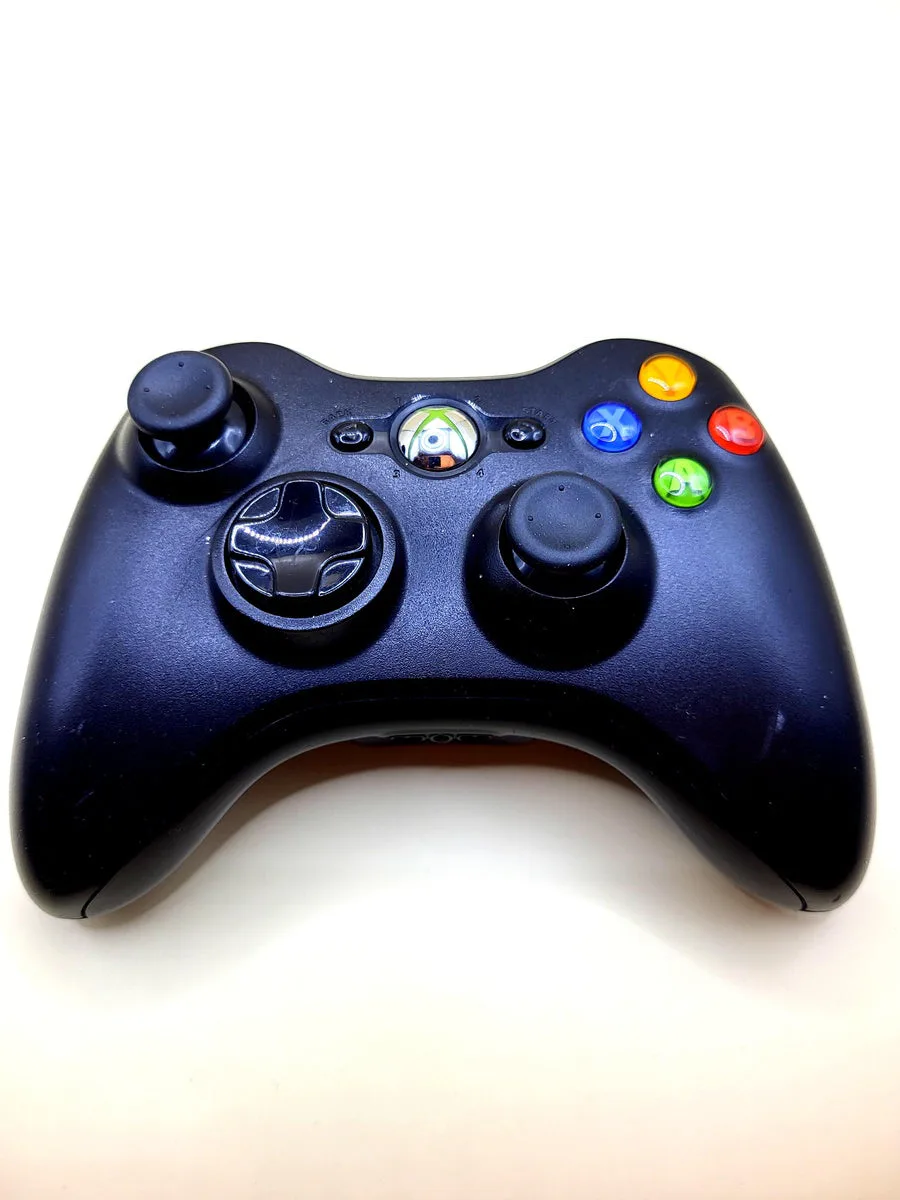
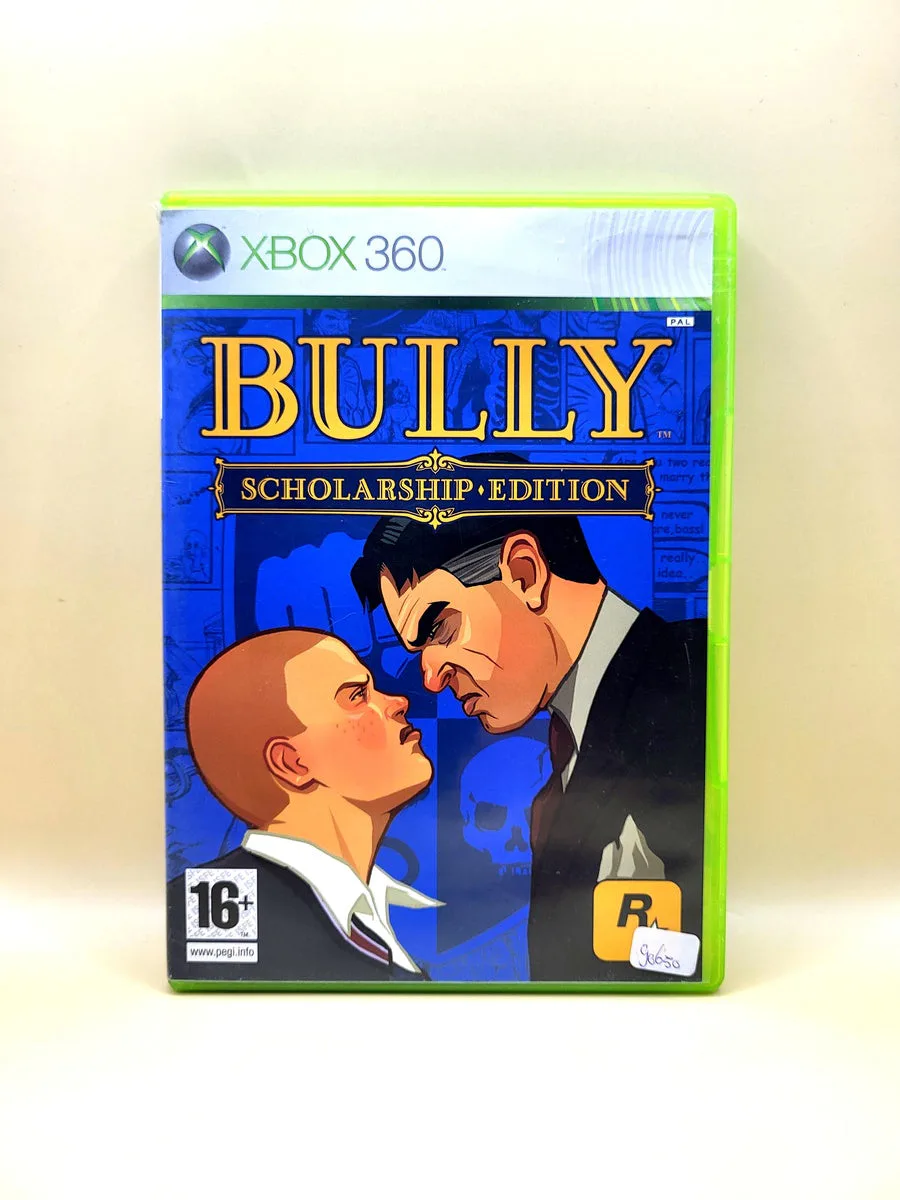
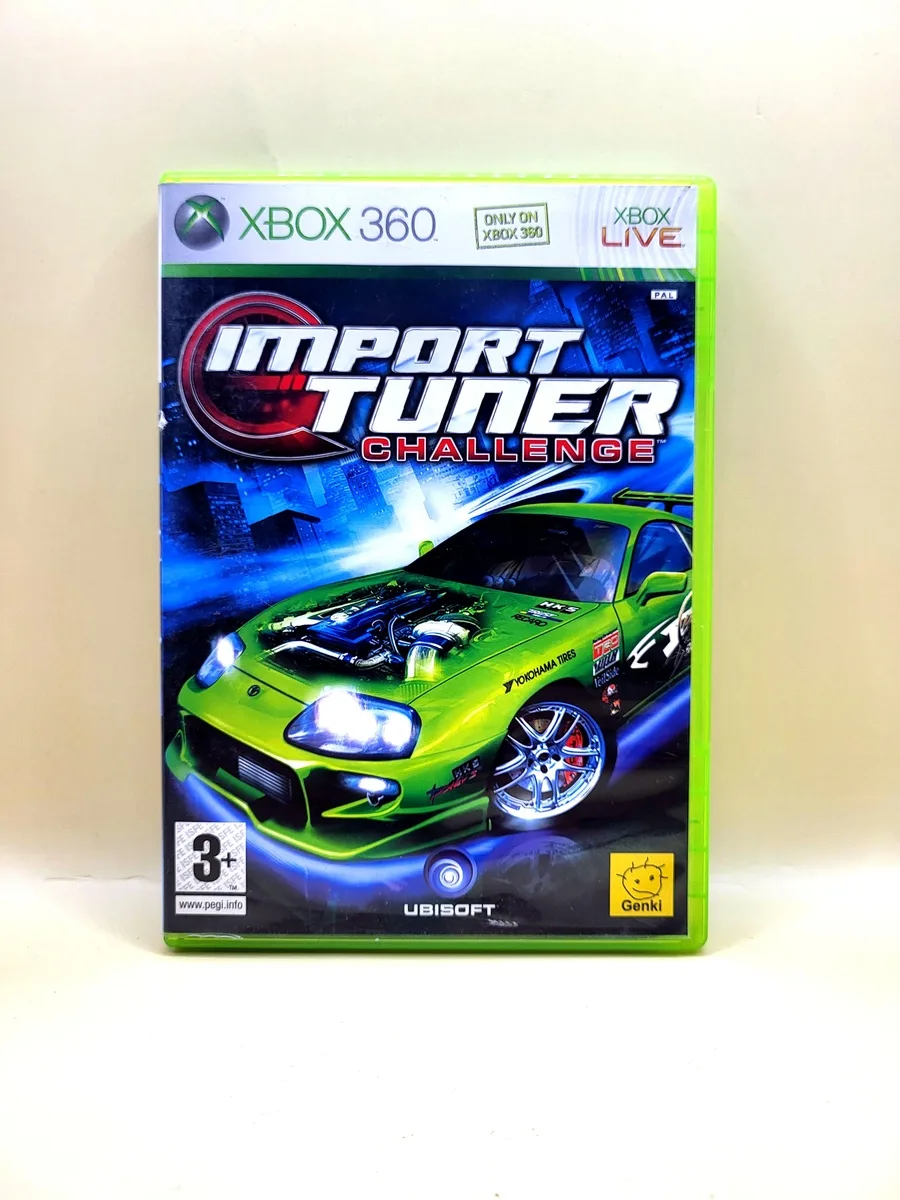
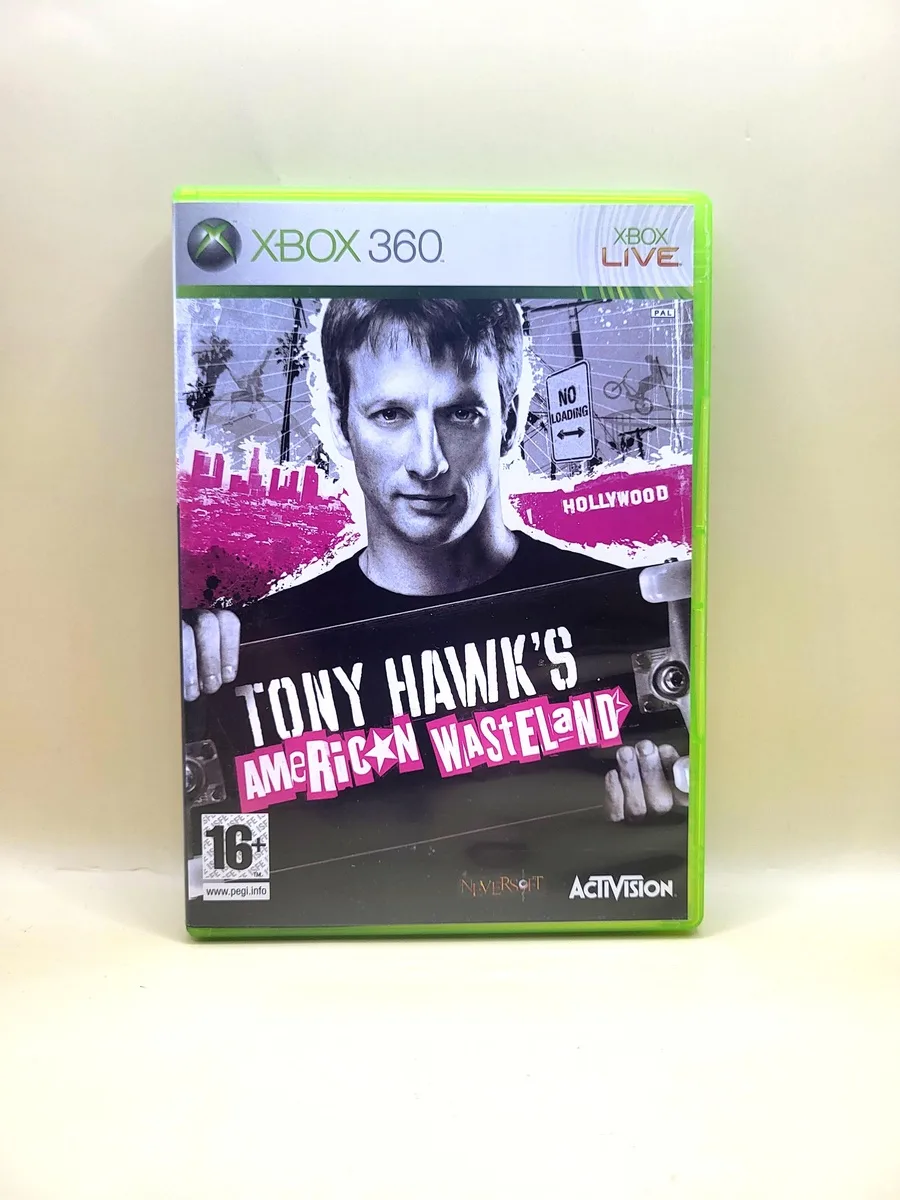
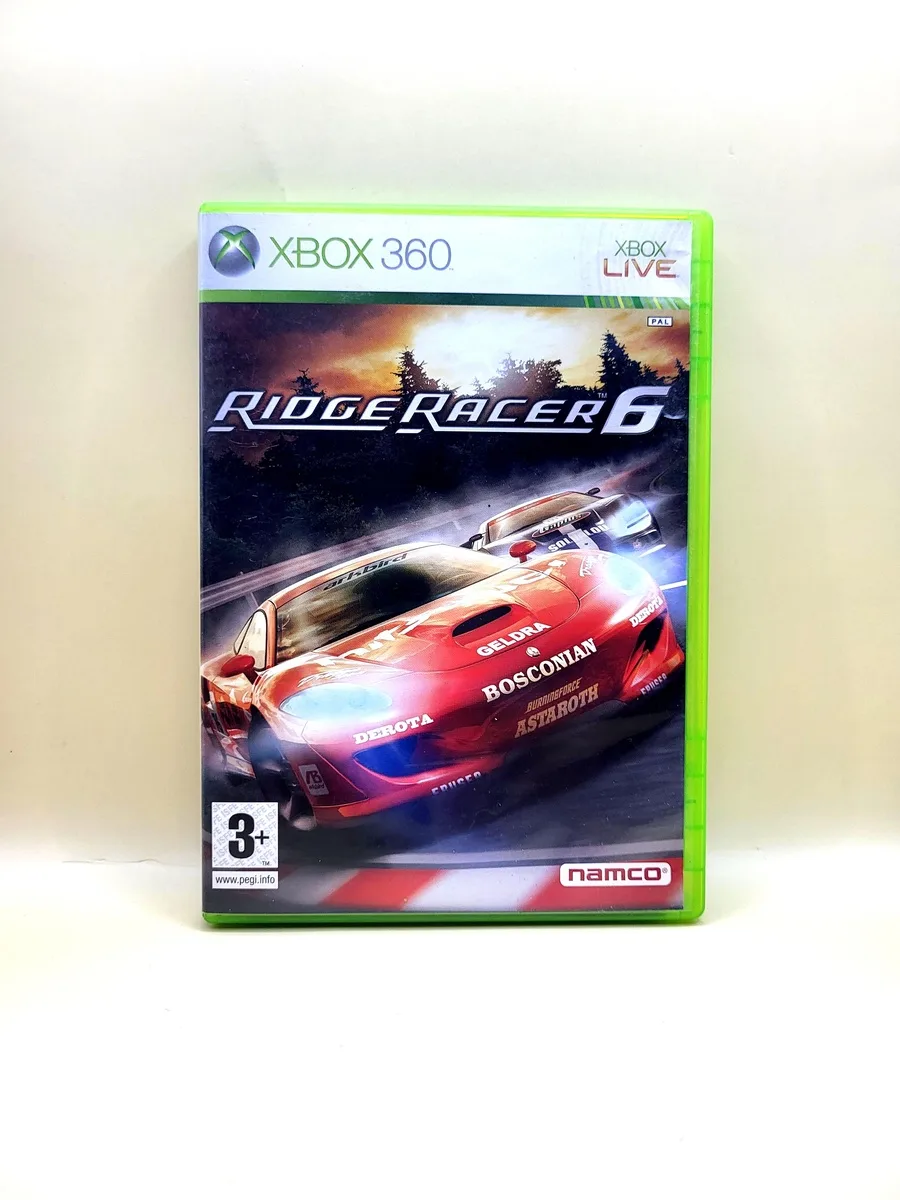
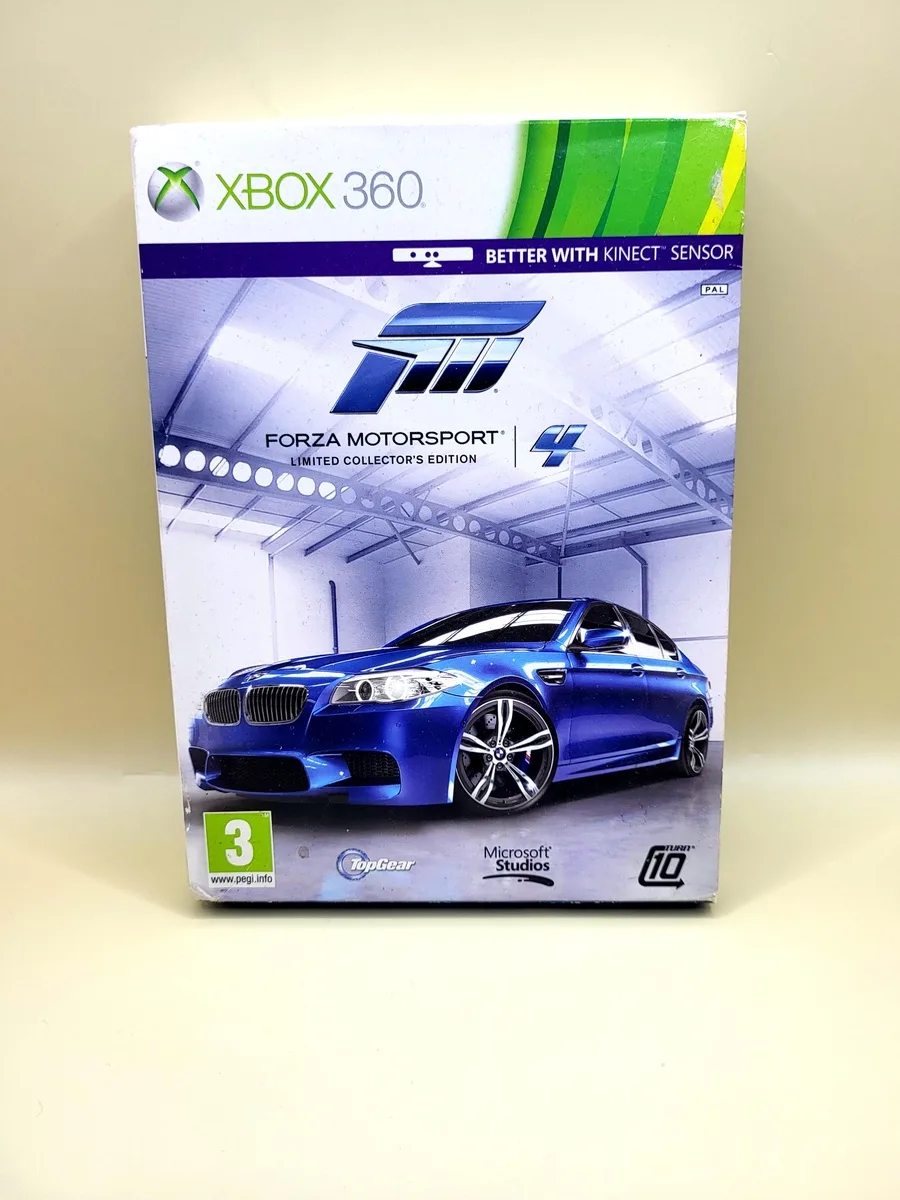
This product is like new. At NexWave Games, like new means:
Additionally, all discs at NexWave Games are carefully inspected and assessed for quality. When discs arrive, we do not accept any that are so badly damaged that they are unlikely to work. We only accept discs with light scratches at most. Discs with scratches are then treated in our professional disc repair machine. By warming the disc and polishing it with soft brushes, these machines can remove a very thin layer from the disc. This removes the layer containing surface scratches and improves the disc’s readability. This ensures the disc works properly, even on consoles with ageing lasers that have difficulty reading games! Great news for the player.
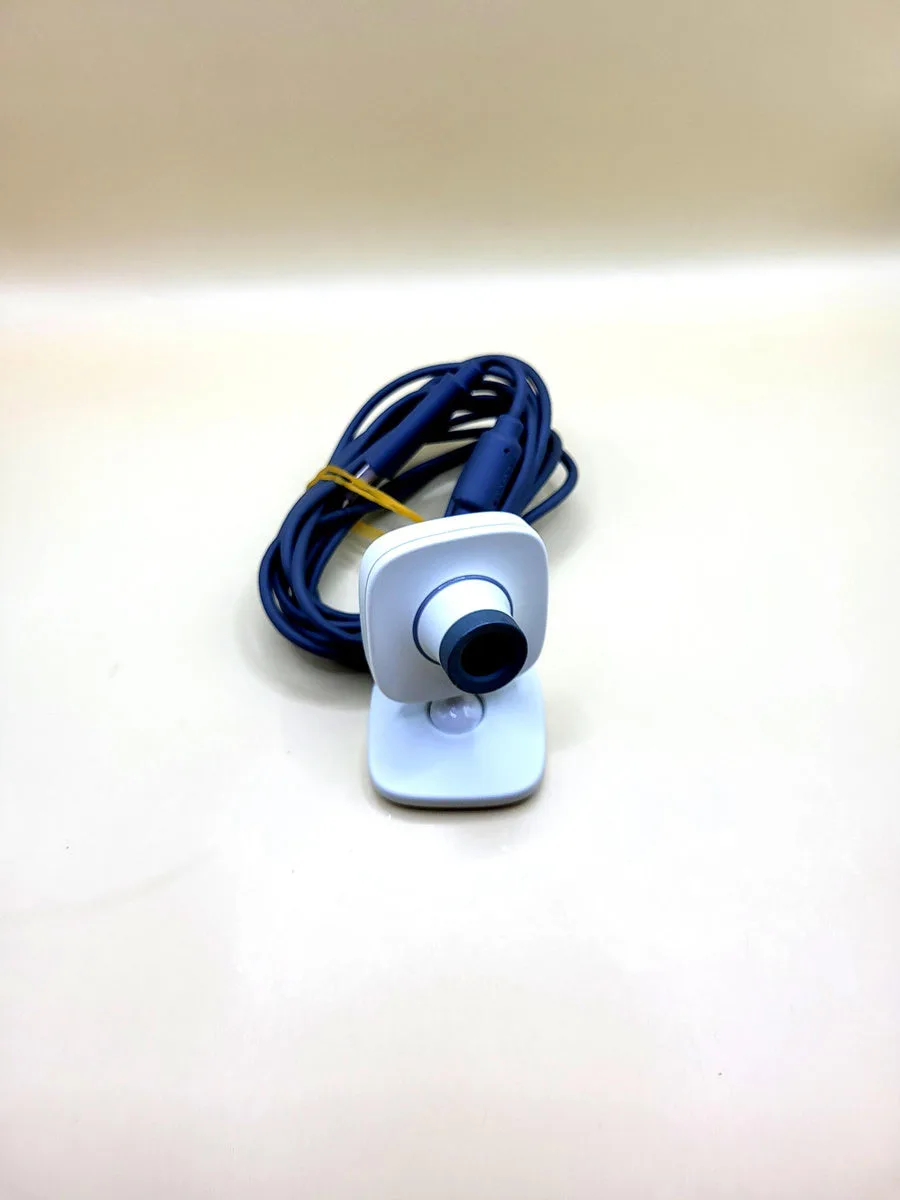
Xbox Live Vision Camera
Xbox Live Vision Camera is Microsoft's compact USB camera for Xbox 360. The photograph shows the light-coloured housing, adjustable stand and attached cable. Place the camera on a stable surface and point the lens towards the play area. The ring around the lens lets you adjust focus. Supporting software uses the ordinary camera image for recordings or motion detection. It is not a Kinect sensor and does not replace a normal controller in every game.
Connection and power run through USB, so no separate battery or mains adapter is required. Use even lighting and follow the placement instructions of the particular game. The light ring illuminates when the camera is actively capturing images. For voice audio, the original manual refers to a separate Xbox 360 headset. Do not expect a built-in microphone. That headset, a console and the necessary software are not automatically included with this loose camera. The product photograph defines the offered version.
Check which camera feature you want to use: full motion controls, a photograph for your character and a former online exchange are different applications. Their differences are explained for each game below. Historical Xbox Live features are not offered as functioning present-day services. For games originally released digitally, you must already have the necessary software. This camera does not restore a closed store or add support to Kinect-only games. Games are not included.
History
Microsoft presented Xbox Live Vision in 2006, as Xbox 360 built its first generation of accessories. The camera was intended to make players visible in conversations, photographs and games. The announcement placed personal images alongside Xbox Live's existing voice communication. This also explains the name: Vision was linked to the console's social network at the time. Original video-chat advertising describes that period and does not guarantee that the same service is available today.
Developers subsequently used the image in different ways. TotemBall appeared in 2006 as a download requiring the camera for controls. Rainbow Six Vegas instead used photographs for a custom character's face. In 2008, You're in the Movies placed players in short films through recorded movements. Development thus ranged from small personal images to games using your body in front of the lens as material. A camera symbol did not always indicate the same kind of controls.
Vision belongs to the period before Kinect became a different Xbox camera family. Do not confuse their software requirements. The digital environment changed too: new purchases through the Xbox 360 store stopped on 29 July 2024. Previously purchased games are a different situation from promising a new download. The usefulness of this older accessory therefore depends on specific software and available features. The five examples below distinguish local applications, existing digital ownership and purely historical online support.
Five Games and Their Original Camera Features
You're in the Movies for Xbox 360 uses Xbox Live Vision to incorporate your movements into short films. You perform physical tasks in minigames; the game records these actions and places them in movie scenes. The camera therefore has a central gameplay role rather than merely providing a profile picture. The original game supports up to four participants. An uncluttered setting and good lighting help separate players from the background. The game is needed separately; former online film-sharing features are not promised.
TotemBall is an early Xbox Live Arcade game specifically requiring Xbox Live Vision. It turns movements in front of the camera into game controls, rather than putting you in a decorative video window. This makes it a different use from an ordinary controller game with optional photographs. Microsoft originally distributed TotemBall as a free download in 2006. That historical offer is not a present download promise. Following the store closure, rely on previously acquired software and your own access to it; this loose camera includes no game licence or installation.
Rayman Raving Rabbids for Xbox 360 supports Vision in activities marked with a camera symbol. The original manual limits this to Story and single-player Score, not the two-to-four-player Score option. Activate the camera with a movement and follow the on-screen instructions and positioning. Some minigames thus change their input method, but do not assume every part has camera controls. This description concerns the original Xbox 360 version, not Wii controls or a Kinect edition.
Tom Clancy's Rainbow Six Vegas for Xbox 360 used Vision to place your own face on a character. Microsoft's original explanation describes a front-facing photograph and a side view, processed through character settings in the multiplayer section. An Xbox Live connection was required. This is historical support, not a promise that the network feature is available now. The camera does not let you aim or shoot through body movements: tactical actions themselves remain controller inputs. The example highlights the difference between personalisation and controls.
The 2008 Xbox 360 version of Burnout Paradise originally used Vision for Mugshots and Photo Finish images during online activities. Photographs provided reactions or mementos around racing; the car still used controller inputs. EA ended online support for this original version on 1 August 2019. That camera exchange is therefore historical context only, not a current usage promise. The camera is not required for ordinary offline races. Do not confuse this Xbox 360 release with Burnout Paradise Remastered on later platforms.