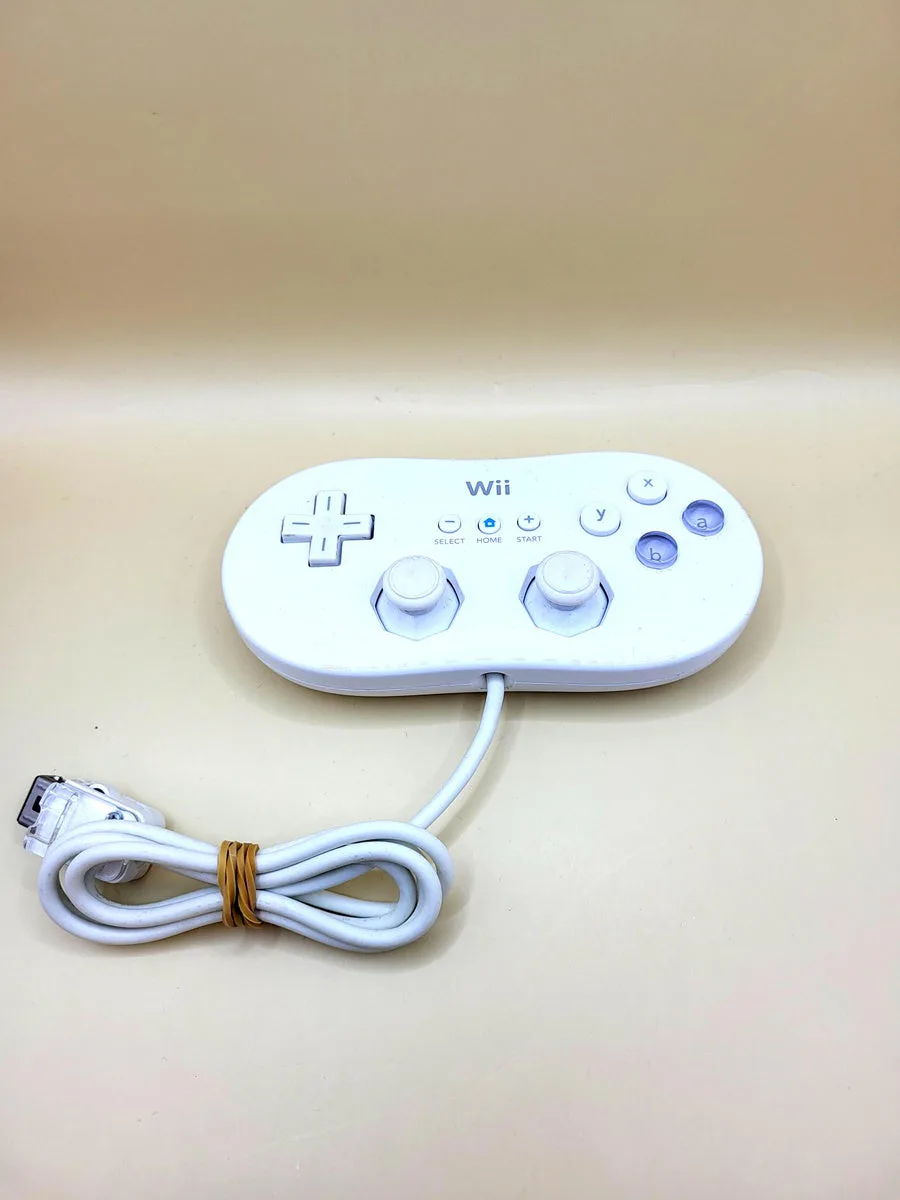
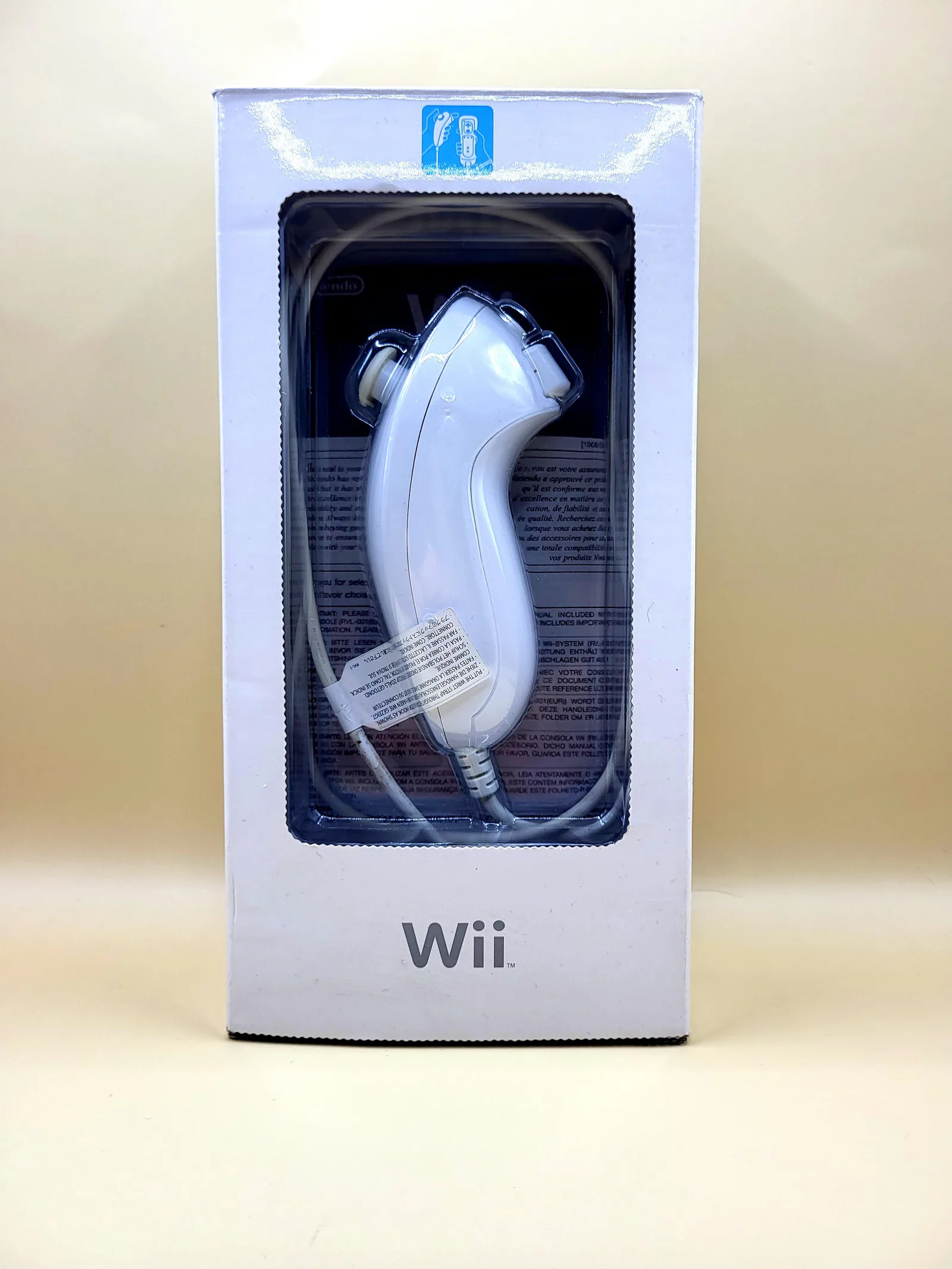
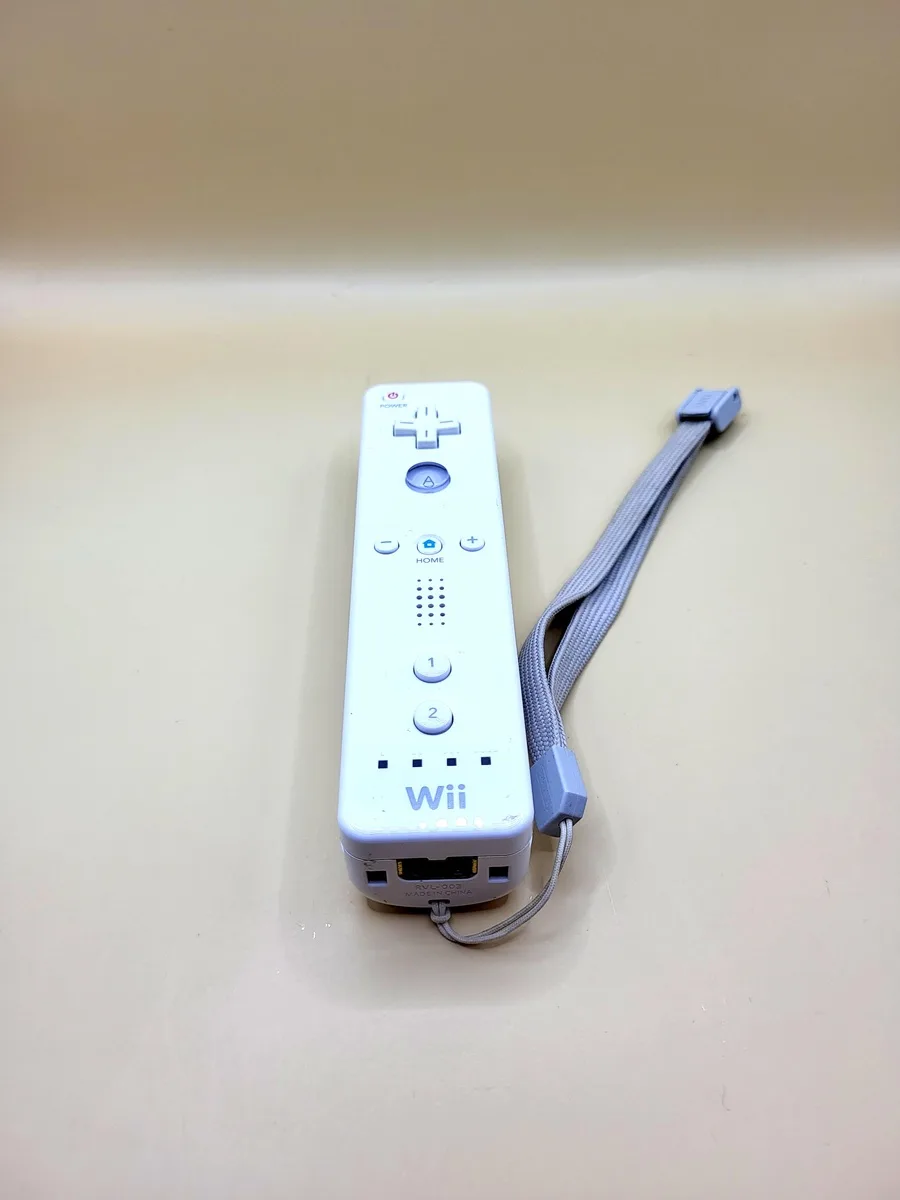
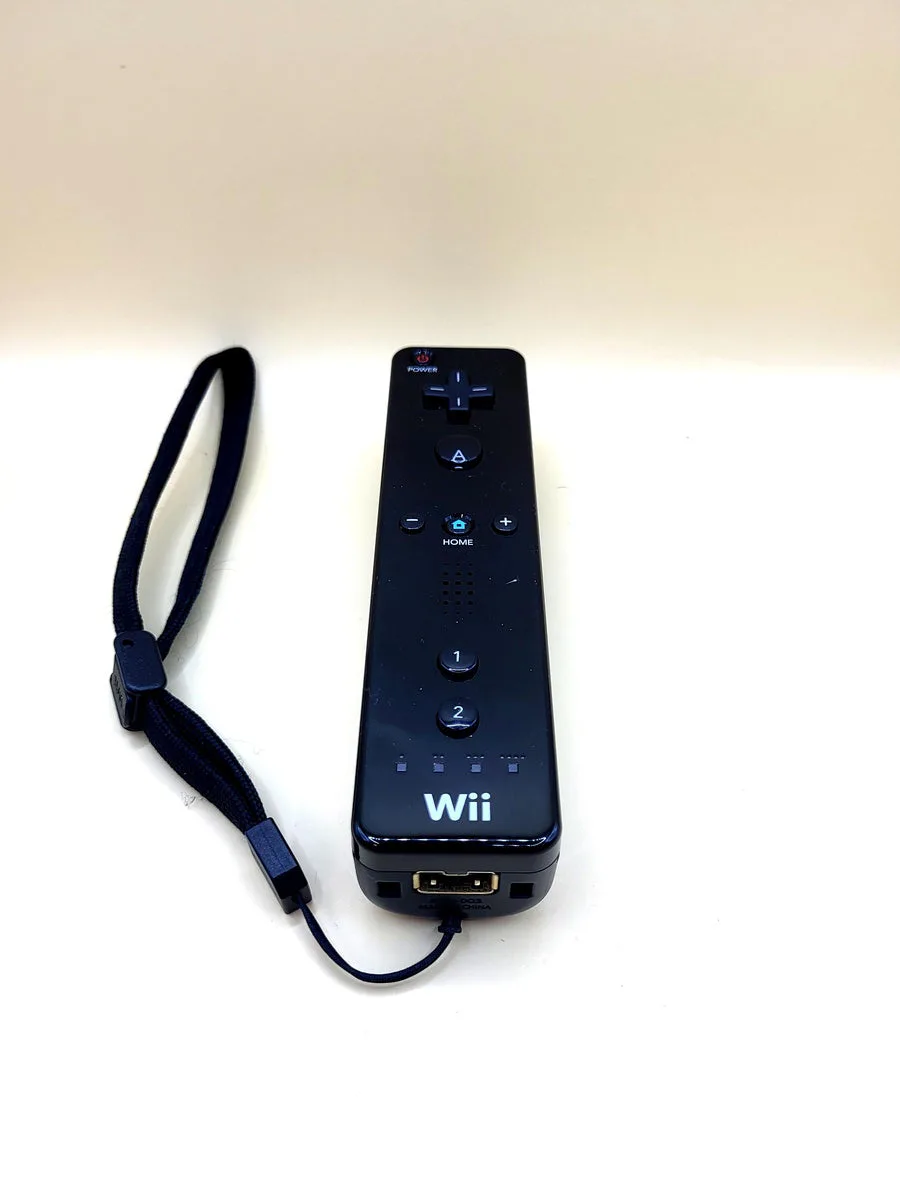
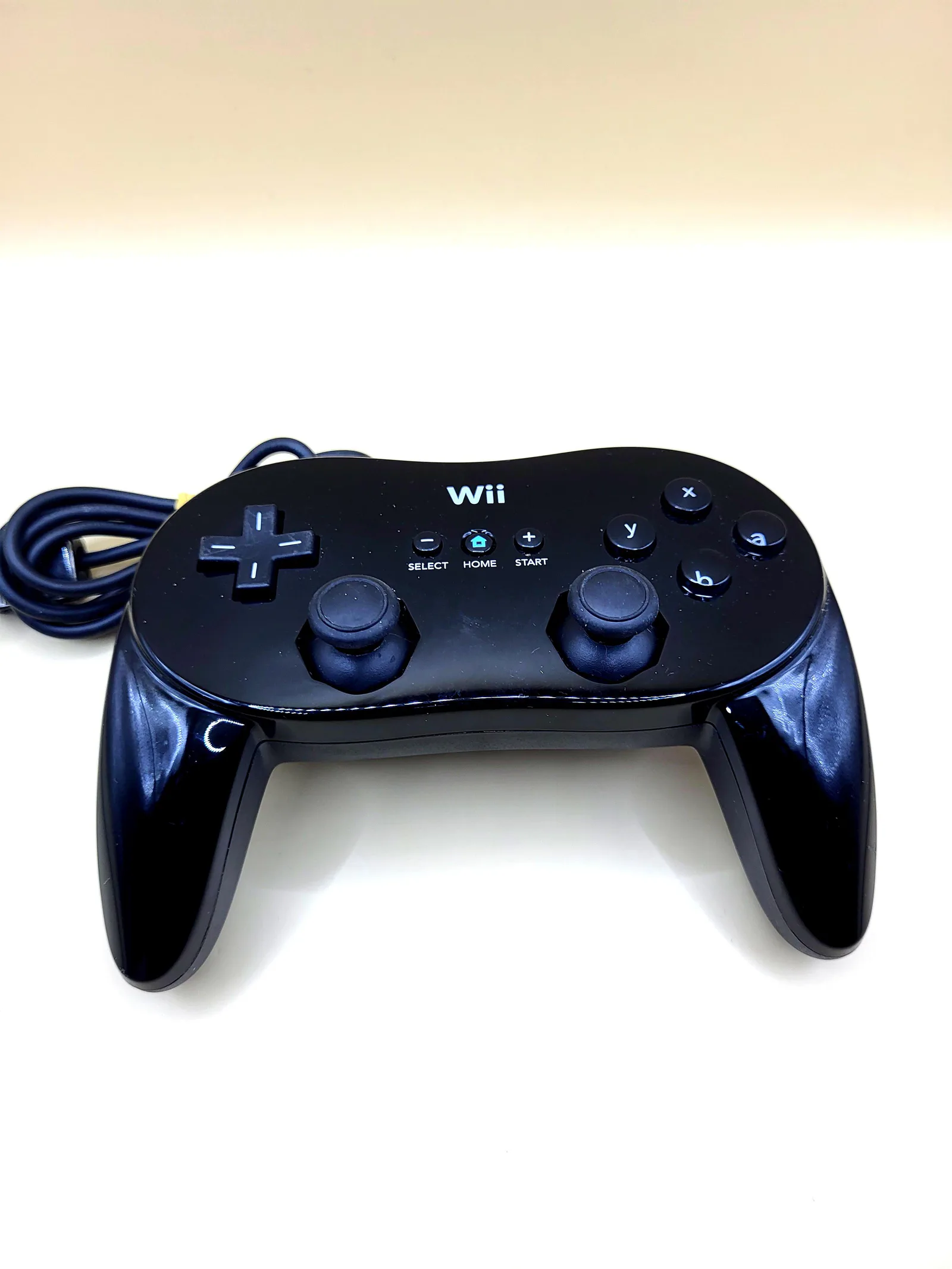
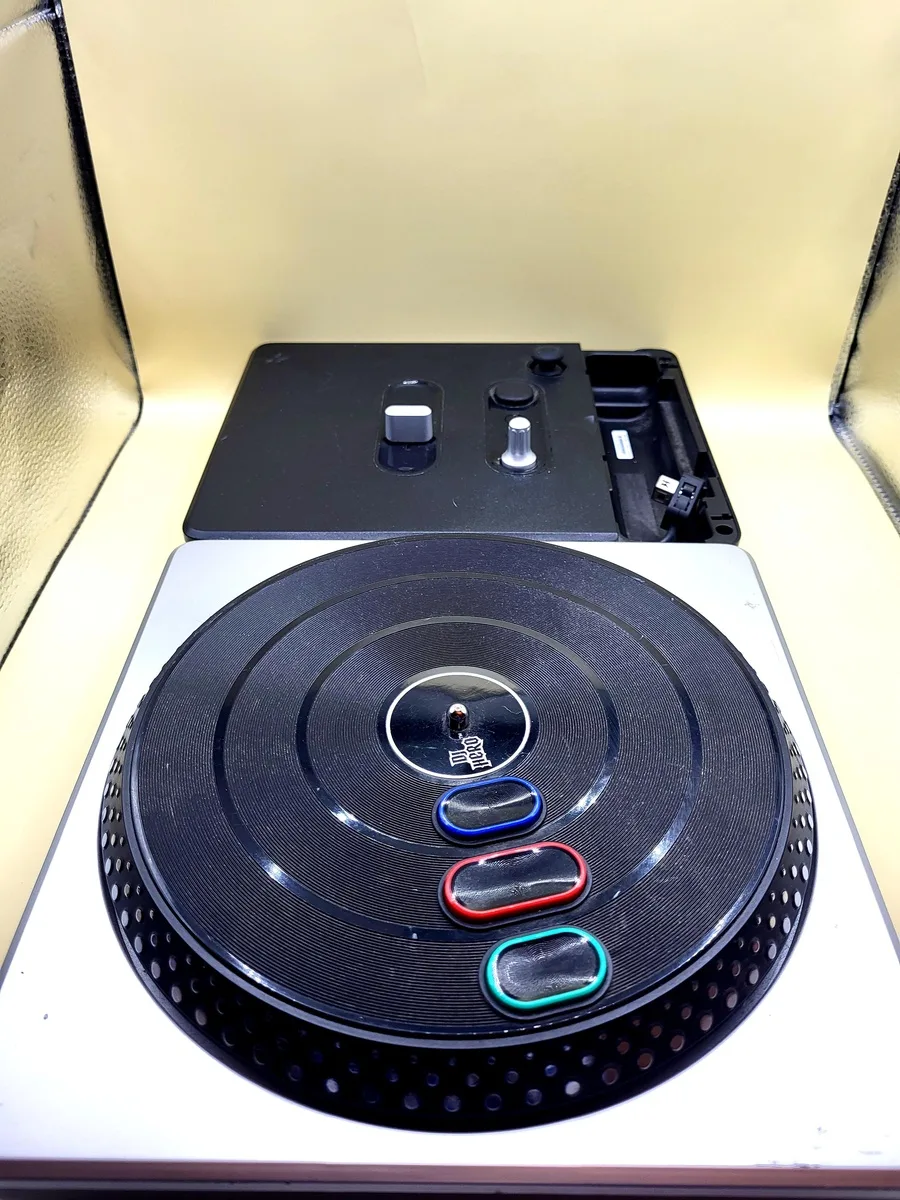
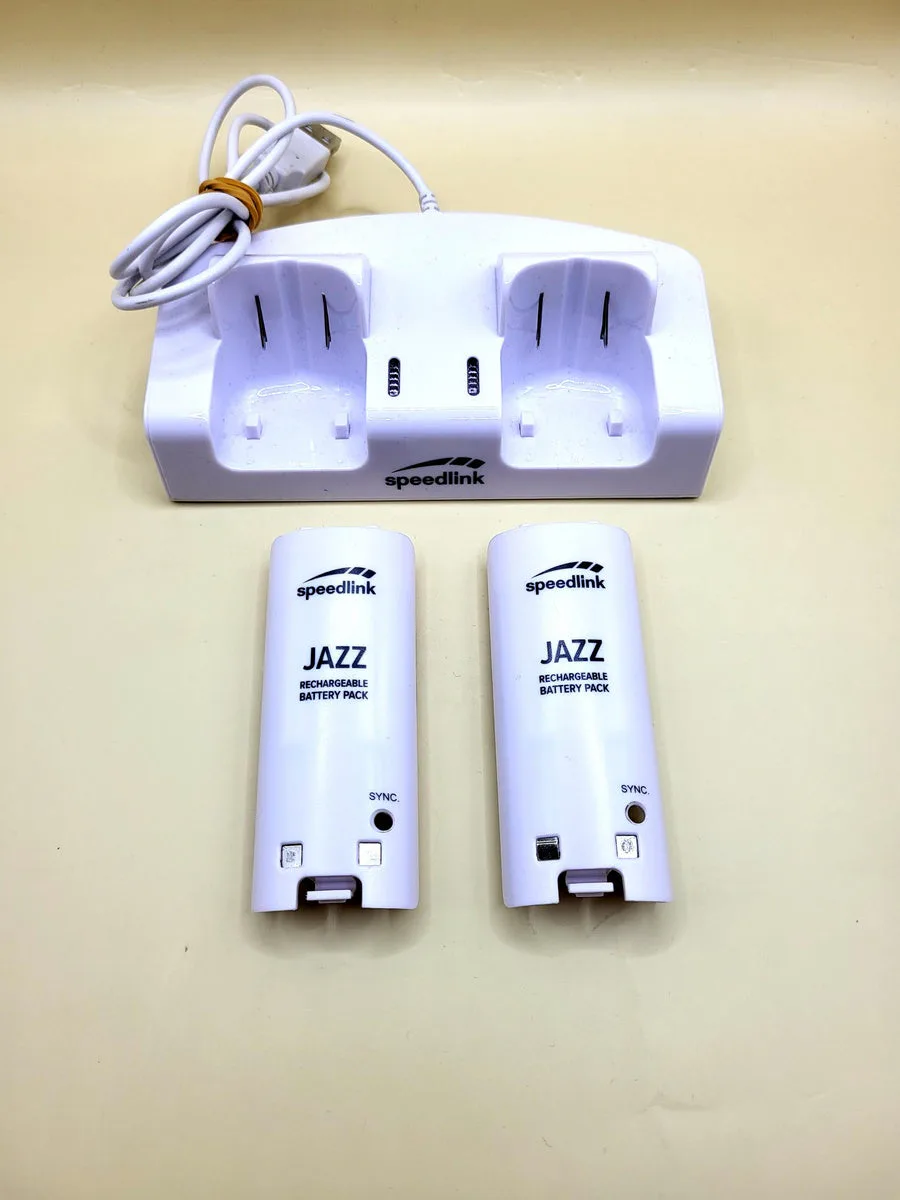
This product is like new. At NexWave Games, like new means:
Additionally, all discs at NexWave Games are carefully inspected and assessed for quality. When discs arrive, we do not accept any that are so badly damaged that they are unlikely to work. We only accept discs with light scratches at most. Discs with scratches are then treated in our professional disc repair machine. By warming the disc and polishing it with soft brushes, these machines can remove a very thin layer from the disc. This removes the layer containing surface scratches and improves the disc’s readability. This ensures the disc works properly, even on consoles with ageing lasers that have difficulty reading games! Great news for the player.
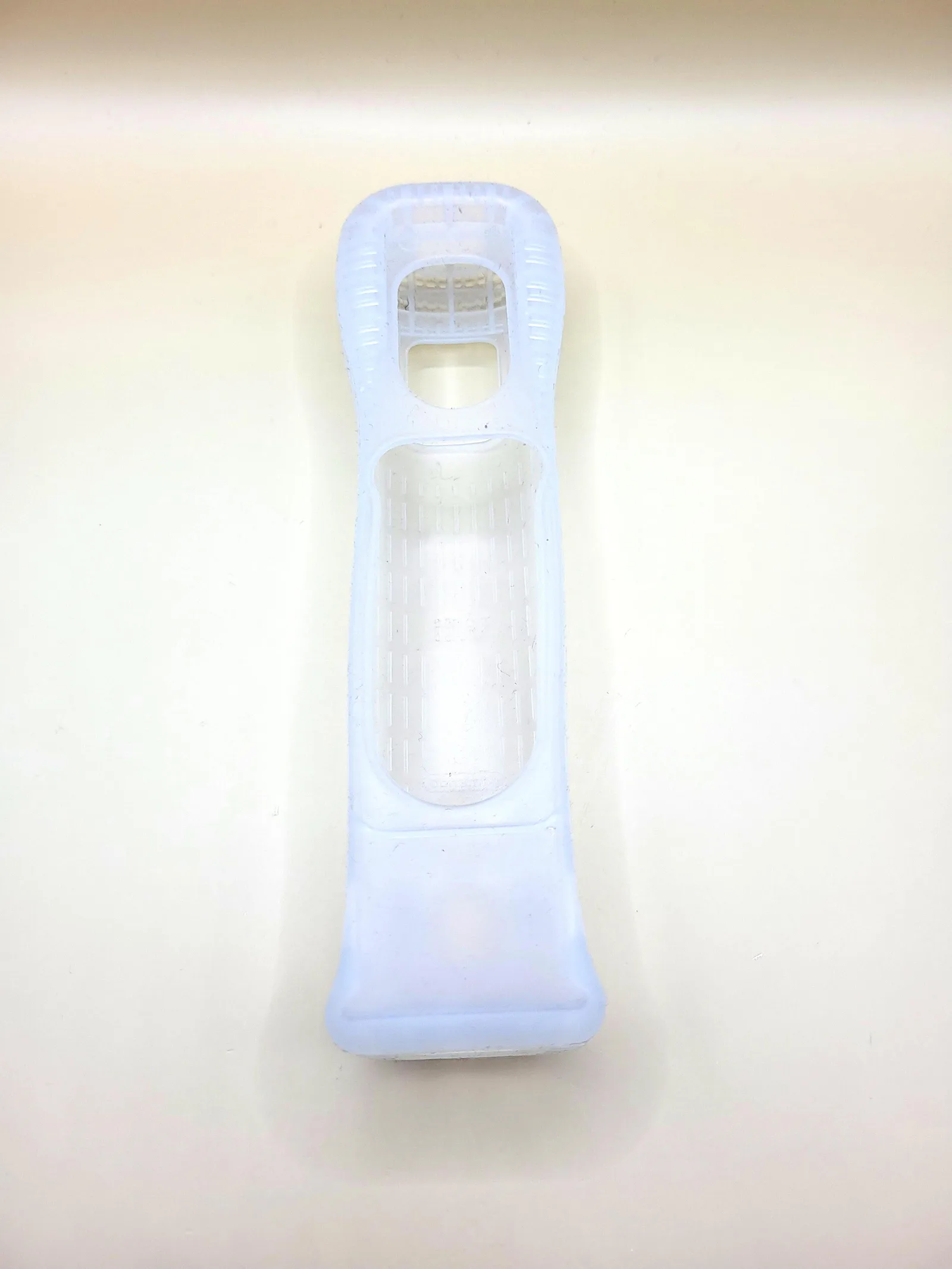
Wii Remote Protective Cover
This white protective cover forms a flexible layer around a Wii Remote. Slide the controller into it, keeping the openings for the buttons, pointer and connector clear. The material changes how the Remote feels in your hand and can cushion light knocks. This is only the separate cover pictured, without a controller, wrist strap or MotionPlus accessory. The colour does not change how the cover works or which games are supported.
A cover contains no motion sensor, battery or wireless connection. Your Wii Remote still provides all input. Check the fit when using a separate MotionPlus unit: it needs extra space at the bottom, and Nintendo uses a dedicated longer jacket. A close-fitting wheel or other holder may also require you to remove the cover. Do not force the controller into an opening made too small by the extra layer.
Keep a firm hold of the Remote and use the wrist strap; the cover does not make the controller unbreakable. Leave space between yourself, other players and furniture. To replace batteries, pull the cover back as necessary and then refit it properly. The five games below illustrate different uses of the Wii Remote. The cover adds no game content and replaces no Nunchuk, Sensor Bar or other required parts.
History
The Wii launched in 2006 with a controller that players moved through the air in many games. Grip and space around the player therefore took on a different role in the instructions than with a gamepad mostly kept in the lap. On 2 October 2007, Nintendo announced the Wii Remote Jacket, a protective sleeve intended to offer grip and cushioning. The announcement described it as an addition to careful use, not a replacement.
In Japan, Nintendo offered the jacket free to existing Wii owners at the time and announced that it would be included with certain new products from mid-October 2007. That was a historical distribution programme; this separate second-hand cover gives no entitlement to such an old request. It does explain why the jacket became a regular part of many Wii setups. The buttons and motion functions remained in the Remote itself, while the outer layer changed its contact with the hand.
Later, Wii MotionPlus introduced different shapes around the bottom of the controller. The separate sensor unit needed a longer jacket, while Wii Remote Plus integrated the extra sensor into the controller. Colour or the general name protective cover therefore does not establish the fit. The cover offered remains a physical accessory: its history concerns how people held the Remote, not a new generation of games that the cover could control independently.
Five Nintendo Wii Games
Wii Sports lets your Mii play tennis, bowling, golf, baseball and boxing. Swing or roll with the remote to determine an action's timing. Boxing requires a Nunchuk. The original sports do not require MotionPlus, but work with Wii Remote Plus. You can therefore use the same controller for the first Wii Sports and Resort's more detailed motion tracking.
Super Mario Galaxy has Mario walking across small planets, jumping around spherical worlds and collecting Power Stars. Move Mario with the Nunchuk stick while the Wii Remote provides the pointer and a shaking gesture for the spin attack. The original Wii version requires both controllers, but not MotionPlus. A second player can assist with an additional Remote's pointer rather than controlling a second fully mobile character.
The Legend of Zelda: Twilight Princess follows Link through Hyrule, including exploration as a wolf alongside Midna. Dungeon puzzles, horse riding and combat shape the adventure. The Wii release uses Remote and Nunchuk for movement, aiming and sword-and-shield actions. MotionPlus is not required. Its controls differ from the GameCube release; this example concerns the original Wii version, not Twilight Princess HD.
Wii Play collects short games using different Wii Remote controls. In Shooting Range, follow targets with the pointer and try to build consecutive hits. Missed shots break the streak, rewarding careful aim over random firing. Other activities need different movements or timing. A second player needs their own Remote. The Sensor Bar provides the pointing reference, not the controller whose buttons you press.
Metroid Prime 3: Corruption has Samus Aran explore planets, scan information and open routes with acquired abilities. Move with the Nunchuk and point the Wii Remote to look around and hit enemies. Each hand has a different role: movement and aiming are divided between two devices. This is the original Wii release of the third adventure, not Metroid Prime's older GameCube controls. A Sensor Bar supports pointing but does not replace a Nunchuk.