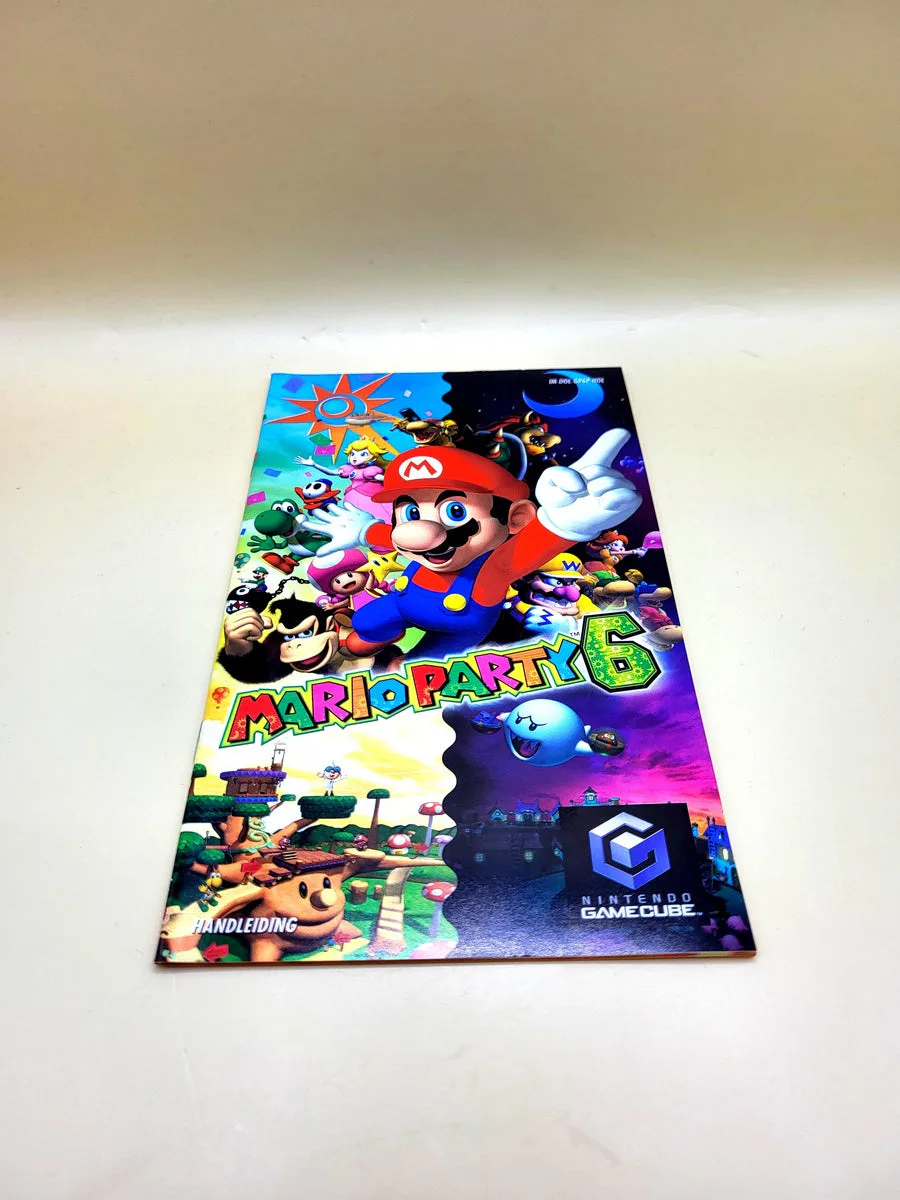
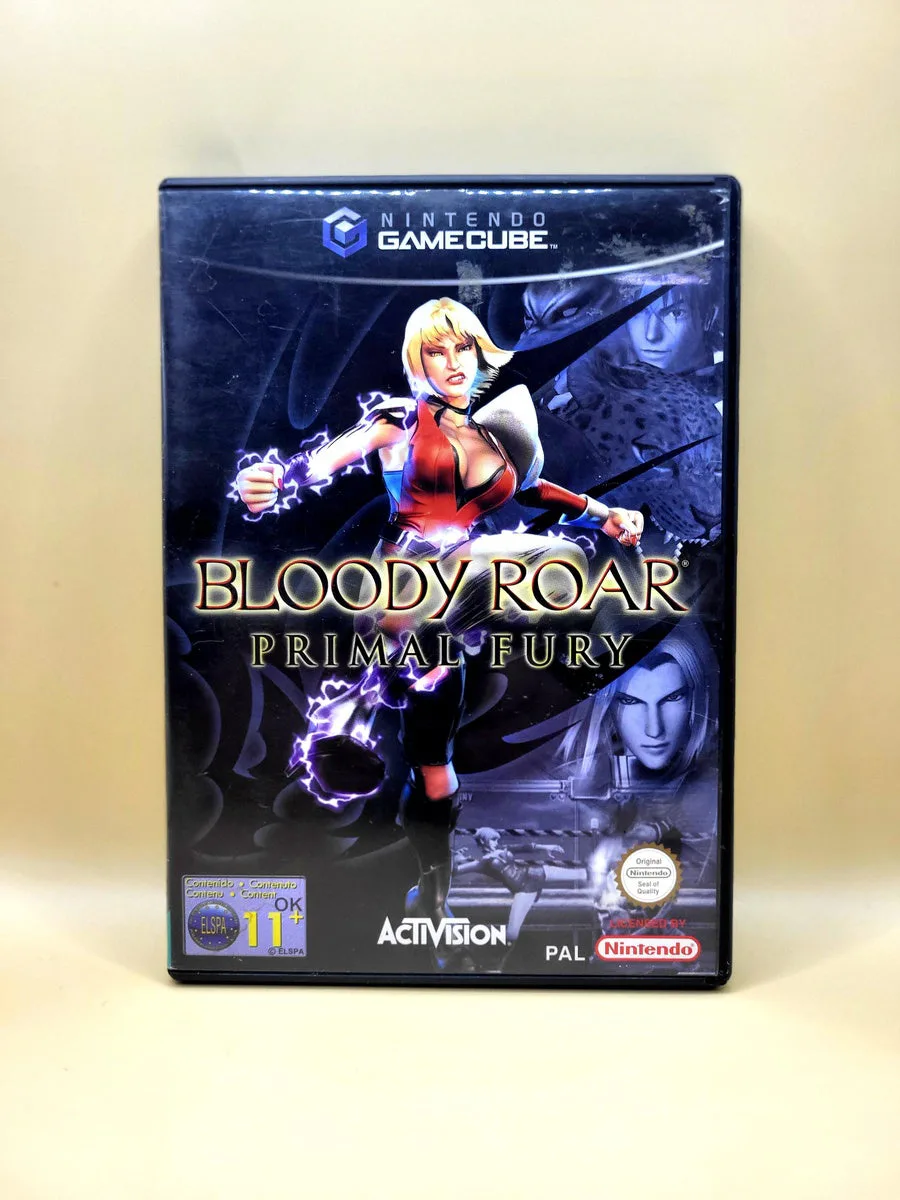
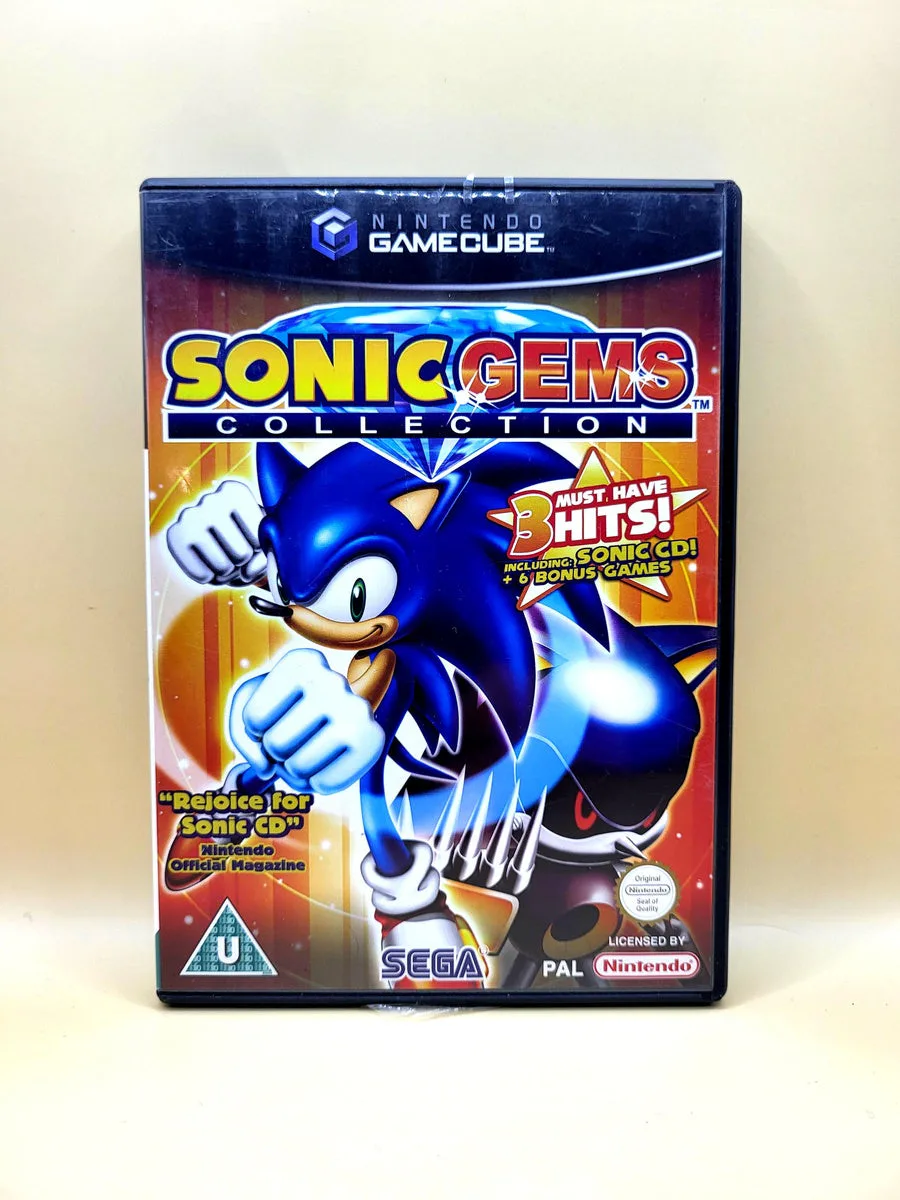
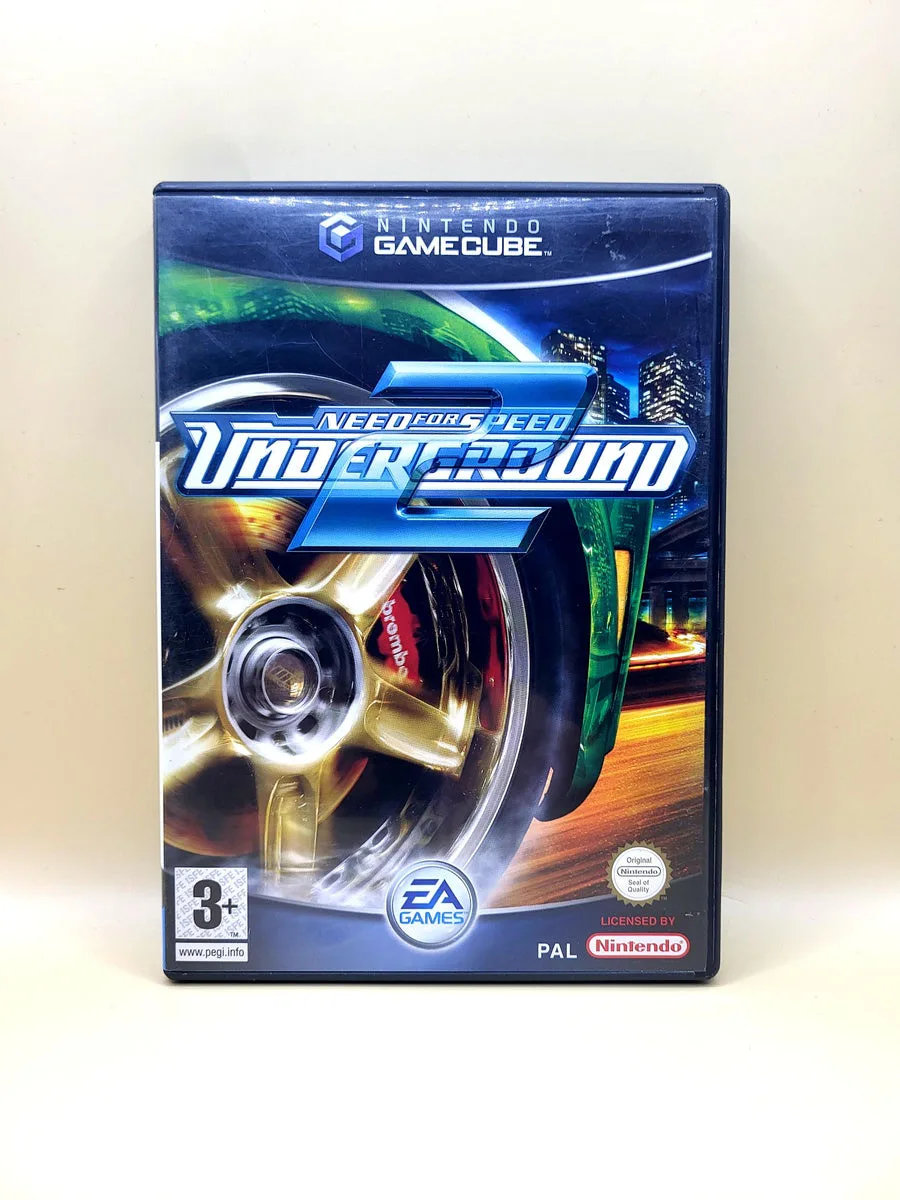
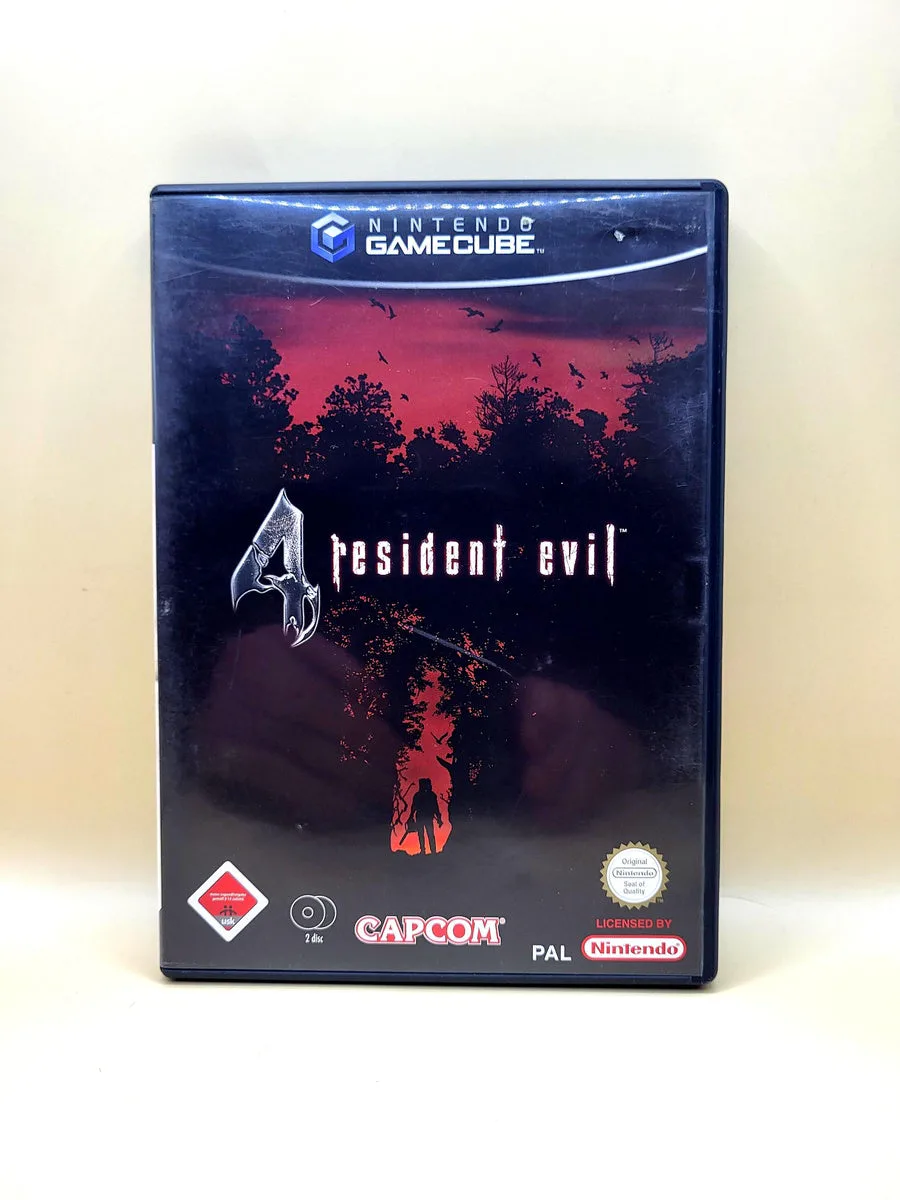
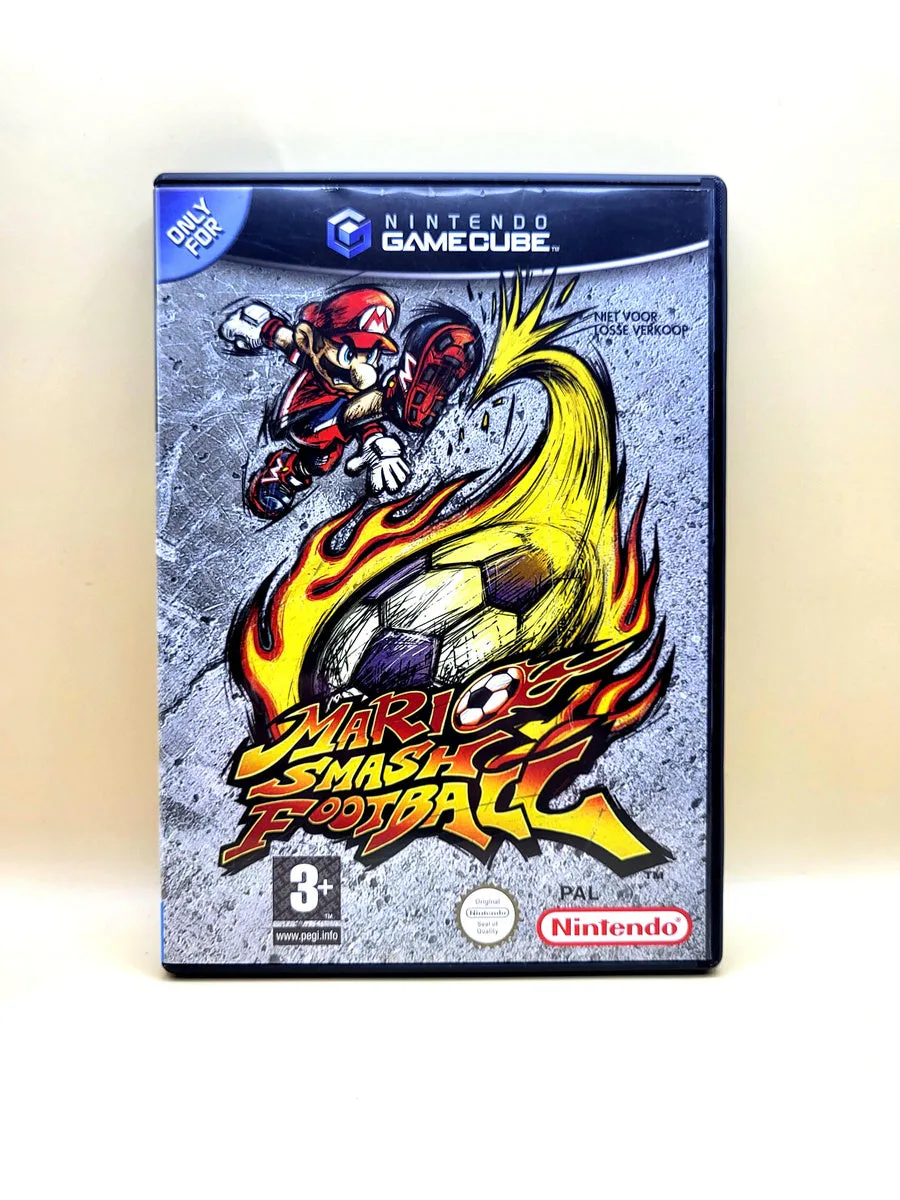
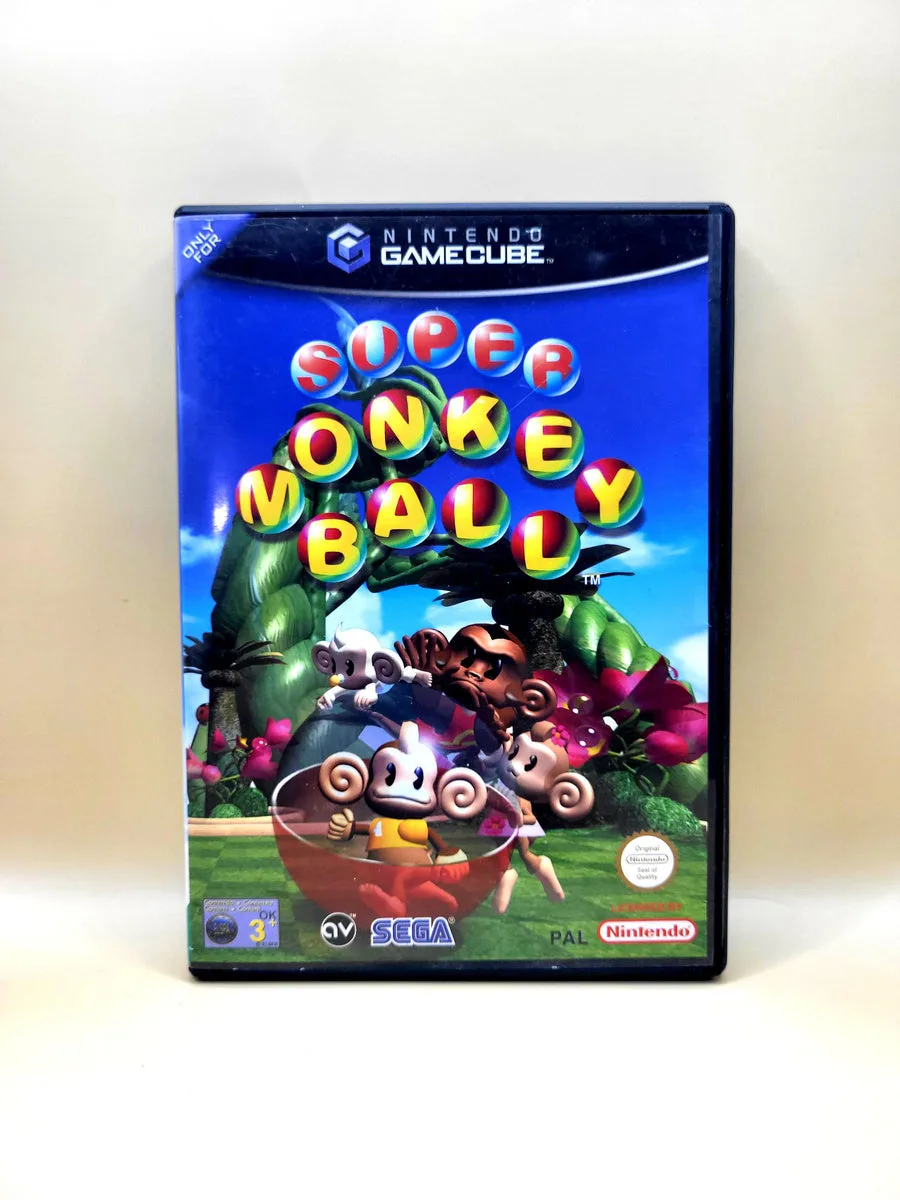
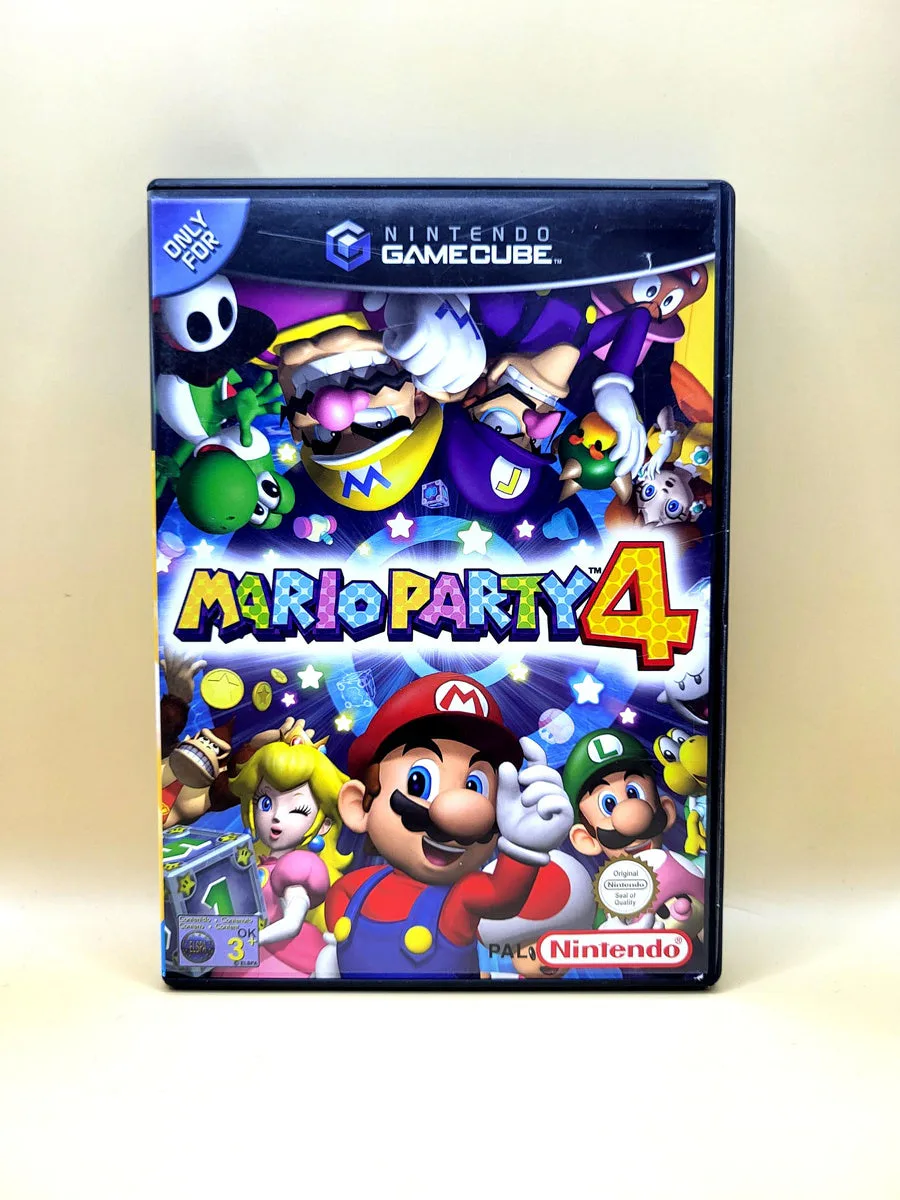
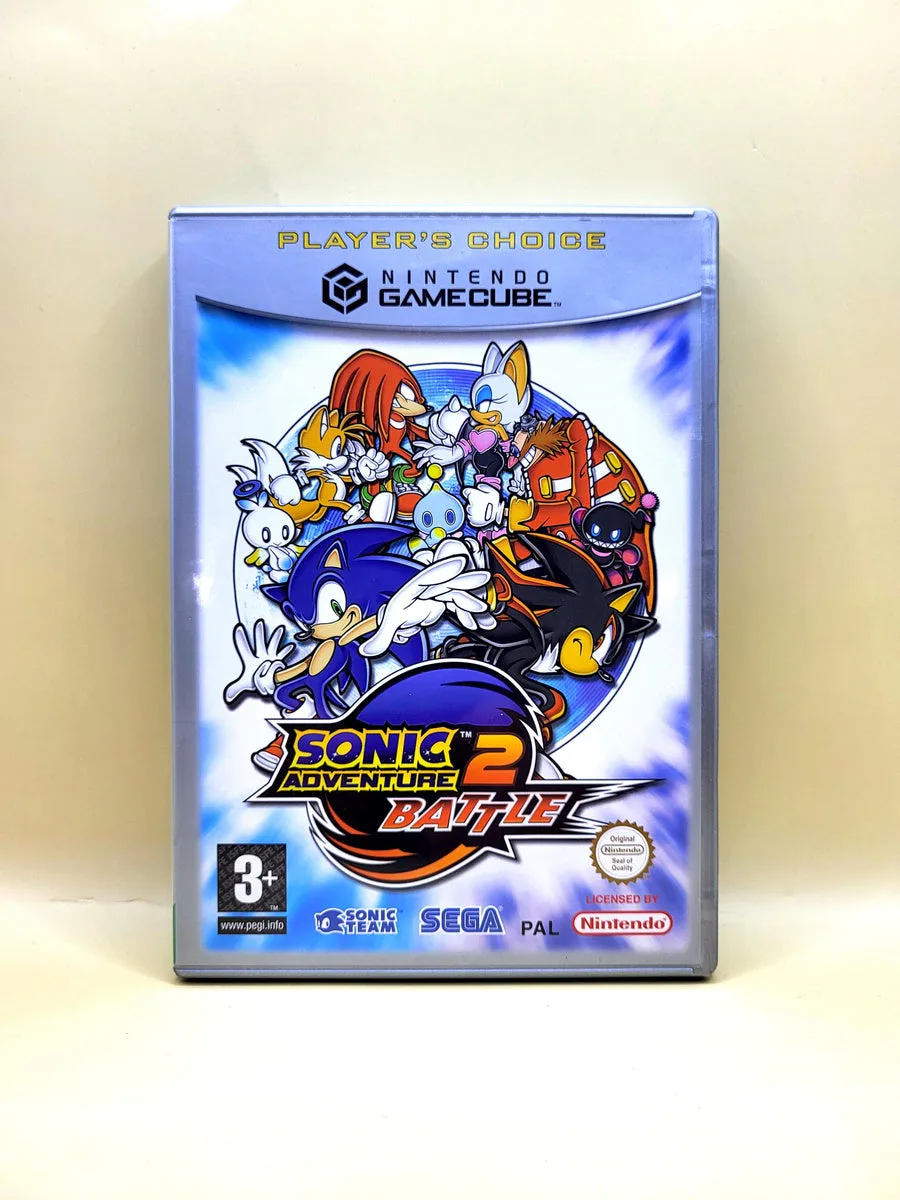
This product is like new. At NexWave Games, like new means:
Additionally, all discs at NexWave Games are carefully inspected and assessed for quality. When discs arrive, we do not accept any that are so badly damaged that they are unlikely to work. We only accept discs with light scratches at most. Discs with scratches are then treated in our professional disc repair machine. By warming the disc and polishing it with soft brushes, these machines can remove a very thin layer from the disc. This removes the layer containing surface scratches and improves the disc’s readability. This ensures the disc works properly, even on consoles with ageing lasers that have difficulty reading games! Great news for the player.
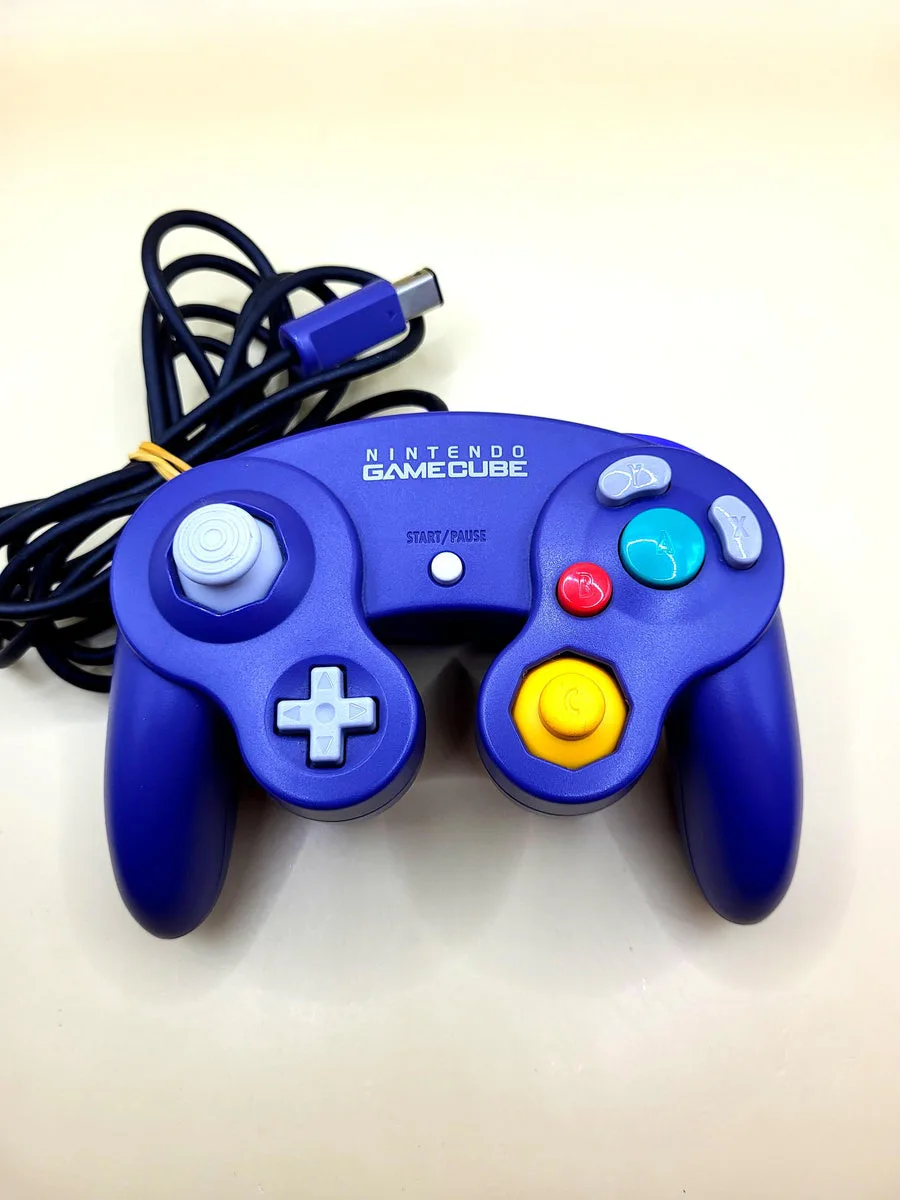
Nintendo GameCube Controller
The Nintendo GameCube Controller is a wired controller with two grips and a distinctive button layout. The large green A button sits under your right thumb, surrounded by the smaller B button and differently shaped X and Y buttons. The main stick on the left usually moves a character or vehicle. Depending on the game, the yellow C stick handles the camera, attacks or equipment selection.
The L and R shoulder buttons and smaller Z button sit on top. Games can distinguish the analogue travel of L and R from the click at the end, for example to change how you aim or move. There is also a directional pad and a Start/Pause button. Vibration provides feedback in supported games. Each game assigns the functions; having two sticks does not automatically mean the same controls as a modern controller.
Plug the attached cable directly into a GameCube controller port; no batteries are required. On Wii, this connection works only with the original RVL-001 model with GameCube ports and games that support the controller. A Wii without those ports cannot connect it directly. This offer is for the controller in the stated colour, not a console, memory card or game. Each additional simultaneous player needs a separate controller.
History
The GameCube Controller arrived with Nintendo's new console in 2001 and reached Europe in 2002. After the three-pronged Nintendo 64 controller, Nintendo chose two grips. The main analogue stick remained important for three-dimensional games, but the yellow C buttons gave way to a second stick. The action buttons received different shapes and sizes, making them easier to distinguish by touch during a fast match.
Developers used that layout in their own ways. In Super Mario Sunshine, the shoulder buttons play a part in spraying water; in Melee, the C stick can perform attacks. Metroid Prime uses the buttons for its own combination of movement, visors and weapons. The controller therefore did not become a fixed template followed literally by every developer. When returning to these games, it helps to learn their original controls again.
Nintendo also made the wireless WaveBird, but the wired controller offered here works without a receiver. After the GameCube, the connection remained on the first Wii model so older games could use their original controller. Later Wii models removed those ports. Other GameCube-shaped controllers with different connectors also appeared later. Shape alone therefore does not prove compatibility: for this type, the attached cable, GameCube plug and software support are decisive.
Five popular Nintendo GameCube games
Super Mario Sunshine has Mario jumping, climbing and spraying water around Delfino Plaza and the surrounding locations. The F.L.U.D.D. water device helps you hover briefly over gaps or hit targets. The main stick controls movement, while the shoulder buttons affect spraying. It is a single-player adventure in which precise landings and discovering routes matter.
Mario Kart: Double Dash!! puts two characters on one kart: one drives while the other uses items. Choose a pair and switch roles during the race. Two players can also cooperate on the same kart. Local races with four simultaneous players require four connected controllers. The main stick and shoulder buttons keep steering, drifting and item use close together.
Super Smash Bros. Melee brings Nintendo characters together on lively battle stages. Build up damage on opponents, then try to knock them out of the arena. The stick determines direction and movement; button combinations produce different attacks, and the C stick offers quick attacks. Up to four players can fight locally at once, each with a controller. You can also practise and unlock characters alone.
The Legend of Zelda: The Wind Waker follows Link across the sea and through dungeons filled with switches, enemies and puzzles. Sail between islands and use discovered items to reach new places. Its illustrated style gives the world a distinctive look, but beneath it lies a substantial adventure. Use the controller to move Link, aim items and lock onto enemies. This is the original GameCube version.
Metroid Prime lets you explore Tallon IV through Samus Aran's visor. Scanning reveals information about creatures and installations; new abilities open previously blocked routes. Combat includes locking onto targets. The original GameCube controls differ from Wii's pointer controls and later reissues. You switch between walking, aiming, weapons and visors using a distinct button layout. The emphasis is on independent exploration.