
Console Guide · NexWave Games
Xbox One S or Xbox One X for your physical games?
You have a stack of Xbox One games on disc and want a used console to match. The Xbox One S and Xbox One X have similar names, but different strengths. Start with the disc drive and your television. The differences in picture quality, storage and used condition then become much easier to weigh up.
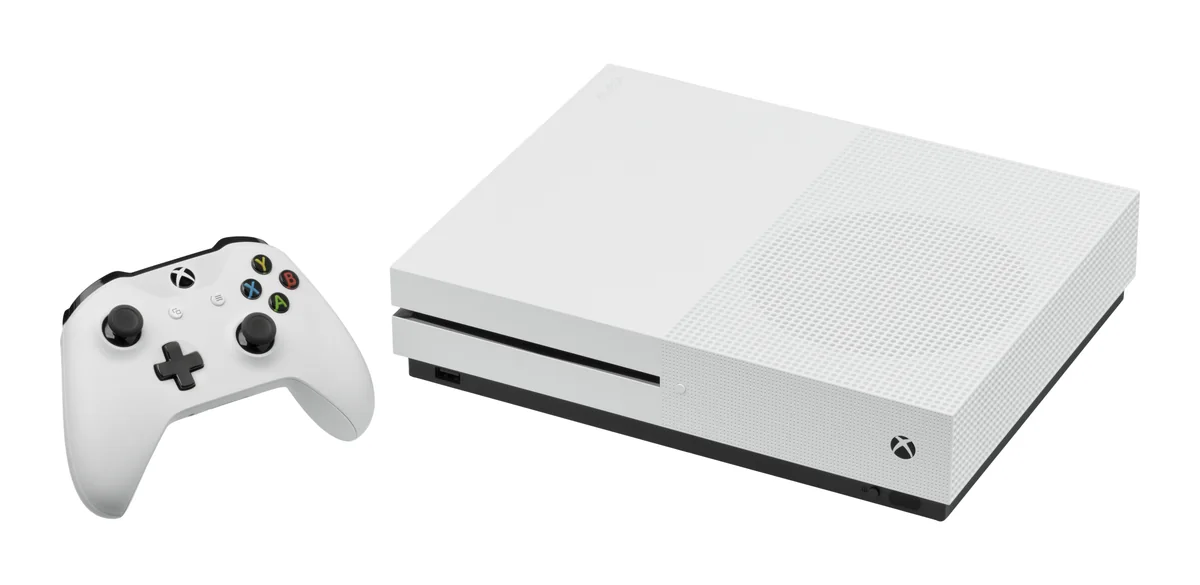

First check which One S you are looking at
A regular Xbox One S has a disc drive. The Xbox One S All-Digital Edition does not, so it is not a sensible purchase for a physical collection. Check the full model name and a clear front photograph. A white shell or the words One S alone are not enough. An external USB disc drive will not turn an All-Digital model into a console that reads your game discs.
The Xbox One X has a disc drive and plays the same Xbox One generation, with extra processing power for games that use it. Do not confuse its name with Xbox Series X, which is a later console. For Xbox 360 and original Xbox games, check the official compatibility list for either One model. Having a disc that physically fits is not enough. Games released exclusively for Xbox Series X|S do not therefore suddenly work on a One X.
What will you see on your television?
The One S can display 4K video and upscale games to a 4K output. That does not mean every game renders internally at 4K. In supported Xbox One X Enhanced games, the One X can offer a higher resolution or other visual improvements. The actual result varies by title. An X on the console therefore does not promise one fixed frame rate across your collection.
If you mostly play on a smaller Full HD television, a well-kept One S with a disc drive may suit your plans. On a 4K screen, the extra power of the One X becomes more interesting, especially if your favourites support improvements. Start by checking a few actual games from your shelf. Their features tell you more than the maximum resolution on a sales label.
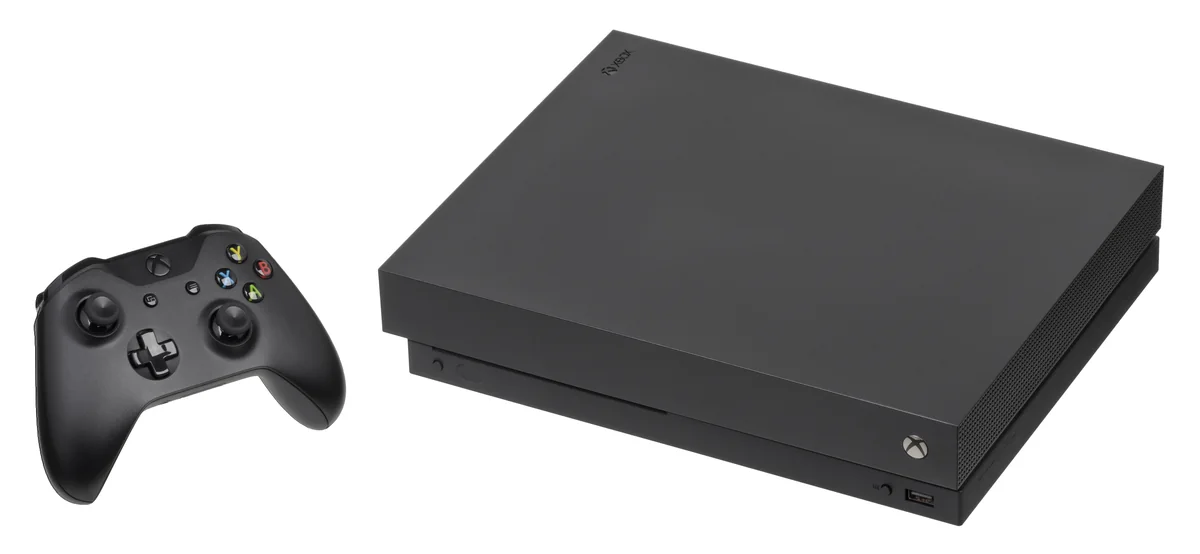

Test a used console with a disc
Have a physical game recognised, installed and launched. A disc game also uses storage space; the disc does not replace the internal drive. Updates or additional downloads may be required. Check the available space and the requirements of your main games. For older compatible titles, a download is part of the process. Plan the initial installation at home before using the console somewhere without a reliable connection.
Also check the HDMI picture, controller connection, ports and ventilation during a longer session. A scratch on the shell tells you less than an installation that freezes or a picture that cuts out. Ask which cables and controller are included and assess the complete package. Choose the One S with a disc drive for a straightforward Xbox One setup, or the One X if its extra improvements add something for your television and favourite titles.