
Buying guide · NexWave Games
Which original Xbox games can you play in local co-op?
Connect two controllers and start an adventure together: on the original Xbox, that does not require arranging an online session. Your choice of game matters, though. Four players on a box does not necessarily mean four people can play the campaign. For genuine cooperation on one television, Halo: Combat Evolved, Halo 2 and LEGO Star Wars: The Video Game are clear starting points. They also show how different local co-op can feel.
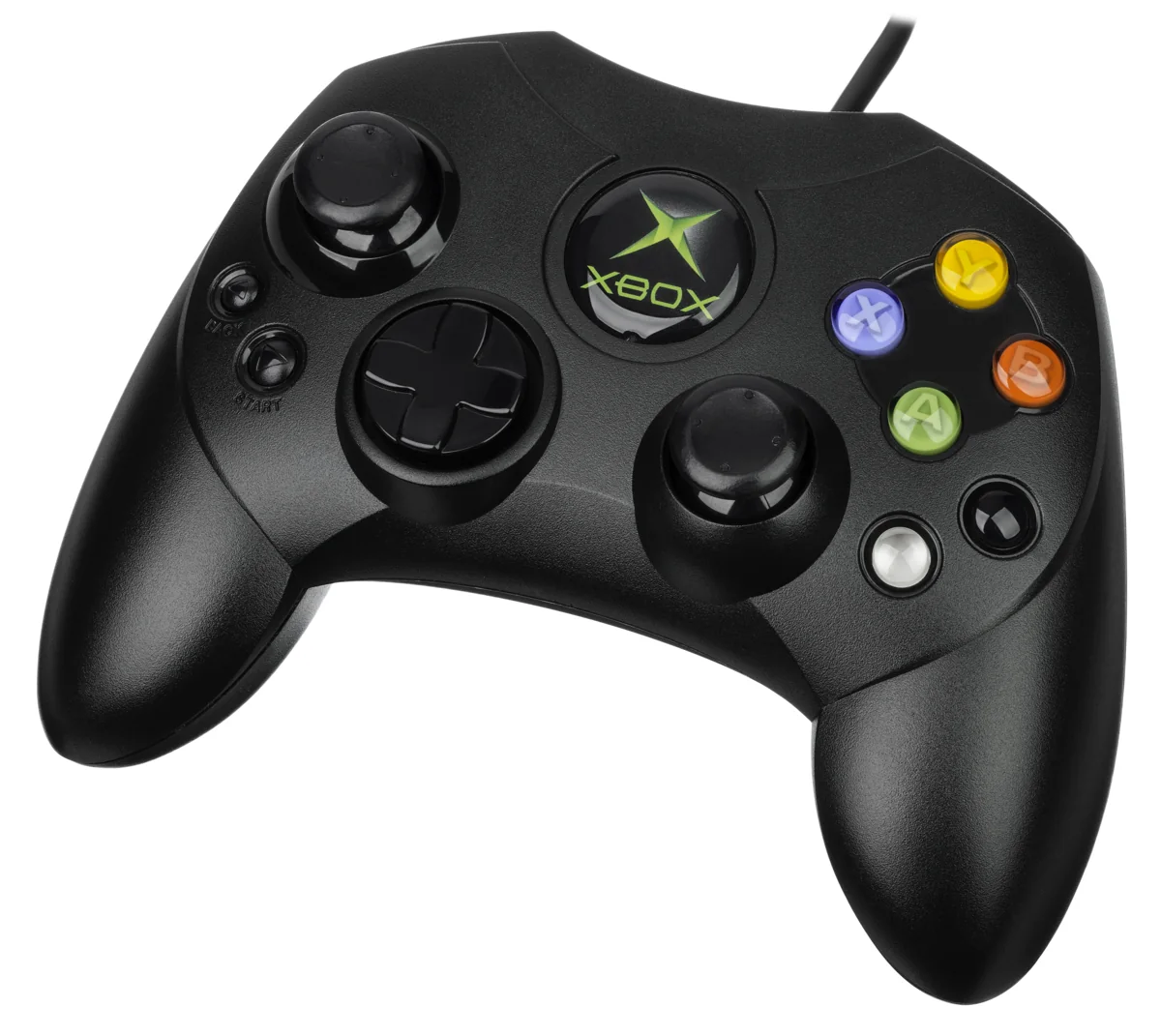

Halo: tackling the campaign together
Halo: Combat Evolved lets two players work through the campaign on the same Xbox. The screen is divided, giving each person an independent view. This changes the approach compared with playing alone: one takes cover while the other advances, or you share driving and shooting duties. Start with a difficulty that suits both players. An experienced player helps a beginner more by coordinating calmly than by constantly racing ahead.
Halo 2 also has a two-player split-screen campaign. Choose the cooperative campaign rather than simply starting a multiplayer match. The original Xbox releases differ from later reissues, so do not use player counts from The Master Chief Collection. In both original Halo games, a battle with four local players is a different type of play from the campaign. This distinction prevents disappointment if more than two people want to cooperate.
LEGO Star Wars: one adventure, two characters
LEGO Star Wars: The Video Game uses a shared view for two players. A second person can join with a connected controller and take over a friendly character. This works well when someone wants to watch for a moment first. You use different abilities to progress: one character may open a route another cannot use. Watching and discussing things together often matters more here than both rushing forward as quickly as possible.
When shopping, check the full title and platform. LEGO Star Wars: The Video Game, LEGO Star Wars II: The Original Trilogy and The Complete Saga are not identical releases. This example concerns The Video Game for the original Xbox. For a relaxed evening, explore the same scene together, take turns trying things and avoid turning every collected stud into a competition.
Check the setup before your gaming evening
These local examples require one original Xbox, the correct game and two compatible controllers. Check both connections, sticks, triggers and buttons. An unresponsive second controller is particularly noticeable when playing together. Also make sure you can both read the shared or divided picture clearly from the sofa. A short test session reveals more than simply opening the main menu, especially with a used disc or a console that has been idle for a long time.
Finally, do not confuse local play with System Link or old Xbox Live references. System Link uses multiple consoles; the local co-op described here runs on one machine. Choose Halo if you want to aim and move tactically together. Choose LEGO Star Wars if you prefer puzzles and switching characters. Start with the kind of cooperation you want, then check the exact release. That way, you buy a game for your evening rather than just a familiar name.