
Game Guide · NexWave Games
Which Nintendo DS games can you play without a stylus?
Nintendo DS is known for its touchscreen, but not every game asks you to draw or drag constantly with a stylus. Perhaps you prefer buttons or your used handheld is missing its pen. Looking at the exact controls helps. A game can require little touching during play yet still include touch features in a menu.
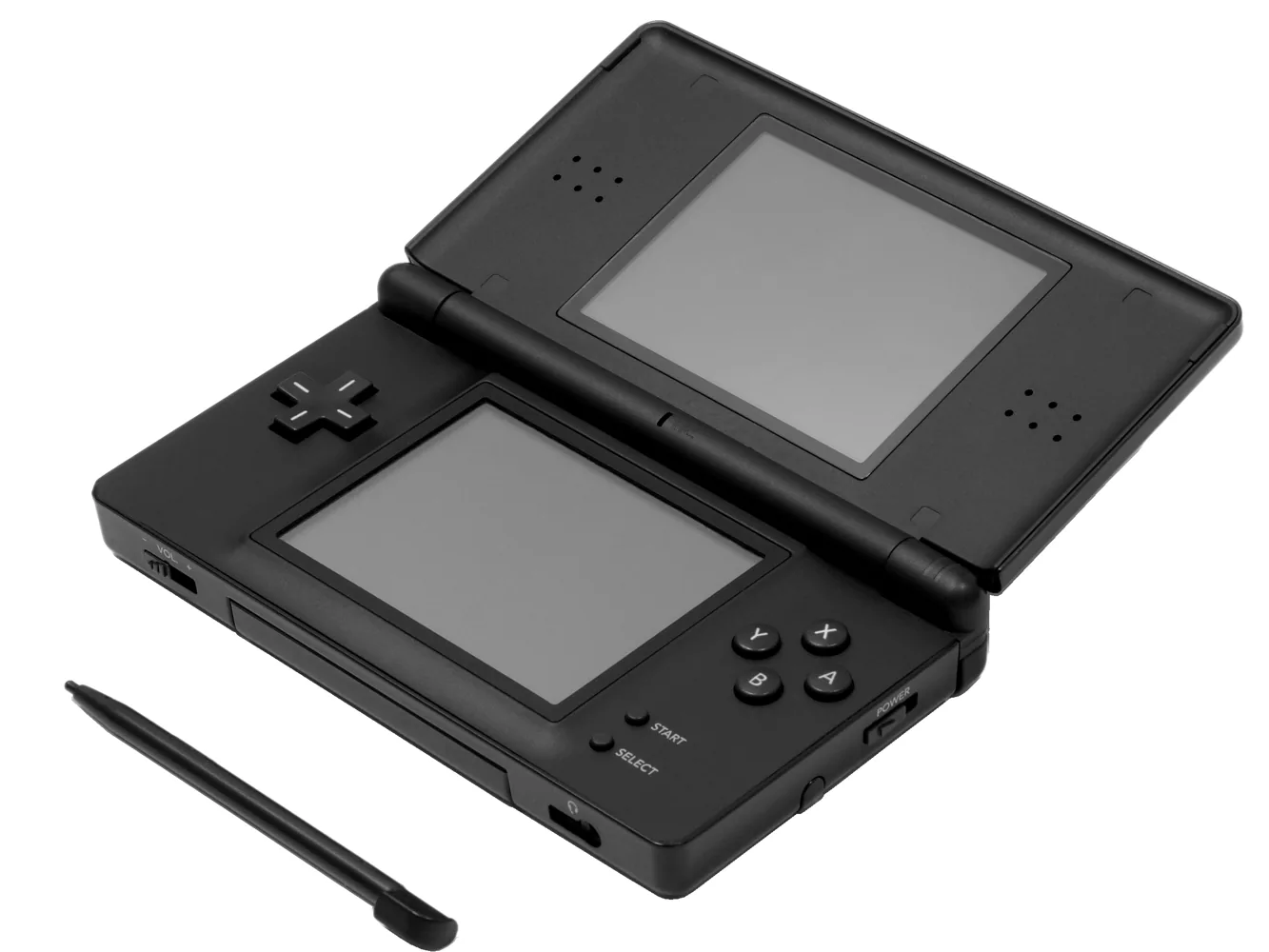

Mario Kart DS: racing with the Control Pad and buttons
Mario Kart DS is a useful example for players who want ordinary button controls. Steer with the Control Pad and use the buttons to accelerate, brake, drift and use items. The manual also explains menu selection with the Control Pad and A and B buttons. Racing therefore does not require constant stylus input alongside controlling your kart.
The lower screen still forms part of the experience. It displays information and a map; according to the manual, you can change the map display with the Y button or touchscreen. This gives that function a button alternative. Check controls again for other racing games: sharing a console or genre does not automatically mean the buttons work the same way.
New Super Mario Bros. and Tetris DS: check the part you want to play
In the main adventure of New Super Mario Bros., you move and jump with the Control Pad and buttons. That makes its platforming appealing when you want little pen use. The cartridge also includes touch features, such as using a stored item, quickly choosing a world and various minigames. Describe it as largely playable with buttons, without promising that every part avoids touch input.
The same distinction is useful with Tetris DS. You can move and rotate the ordinary falling blocks with the Control Pad and buttons. The game also has a separate Touch mode specifically built around touchscreen controls. Choose not just a title but the part you want to play. The classic puzzle experience involves different actions from those touch puzzles.
How to check the controls before buying
Read the controls section in the official manual and, if useful, watch a demonstration of the original DS release. Check the main game, menus and extra sections separately. If you do not want to touch the screen at all, say so explicitly. Simply preferring play without a stylus still leaves room for an occasional simple screen tap. Ask the demonstration to include the route from the title menu so you can spot necessary touch steps before gameplay begins.
A missing stylus is also different from a broken touchscreen. On a used DS, test both screens, the Control Pad, action buttons and shoulder buttons. A faulty touch panel can limit settings and other games too. Choose a working handheld, then compare the controls of games that interest you. You will buy according to how you want to play rather than the presence of a DS logo alone.