
Compatibility · NexWave Games
How do Nintendo DS games play on a 3DS?
You still have a box of DS games but want to move to a Nintendo 3DS. Can you bring those old cartridges with you? Usually, yes. It helps to know how the picture changes and which games are exceptions.
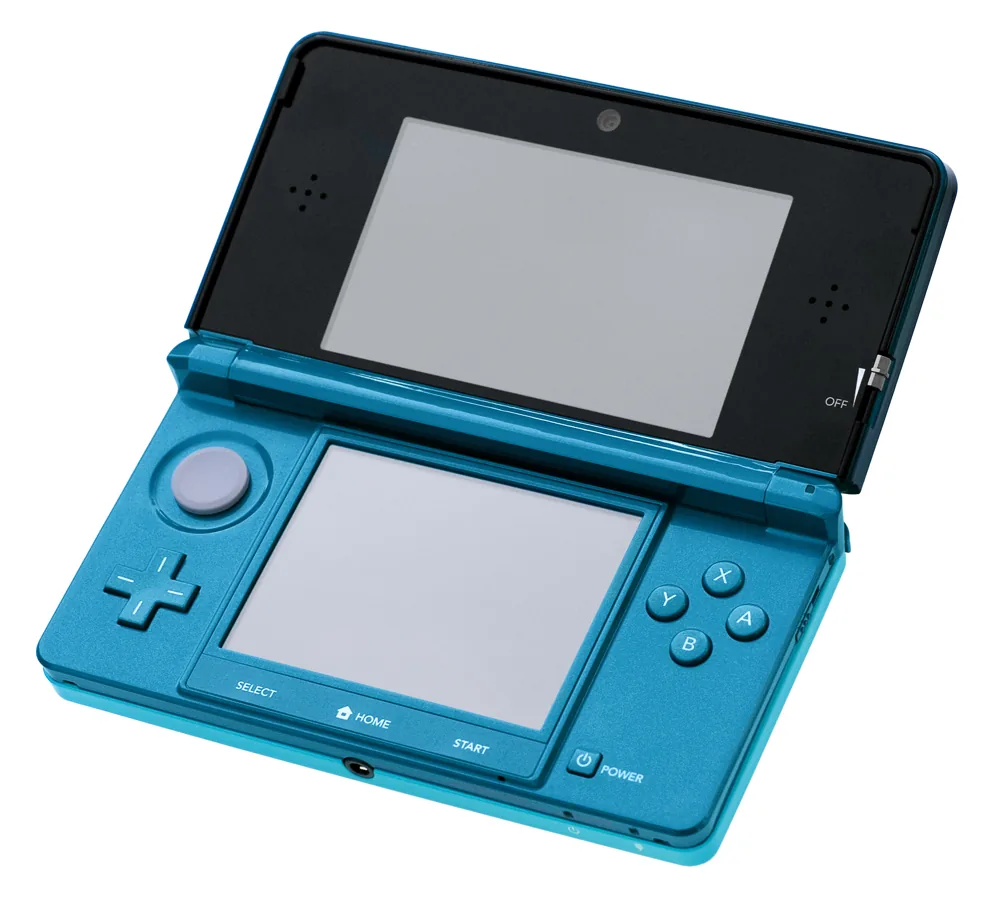

Most DS cartridges work
Nintendo supports standard Nintendo DS games on the 3DS family. Insert the DS cartridge into the game slot and launch it from the menu. A 3DS, 3DS XL, 2DS or New 3DS can play many of the same physical DS games this way. A DS game does not become a 3D game: it remains software for the older handheld.
The main exception is games requiring an accessory in the Game Boy Advance slot of a DS or DS Lite. The 3DS has no second slot. Such games may lose a special feature or be unplayable. Check the back of the box when buying an unusual cartridge or a bundle with peripherals.
Why does the picture sometimes look different?
3DS screens have a different resolution from DS screens. An older DS game may therefore look softer or larger. Nintendo offers a useful option: hold START or SELECT while launching the DS game to display it at its original resolution. The picture is smaller with space around it, but the pixels are more clearly defined.
The 3D slider cannot make a DS game three-dimensional. Some 3DS HOME Menu functions are also more limited while a DS title is running. This is normal and does not indicate a faulty cartridge. If unsure before buying, try one of your own DS games on the offered 3DS.
What do you need in a used bundle?
For a standard DS game, the cartridge and a working 3DS are enough. Check that the slot recognises it promptly, the buttons respond and both screens remain clear. For games using special accessories, read that exact title's requirements first. A GBA-slot accessory cannot fit a 3DS.
A 3DS is a handy way to keep playing much of your DS collection alongside 3DS games. For the few titles needing the second slot, keep a suitable DS or DS Lite. Choose the handheld that matches the games you actually own.