
Practical guide · NexWave Games
Connecting Nintendo 64 to a modern TV: what do you need?
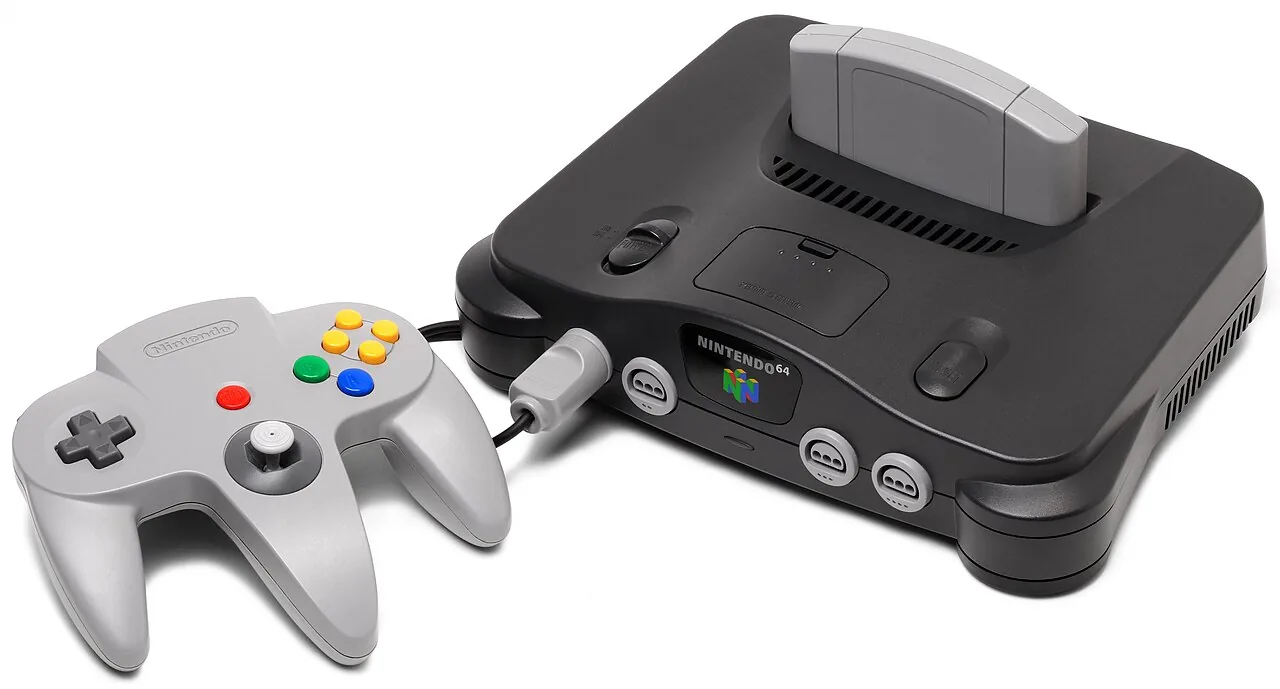
The Nintendo 64 comes out of the closet, you find Mario Kart 64 and then the tricky question appears: where do you want the old cable in your new TV? The console has no HDMI output, but that doesn't mean you need an old image tube. First watch the entrances to your television.

Start with the cable of your N64
A standard Nintendo 64 uses an analogue AV cable with usually a yellow plug for image and white and red plugs for sound. Some old sets use a SCART block around those three plugs. That block does not usually change the signal to HDMI; it only helps you to use the appropriate connection of an older television. If your TV still has a composite input, sometimes via a included adapter, you can connect the console directly.
Look at the right source in the TV menu: AV or composite, not HDMI. Yellow belongs to video; white and red with audio. On newer TVs, a composite input sometimes looks like a shared component connection, but follow your TV's manual. Putting a plug in something and hoping on image is not a reliable test.
Just HDMI on your television?
Then you need an active converter that converts the analogue AV signal to HDMI. Note the direction: AV-in to HDMI-out. An HDMI-to-AV converter does exactly the opposite and doesn't help you. Check that the converter needs its own power supply and that all the necessary cables are included. A simple passive gradient plug from tulip to HDMI cannot convert the signal itself.
A cheap converter makes the signal suitable for the input, but cannot magical modern HD details from an N64 game. Image quality and delay vary by device and TV. Those who play a lot of retrogames can consider a better scaler, but for a first play session it is wiser to test with the cable you already have.
No visual? Check these things first
Set the TV to the correct entrance and check that the N64 power supply is properly connected. Test another game cartridge if you have one; a console without proper contact with the cartridge can also give a black screen. Check that the AV plug is firmly in the console and that the converter is connected to the correct direction and power supply. This way you avoid buying a new cable while the television is only on the wrong source.
An N64 also needs a controller and cartridge to actually play. Ask with a second hand set if the power adapter, AV cable and controller are included. Those little parts often decide if you can start the same night.
Which route do you choose?
If your TV has an analogue AV input, first use the appropriate N64 cable. If your TV is HDMI only, choose an AV-to-HDMI converter or a suitable retro scaler. Always check the direction of the connections and do not expect miracles from the cheapest adapter. Then Mario Kart can start again without a search on the wrong cables.