
Practical guide · NexWave Games
Connecting PS2 to a modern TV: Which cable do you need?
The PlayStation 2 is ready, the controller is connected and on your new TV you only see HDMI ports. Recognizable? The PS2 comes from a time when an analogue AV connection was quite normal. With the right intermediate step you can still play.
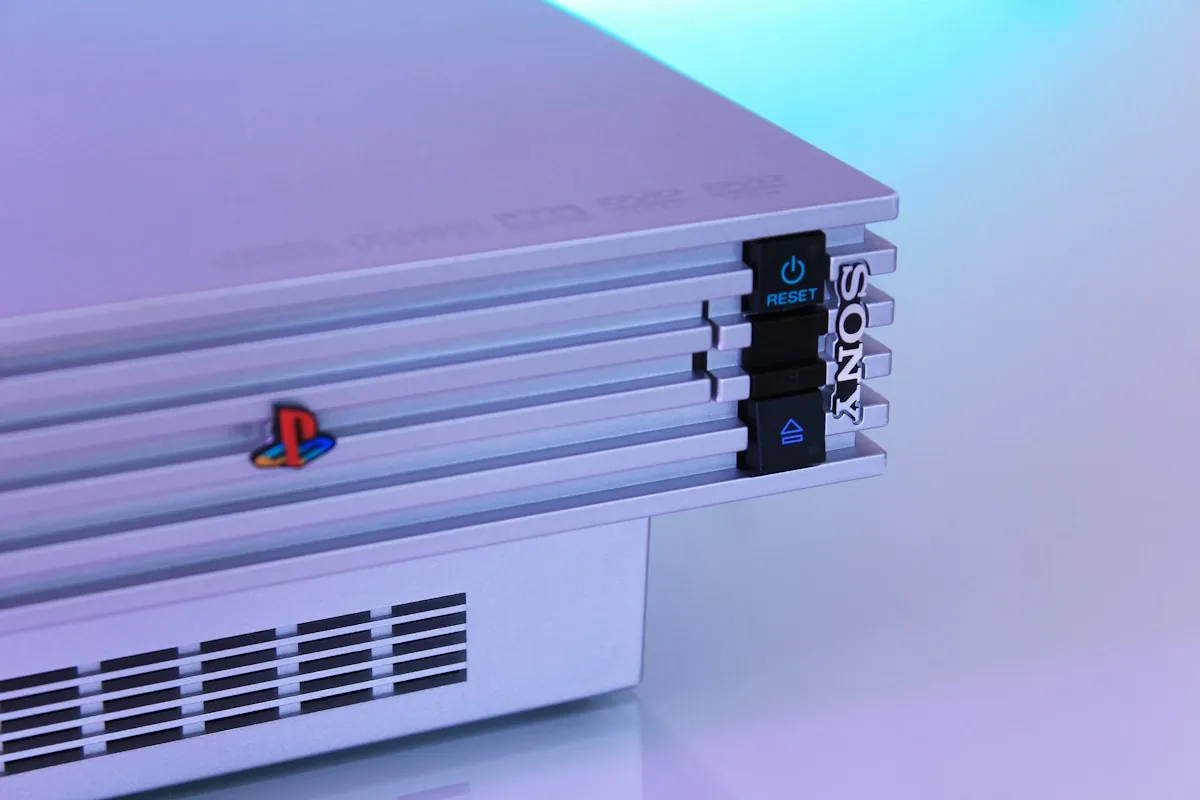
Which exit does a PS2 have?
At the back of the PS2 there is an AV MULTI OUT connection. You can send analog images and sound to the television via a suitable cable, for example via the famous yellow, white and red tulip plugs or, depending on cable and TV, via component. The PS2 has no ordinary HDMI output itself. A passive cable that only ends a tulip plug in an HDMI plug does not automatically convert the signal.
First watch the entrances to your television. If it still has an AV input, sometimes with a included gradient cable, an appropriate PS2-AV cable is often the simplest solution. If your TV is HDMI only, you need a device that actually converts the analogue PS2 signal to HDMI.
Adapter or converter: what are you buying?
There are compact PS2-to-HDMI adapters and separate AV-to-HDMI converters. Check which signal the adapter expects, which connection to the PS2 is used, whether additional power is needed and whether sound is included. When using component, the component video setting in the PS2 menu may be important. If you have a black screen, check the selected TV input, cable and image setting first.
A converter makes the image digital for your TV, but does not make an old game suddenly razor sharp. A simple converter can also give delay, noise or wrong aspect ratio. For those who often play retro games, a good upscaler can be pleasant; for a single nostalgic evening a sound working simple solution is often enough.
Small screen, big difference in settings
If possible, set your TV to game mode to limit additional image processing and delay. Check the aspect ratio: Many PS2 games were originally designed for 4:3. When everyone suddenly looks remarkably wide, the screen is probably on a stretcher. Some games have their own widescreen option; check the game settings menu.
Pay attention to what is included in a second-hand PS2. . .Working . does not always include image cable, power cable, controller and memory card. Before purchasing, take a picture of the entrances on your TV and compare them with the actually supplied cables.
The shortest route to view
If your TV has AV or component, use an appropriate PS2 cable and select the correct input. It only has HDMI, choose a converter that explicitly works with the PS2 signal and check the required power supply and settings. Then you can quietly decide if you want a more expensive solution for an even better picture.