
Accessory guide · NexWave Games
Just Dance on Switch: which controllers work with each edition?
You prepare Just Dance for a group and discover that not every controller can register a dancer. A faulty connection is not always the cause. Just Dance needs a supported way to track movement, and options differ between editions. Start with the full year shown on the box or in the game. Knowing only that it is Just Dance for Nintendo Switch is not enough to choose your setup.
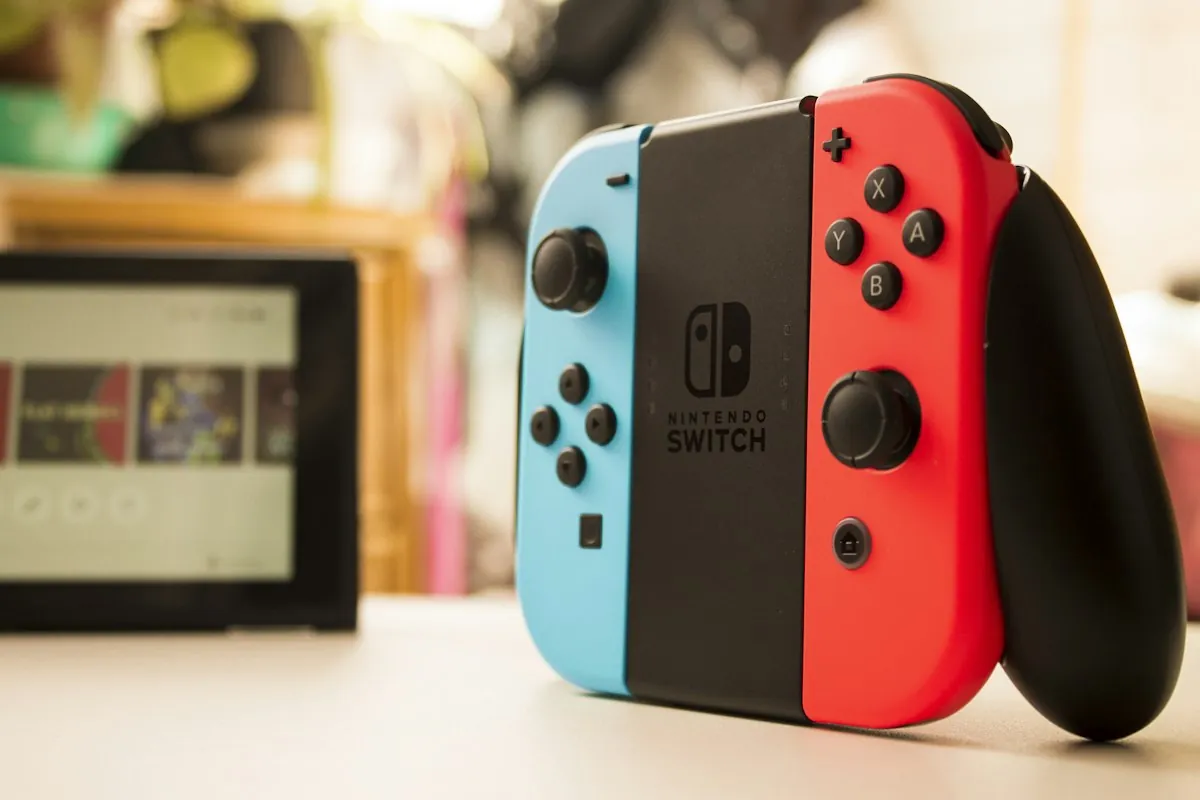
Joy-Con is the familiar starting point
In supported Switch editions, a Joy-Con communicates your movements while dancing. Each participant needs their own supported controller. One left or right Joy-Con is different from assuming a full attached pair belongs to each dancer. Follow the game’s instructions for holding and registering it. Use the wrist strap and leave enough space to avoid striking someone with a swinging hand.
A Nintendo Switch Pro Controller or ordinary gamepad does not automatically replace that movement controller. Having buttons and being recognised by the console does not prove that Just Dance can score dancing with it. Accessories from other consoles are no exception: connecting Kinect, PlayStation Move or an ordinary USB camera does not turn them into supported Switch equipment. Check Ubisoft’s list for your exact game before buying anything.
The phone app must match the game
For Just Dance 2022, Ubisoft lists both Joy-Con and the Just Dance Controller app for the 2016–2022 releases. The newer series from Just Dance 2023 Edition uses a different Controller app. Its app-store name can look very similar to an older version. Check Ubisoft’s supported-games description, not only the icon or search results.
Next, check whether your phone and operating system meet the current app requirements. An old phone that once worked with another Just Dance is not a guarantee for the new edition. Follow the on-screen pairing steps and test whether movement is actually scored. Do not assume every edition lets you mix phone controllers and Joy-Con in one group either; check that combination for the particular game.
Check the whole setup before a dance evening
For a used purchase, establish what you receive. Some newer retail packages contain a download code instead of a cartridge. An already redeemed code does not make an empty box a usable second-hand game. Check which items are included and which app or controller you still need. A song appearing in an advertisement also does not mean all additional music services are part of the base game.
Test with everyone before starting: charge Joy-Con, register them and play a complete song. With phones, check installation, pairing and a secure grip beforehand. On Switch Lite, plan for separate supported controllers and a stable way to view the screen. The correct year, matching app and tested combination tell you how many people can actually dance together.