
Playing guide · NexWave Games
Animal Crossing: New Horizons with your family: how does a shared island work?
A house for every family member sounds as though everyone gets a separate world too. The regular home island in Animal Crossing: New Horizons works differently. Users on one Nintendo Switch share that island even when they play at different times. That can be fun: someone plants flowers while another contributes to the museum. Agreeing beforehand avoids a carefully arranged corner unexpectedly becoming a building site.
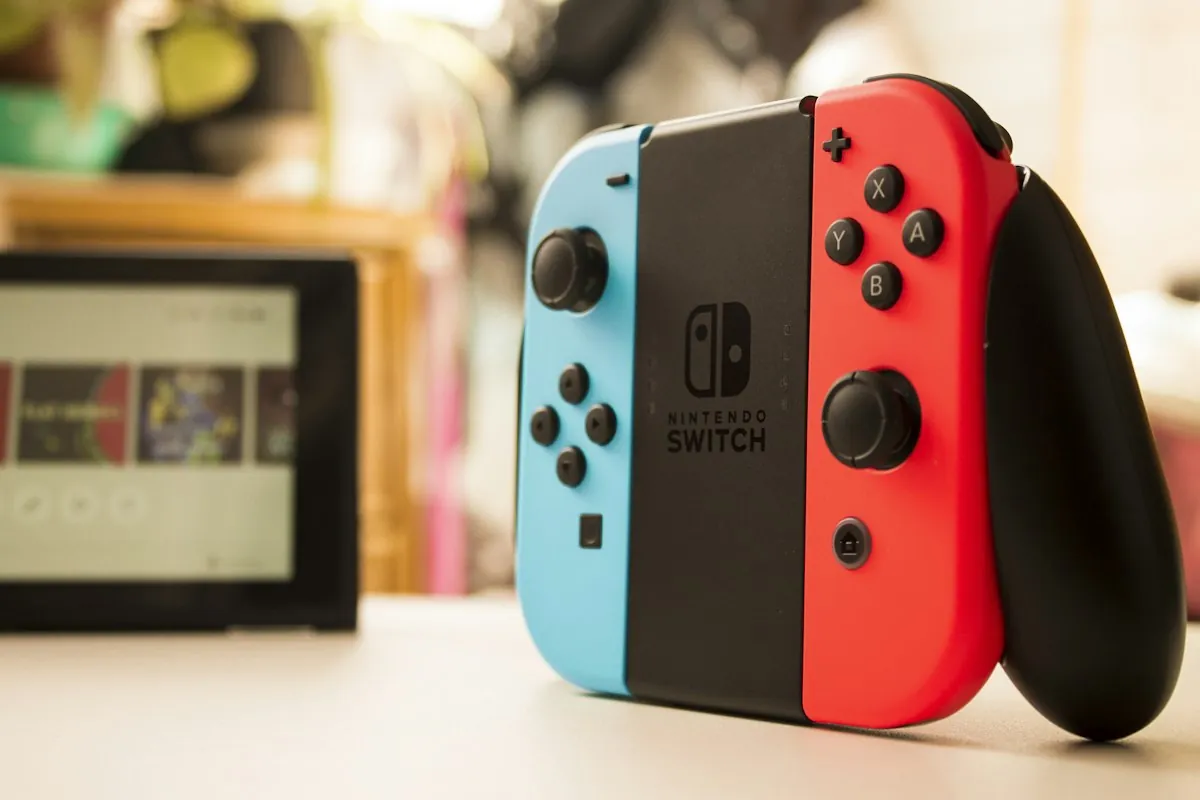
One home island on the same console
On one Nintendo Switch, up to eight residents from different user profiles can live on the same home island. A second cartridge does not create a second independent home island on that console, because island data is stored on the system. Each family member can have a resident and house while sharing surroundings, facilities and events. This concerns the regular adventure’s island, not a separate creative or visiting feature.
A completely independent home island with its own progress and decisions requires another console. Check this before buying multiple copies for the household. Sharing an island can be an advantage when people enjoy different things. Agree who grows flowers, where shared items belong and which areas someone wants to decorate alone. Sharing stays pleasant even when you are not present together.
The first resident has a special role
The player starting the island becomes the Resident Representative. That role cannot simply be reassigned. This resident must complete certain development steps before others can benefit. Nintendo gives receiving and placing the museum tent as an example. Once the museum is available, other residents can contribute too. Not every resident therefore has exactly the same possibilities from the beginning.
Preferably let someone start who intends to open the game regularly. That need not automatically be the oldest family member, but important progress should not be left unattended indefinitely. Discuss major shared decisions and announce newly available features. If something is unclear, do not immediately restart: deleting island data can affect the whole family’s progress, not just one house.
Take turns or play simultaneously
Party Play lets up to four residents of the same island play simultaneously on one console, with a compatible controller each. It is a shared session on one screen. One player leads and the others follow, so freedom of movement and available actions differ from solo play. You can change leader. Choose an activity together rather than expecting four completely separate plans to work simultaneously.
Taking turns gives everyone more space for their own daily routine. Multiple consoles also allow local wireless or online visits, under different conditions from Party Play. Online play requires, among other things, a Nintendo Account and Nintendo Switch Online; check current connection requirements separately. For a family sharing one Switch, start simply: do you want to shape the same home island? Individual profiles, a suitable first resident and clear agreements are the key preparation.