
Game guide · NexWave Games
Animal Crossing on GameCube: why does the memory card matter?
Furnishing your house, meeting neighbours and returning tomorrow to see what has changed: Animal Crossing is about a town you keep visiting. On GameCube, that requires a memory card. The disc contains the game, but your own town and progress need somewhere to be saved. A case and a disc that reads properly are therefore not a complete playing arrangement by themselves.
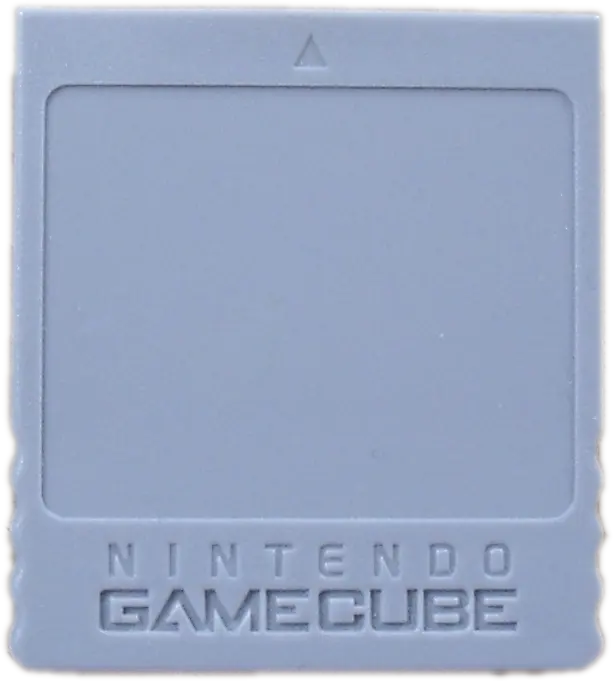

Your town is stored on the memory card
GameCube Animal Crossing uses a compatible memory card to store your town data. The game requires a relatively substantial amount of space, so check how many free blocks remain. Do not rely on the total capacity printed on the label: other games may already occupy much of it. The game’s messages and instructions help establish whether enough space is available.
A used copy may lack a memory card, even if an earlier package or photograph mentions one. Ask what the actual offered set contains. A card from an original package is not the only option; a compatible card with enough free space can also provide the necessary storage. Check that it works, however. An included accessory that cannot save reliably will not give you a lasting town.
A shared town is not simultaneous four-player play
Several human residents can use the same Animal Crossing town. They play in turns, rather than four people sharing one screen simultaneously. This also makes the memory card important within a household: decisions about the town affect several players. Agree who uses each resident and what should happen to existing data. Giving every family member a controller does not turn it into a conventional local multiplayer match.
A used card may already contain a town. Ask before starting afresh. Do not delete existing data without understanding what will be lost and consulting the other users. If you want to build your own town, arrange suitable storage for that purpose. A second memory card can also have a role in visits between towns; follow the game’s instructions whenever carrying out such actions.
What should you test before continuing?
Check not just that Animal Crossing starts, but that it can save your data and load it after restarting. Do not remove a memory card while a save operation is underway. Also check the console’s date and time: this adventure uses the calendar and the passage of the day. Incorrect clock settings can therefore produce confusing results when compared with what you expect to find in town.
Special extras and connections are a separate matter. A Game Boy Advance with an appropriate cable can be used for certain functions, but does not replace the memory card for your regular town. When buying, examine the disc, saved data and any accessories separately. A working card and clear agreements let you concentrate on the next letter, resident or renovation instead of discovering after a session that your progress was not preserved.