
Compatibility · NexWave Games
Does an Xbox One controller work on Xbox Series X or S?
A new Xbox need not mean replacing all your controllers. The official Xbox One controller can move with you to Xbox Series X and Series S. That is useful for a second player or if you want to keep using a familiar controller. Do check which model you have and how to connect it.
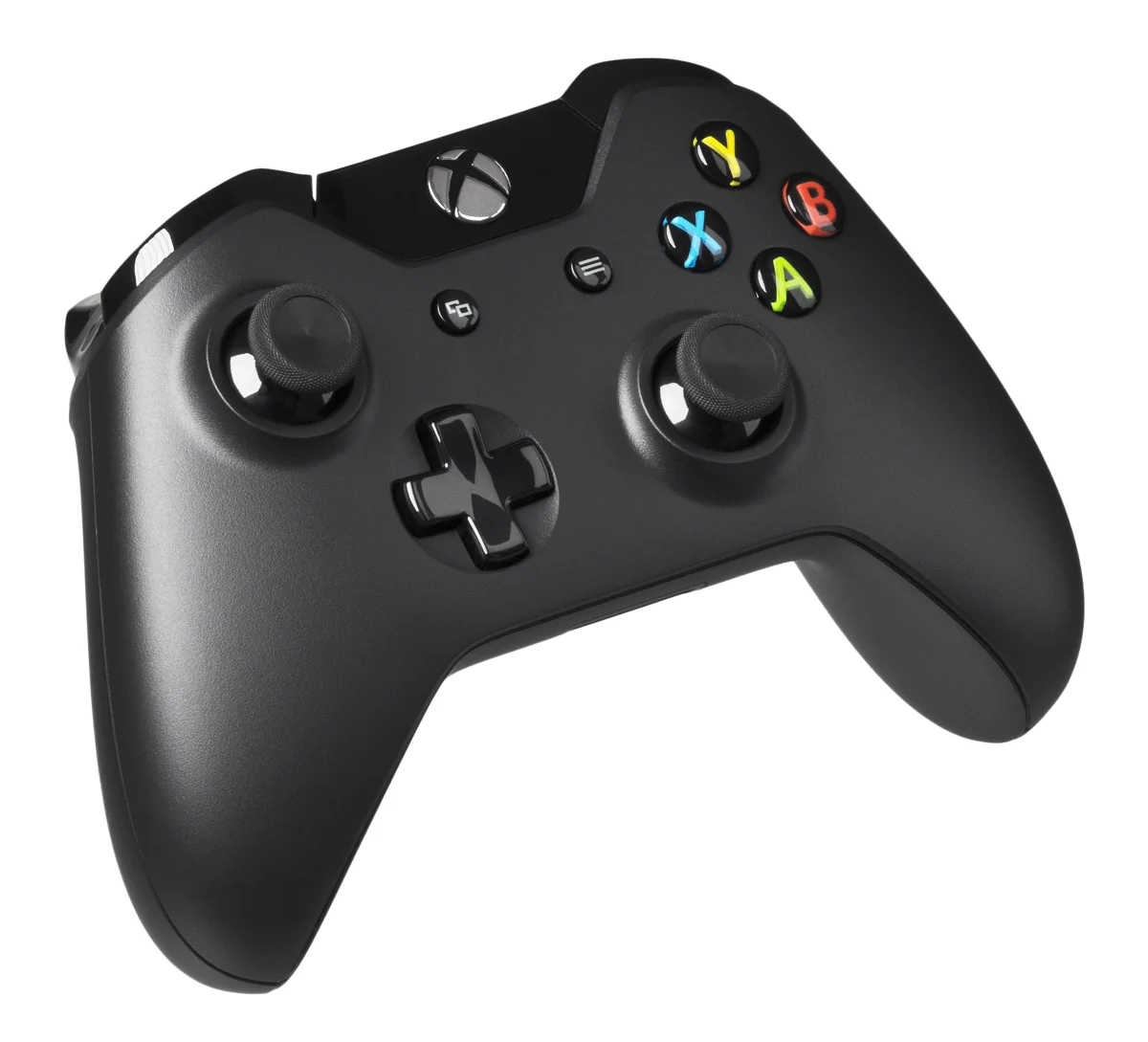

Xbox One controllers can move to Series
Microsoft has confirmed that official Xbox One controllers are compatible with Xbox Series X and Series S. You therefore do not need to look for an original Xbox 360 controller or a random USB model. The console family listed in the product information remains your starting point. For other manufacturers' controllers, separately check whether that exact version is supported for Xbox Series by its maker.
Being able to use an Xbox One controller does not mean every older Xbox accessory receives the same support. Headsets, adapters and specialised peripherals may have their own requirements. Read the information for the item you actually intend to use. For ordinary play with an official Xbox One controller, the move is straightforward: familiar buttons and sticks remain usable on the newer console.
Pair wirelessly or use the correct USB cable
Pair the controller using the pairing buttons on console and controller, following Microsoft's steps. This is the normal console connection; you do not need to set up Bluetooth first. Bluetooth support is mainly a separate question when connecting to a PC, for example. Older Xbox One controllers do not all have the same Bluetooth capabilities, but that alone does not determine the Series compatibility described above.
If you want to use a cable, check your controller's connector. Many Xbox One versions use micro-USB, while newer Xbox Series controllers have USB-C. Choose a suitable cable capable of carrying data and inspect the port's condition. A charging-only cable may not provide the same connection. Never force a plug intended for a different controller model.
Check used condition before comparing prices
Have a used controller connected to an Xbox and try a game. Test both sticks, triggers, shoulder buttons, directional pad and action buttons. Watch for unwanted inputs after releasing the sticks. Inspect the battery compartment for dirt and check that its cover is present. If a rechargeable battery is included, ask whether it charges and still works normally during wireless play.
Only then compare what two listings include. A controller with a good cable and complete battery compartment differs from a bare unit with a loose connector. If you already have a working Xbox One controller, try it on your Series console first. For an extra controller, a properly tested Xbox One model can be practical, provided you have checked the exact model and condition.
If you want two people to play at once, also test both controllers together in the intended game. This checks pairing and each player's input immediately. A working standalone controller does not mean every game offers the same local multiplayer options.