
Console Guide · NexWave Games
Can you use a Wii U without a GamePad?
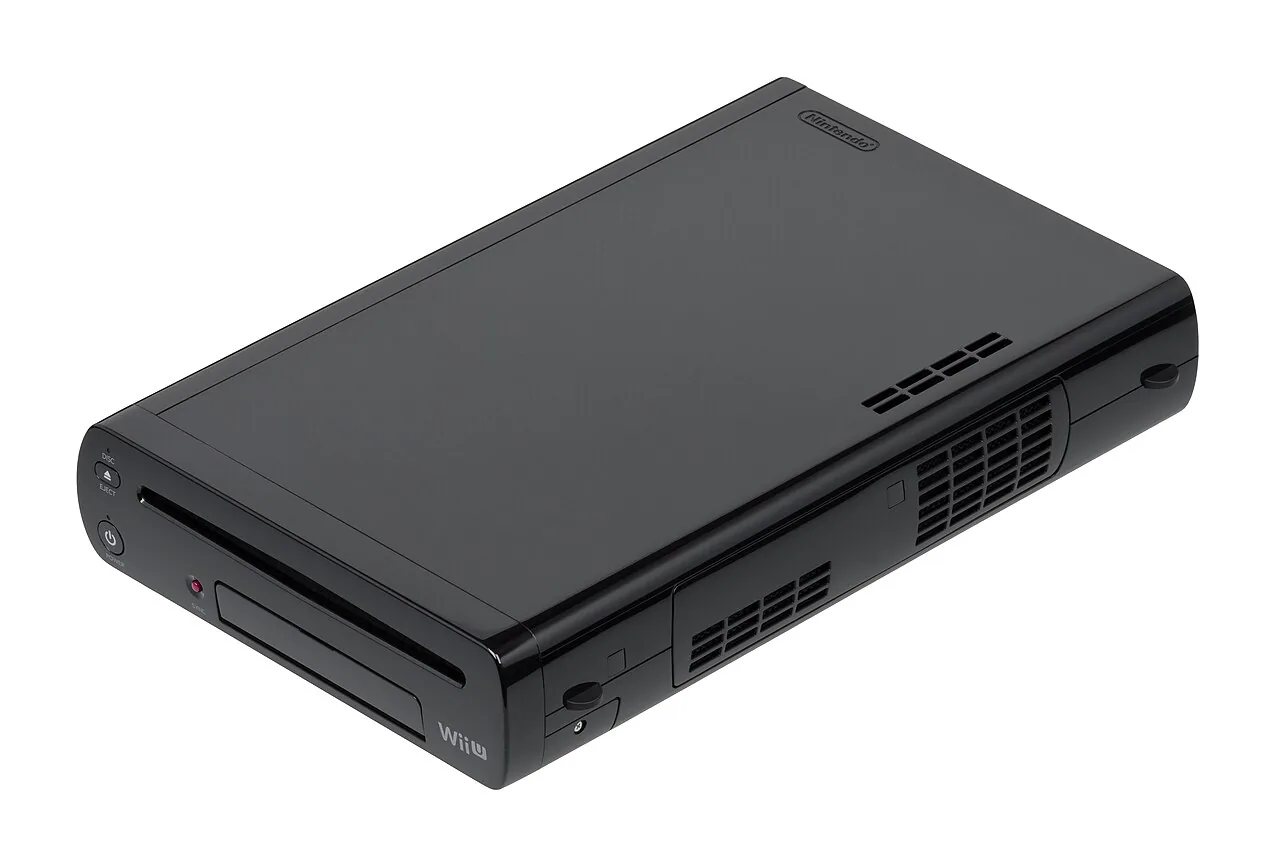
A Wii U console sold without a GamePad may look appealing if you already own other controllers. Yet the controller with the screen is more than an alternative way to play. A previously configured system can run certain games with other controllers, but that does not make it a complete Wii U setup. Installation, settings and games that need the second screen reveal the difference.

Initial setup requires a GamePad
Nintendo's setup process uses the Wii U GamePad to pair the system and complete the initial settings. For example, you enter symbols shown on the television using the touchscreen. A Wii Remote or Wii U Pro Controller does not fully replace those steps. If you buy a console that has been reset to its initial settings, expect to need a working, compatible GamePad before you can begin.
Parts of System Settings continue to depend on the GamePad afterwards. A seller showing the menu on a television therefore does not prove that every function can be controlled without that screen. When buying a console on its own, ask exactly what was tested and whether you will still need to change settings. Simply saying the Wii U turns on does not answer those questions.
Another controller works only where the game supports it
Certain Wii U games can be played on a television using a Wii U Pro Controller or another supported controller. Check this for each title. A game may use the GamePad screen for a map, inventory, touch controls or a separate role for one player. Another controller does not add that screen. Controller support also does not automatically mean that you can start and use the entire game without a GamePad.
Wii games on an already configured Wii U have their own control requirements too, such as a Wii Remote and possibly a Sensor Bar. That differs from completing a new Wii U setup. Also distinguish a switched-off GamePad screen from an absent GamePad. The controller may remain connected and necessary in the background, even when you only look at the television during a particular session.
Assess a second-hand setup as a whole
Check that the GamePad is actually included, charges and connects to the console being offered. Test its touchscreen, buttons and picture. The Wii U console and GamePad each need their own power supply; a cable for one does not automatically charge the other. If buying a separate replacement, check that its version and region match your system before ordering.
A Wii U Pro Controller, Wii Remote or Nintendo Switch controller is not a universal replacement for a Wii U GamePad. Include the cost of missing parts when considering a cheap standalone console and compare the total with a complete, tested setup. If you simply want to choose games and play, a working GamePad avoids many restrictions. Buying without one mainly makes sense if you already own a compatible unit and can test the combination beforehand.