
Troubleshooting · NexWave Games
A Wii that will not read discs: what can you check?
You insert a game into the Wii, hear the disc spin and then get an error message. That does not prove the entire console has failed. A dirty disc, incorrect insertion or an issue with one particular game can produce the same result. A few external checks can help you understand what is happening without opening the console.
Start with the disc and the right type of game
First check that you are actually using a Nintendo Wii game. A Wii U disc does not work in a Wii, and an ordinary DVD film or music CD is not a useful test either. Then inspect the reading surface. Fingerprints, dirt, deep scratches or a crack can interfere with reading. Do not keep trying a damaged disc. Hold it by its edge.
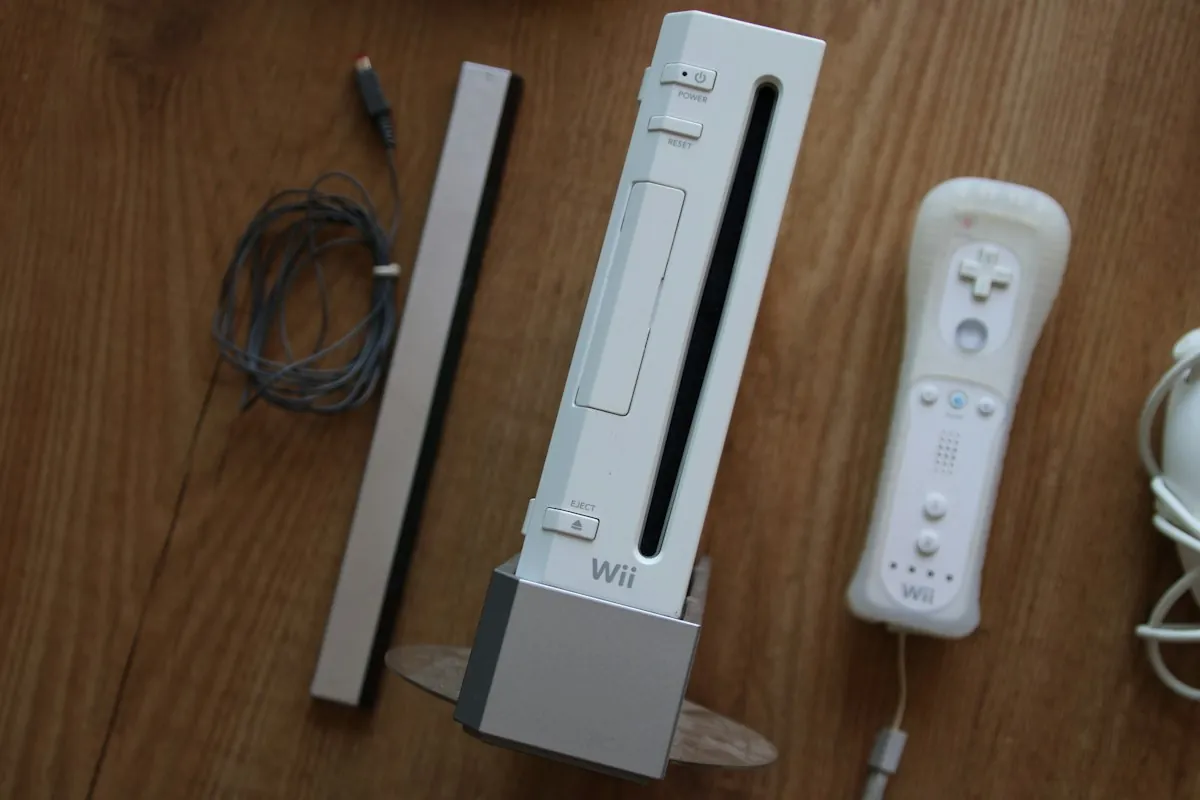
Insert the disc as described in the manual for your Wii model. The console's orientation matters, and not every Wii model is positioned in the same way. Do not force a disc into the machine. A console that will not accept the disc has a different problem from one that takes it in but cannot read it afterwards. Note which situation you see.
Compare one problem disc with other games
If you have one, try a second Wii game that you know works properly. If the console reads that one, the first disc becomes the more likely cause. If several working games fail, investigating the console makes more sense. This is still a clue rather than a complete diagnosis. Note whether the problem occurs immediately, during play or at the same point every time.
If a disc is simply dirty, follow Nintendo's cleaning instructions. Use a soft cloth and wipe in straight movements from the centre towards the outside edge. For visible dirt, a cloth lightly dampened with water can be used, followed by careful drying. Do not use toothpaste, abrasives or solvents. Cleaning will not repair cracks or make a heavily damaged disc reliable.
Stop in time and give a repairer specific information
If the message returns with several good Wii discs, switch the console off and have it assessed further. Do not insert objects or cleaning cloths into the disc slot or touch the laser. Adjusting internal components yourself can cause damage and make diagnosis harder. Check the exact error text too: a reading error, a frozen game and a power problem do not call for the same approach.
If you want to buy a used Wii that does not read discs, treat it as a faulty unit. A claim that only the lens is dirty does not prove a simple clean will fix it. Ask which discs were tested, whether the disc is recognised and whether unusual noises occur. A short, clear description with photographs or video helps a repairer more than saying the Wii does nothing.