
Buying guide · NexWave Games
Which languages are included in a physical Nintendo Switch game?
A German box, a French title on its spine and a Switch set to Dutch at home: which language will you actually get when playing? With a physical Nintendo Switch game, the packaging does not always tell the whole story. A few focused checks can prevent you from buying a game whose dialogue you cannot follow.
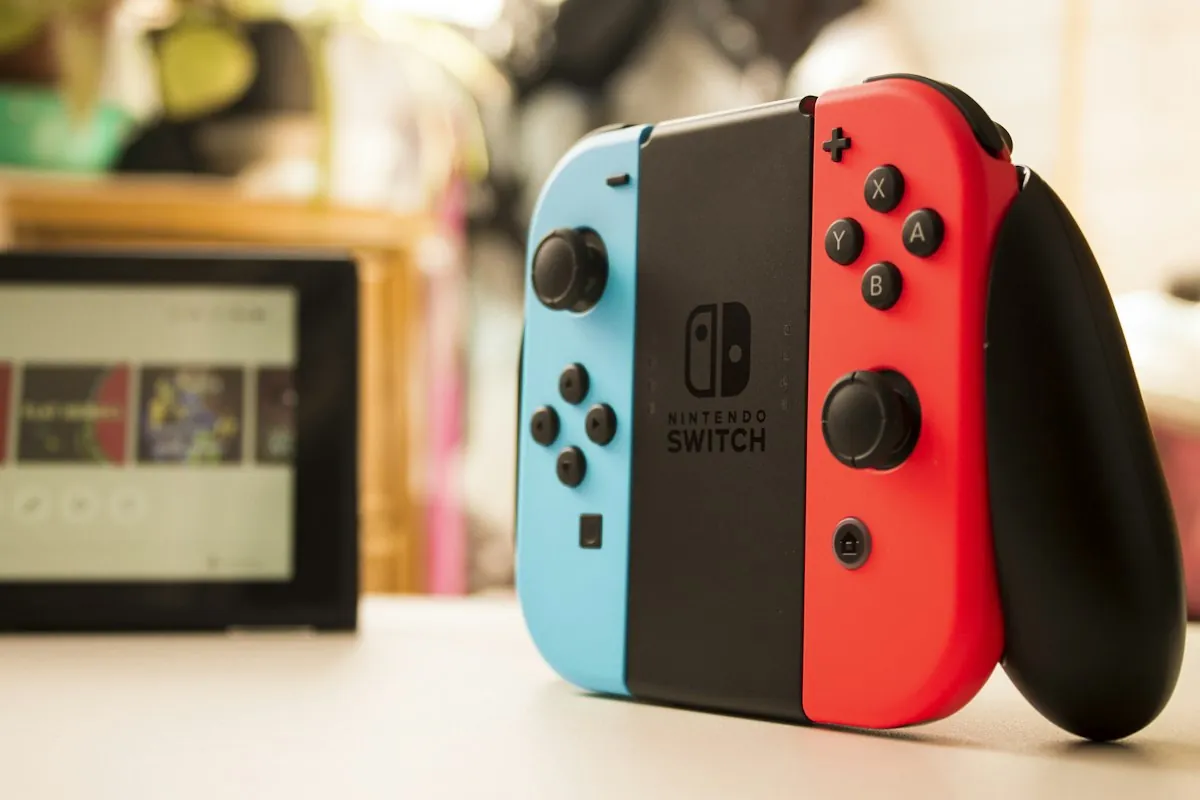
The language on the box is not automatically the language in the game
A European game may be sold in several countries with different packaging. That does not mean every edition includes exactly the same languages. Dutch, English, French or German may be available, but you need to check each title and edition. A Dutch sticker on a box does not prove that the game itself has Dutch text. An English-language front cover does not tell you which other languages are available either.
Also distinguish between spoken dialogue, subtitles and menu text. A game may combine English voices with Dutch menus, while another only has English text. For younger players, the language they can read is particularly important. Write down what you need: fully Dutch, Dutch subtitles or simply the option to select English.
How to check the correct physical edition
Look up the game on Nintendo's or the publisher's website and read the listed supported languages. Compare that official information with the actual cartridge and packaging being offered. For an import or a different regional edition, ask for the product number and a photo of the label as an extra check. A description of another edition does not necessarily apply to your copy.
Nintendo explains that a game can select a supported language based on the system language. Setting the Switch to Dutch cannot add a language that is absent from the software. Some games have their own language option in the menu. If unsure, ask to see the actual edition being sold running on a Switch with your preferred language setting.
What should you check when buying used?
For a loose cartridge, request a clear photo and confirmation of the available text language. If the box is included, inspect the back and any language information. Also check whether extra language files or an update are required. An internet connection may be part of the installation, but without information from the publisher, do not assume a download will add your preferred language.
If buying a gift, note not only the game title but also the recipient's preferred language and Switch model. This lets you compare the right options. The practical rule is simple: check the language in the game itself, identify the exact edition and use the box as a clue. You can then choose a game the player can genuinely use.
For a game you do not know, a quick photo of the language menu helps more than simply being told it is European. Ask whether the answer concerns text or voices. That gives the seller a specific question and gives you a useful answer.