
Compatibility · NexWave Games
Can you connect a Nintendo Switch Lite to a TV?
You spot a well-priced Switch Lite and think you can buy a dock later. That sounds logical, but this model does not work that way. Nintendo designed Lite as a handheld Switch. What does that mean for your games and living-room TV?
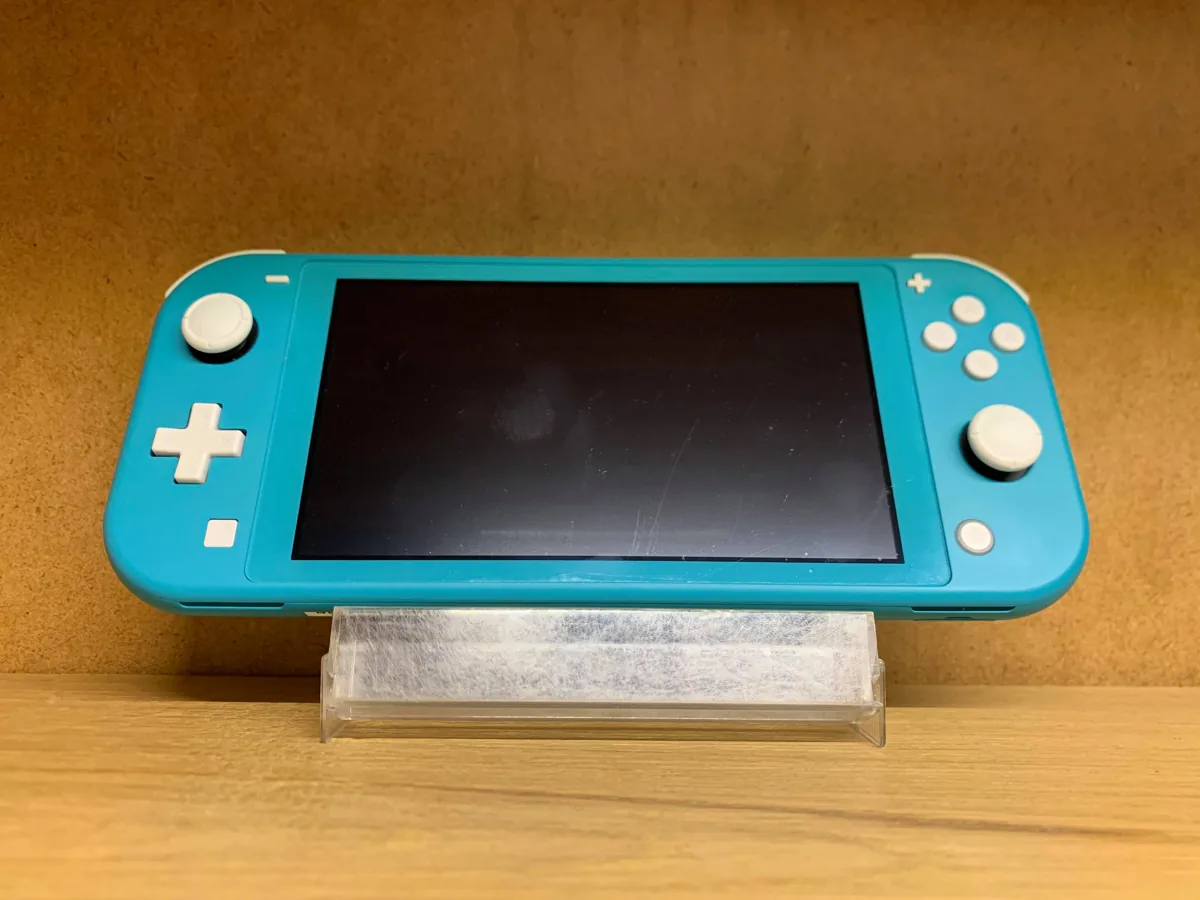

Switch Lite has no TV output
Nintendo explicitly says Switch Lite does not support TV mode. You cannot place it in a standard Switch dock to play on television. A separate USB-C-to-HDMI cable or different dock does not change that limitation. Lite is designed to display games on its own screen. For Mario Kart on the big TV, choose a standard Switch or Switch OLED model.
No TV output does not mean Lite uses different cartridges. Many physical Nintendo Switch games work on Lite when they support handheld mode. Check the icons and requirements of the specific game. Separate Joy-Con or other accessories may be needed for certain ways of playing.
When is Lite a good choice?
If you mainly play on the move or on the sofa with the system in your hands, Lite is straightforward: controls are built in and no dock is needed. It is practical for games mainly played solo on the built-in screen. On a used unit, check sticks, buttons, screen and charging port.
If you regularly want to play with others around one TV, choose a model supporting TV mode. For a used standard Switch, ask whether dock, power supply and HDMI cable are included. You can add a missing dock to a standard Switch later, but a dock cannot give Switch Lite the TV output it lacks.
Check the game and console separately
Check the back of the Switch game's box for supported play modes. Lite supports handheld play; games relying on detached Joy-Con may require extra controllers. With a used Lite, also test that cartridges are recognised promptly and the battery charges. This checks both compatibility and condition.
The short answer: a standard dock or HDMI adapter cannot connect Switch Lite to a television for gameplay. Buy it when you truly want handheld play. For the same Switch games on a big screen, choose a standard Switch or Switch OLED with the necessary TV accessories.