
Game recommendations · NexWave Games
Which PSP games support local wireless multiplayer?
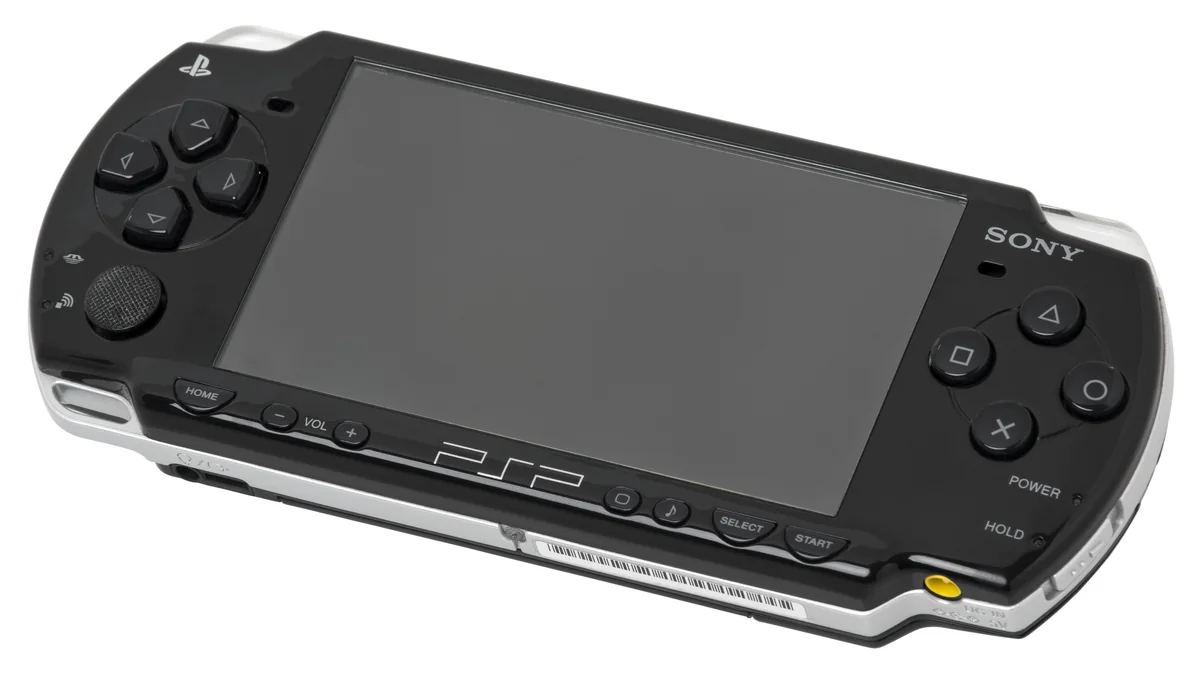
Two PSPs side by side can still be the start of an enjoyable afternoon. In games with ad hoc multiplayer, the handhelds communicate directly over wireless; no internet connection is required. You do need the right game, a PSP with wireless support and enough copies. Look beyond the word multiplayer on the box. It can also describe an old online feature that differs from playing together in the same room.

Race, hunt or face each other in battle
Gran Turismo for PSP is a clear choice if you prefer racing together. It supports ad hoc races for up to four players. Agree on cars and settings beforehand so the first race does not disappear into menus. This means Gran Turismo for PlayStation Portable, not a PlayStation disc with a similar name. Check the platform and the actual UMD being offered before collecting several copies.
Monster Hunter Freedom Unite is a better fit when you want to tackle a shared objective. You prepare a hunt, divide responsibilities and try to defeat a monster together. Dissidia Final Fantasy instead offers battles between familiar Final Fantasy characters. Sony names both games alongside Gran Turismo as examples with ad hoc support. Choose according to your group: discussing a hunt takes a different approach from immediately starting a duel.
Check the handheld and number of games
The PSP-1000, PSP-2000 and PSP-3000 have wireless capabilities; the PSP Street E1000 lacks Wi-Fi and cannot make a normal ad hoc connection. With a used handheld, check not only the UMD drive but also the WLAN switch and wireless link. A console that launches a single-player game successfully has not yet been fully tested for your planned multiplayer evening. Ask for a specific connection test.
Plan on a separate game for each player for the full multiplayer mode, unless the manual explicitly supports Game Sharing. Game Sharing is a separate feature and may be more limited than the complete game. It does not generally allow one UMD to unlock every multiplayer feature. Compare the exact editions too: different entries in the same series do not automatically join the same session.
Connect directly and test beforehand
Enable WLAN and select the local or ad hoc option in the game. Usually one player creates a group and the others find it. Sony generally recommends Automatic for the ad hoc channel, or the same channel on every PSP. Entering a router password belongs to a different connection type. Do not start changing your home network when you only want a direct connection. Follow your chosen game's menu.
Before meeting up, make a test connection and play a short round. Check that everyone can join, save progress where needed and charge the batteries. Old references to online services do not prove those services still work; local ad hoc communication is a separate matter. Start with one game everyone owns and knows. Then spend your evening racing, hunting or duelling instead of sorting out boxes and settings.