
Practical guide · NexWave Games
Installing PS4 games from disc: how it works
You buy a physical PS4 game, insert its disc and see an installation bar. That is normal: a disc game does not run solely from the disc itself. PlayStation 4 copies game data to its storage so it is available during play. The disc remains important, however. Installing a physical copy does not turn it into a digital purchase that starts without the disc.
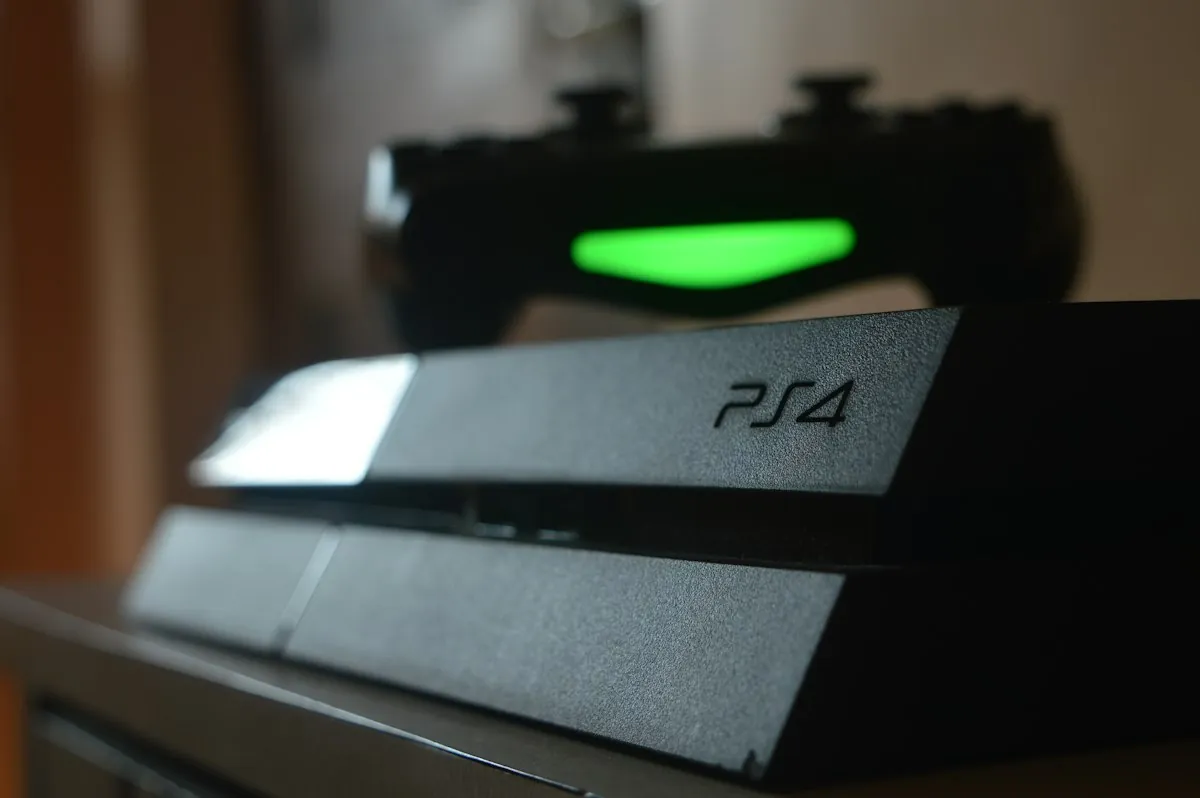
Let the console copy the data
Insert the PS4 disc and select the game when it appears on the home screen. Installation begins automatically. Some games let you start an opening section while more data is still being installed. A message saying you can begin therefore does not always mean every chapter or game type is ready. Check the progress if you unexpectedly have to wait later on.
A two-disc game may have a separate data disc and play disc. Follow the on-screen instructions and the labels for that edition. You start with the data disc and switch when prompted. The play disc remains necessary after installation. When buying a used two-disc copy, check that both are actually included; an attractive box alone is not enough.
Copying and downloading are different processes
Disc data is copied locally, but the PS4 may also download an update. Download speed depends on your internet connection; its progress is different from installation from disc. Required updates, extra files and connections vary by game. Check the packaging and official information for that particular title, especially if you mainly want to play without internet.
Expansions and bonuses also need attention. A bonus-content code may already have been redeemed and does not become valid again when the disc changes hands. For a special edition, check whether the content is on disc or supplied through a code. Online features may have additional conditions. Bonus wording on a physical box alone does not prove a second owner can still activate it.
Provide storage space and keep the disc
Before a large installation, check the console's free space. A physical game still uses storage, and updates may require more. The amount printed on the cover is no promise that every later version will stay within the same number of gigabytes. If necessary, free space through storage settings and check what you remove. Saved progress is different from installed game data.
Leave the correct disc in your PS4 while playing. Installation alone does not provide a separate digital licence. Lending or selling the disc therefore means you cannot simply keep starting the disc version. Store it in a suitable case and put it away after use. For another session, an existing installation normally does not need to be copied in full again, provided the game data remains present.