
Game guide · NexWave Games
PS2 games on CD or DVD: how can you tell the difference?
You turn over two PlayStation 2 games. One underside is blue, the other silver. Is one a fake, or does the blue one belong to the first PlayStation? Not necessarily. PS2 uses different disc types. Colour helps, but for a sound purchase, look at the printing and check that it works too.
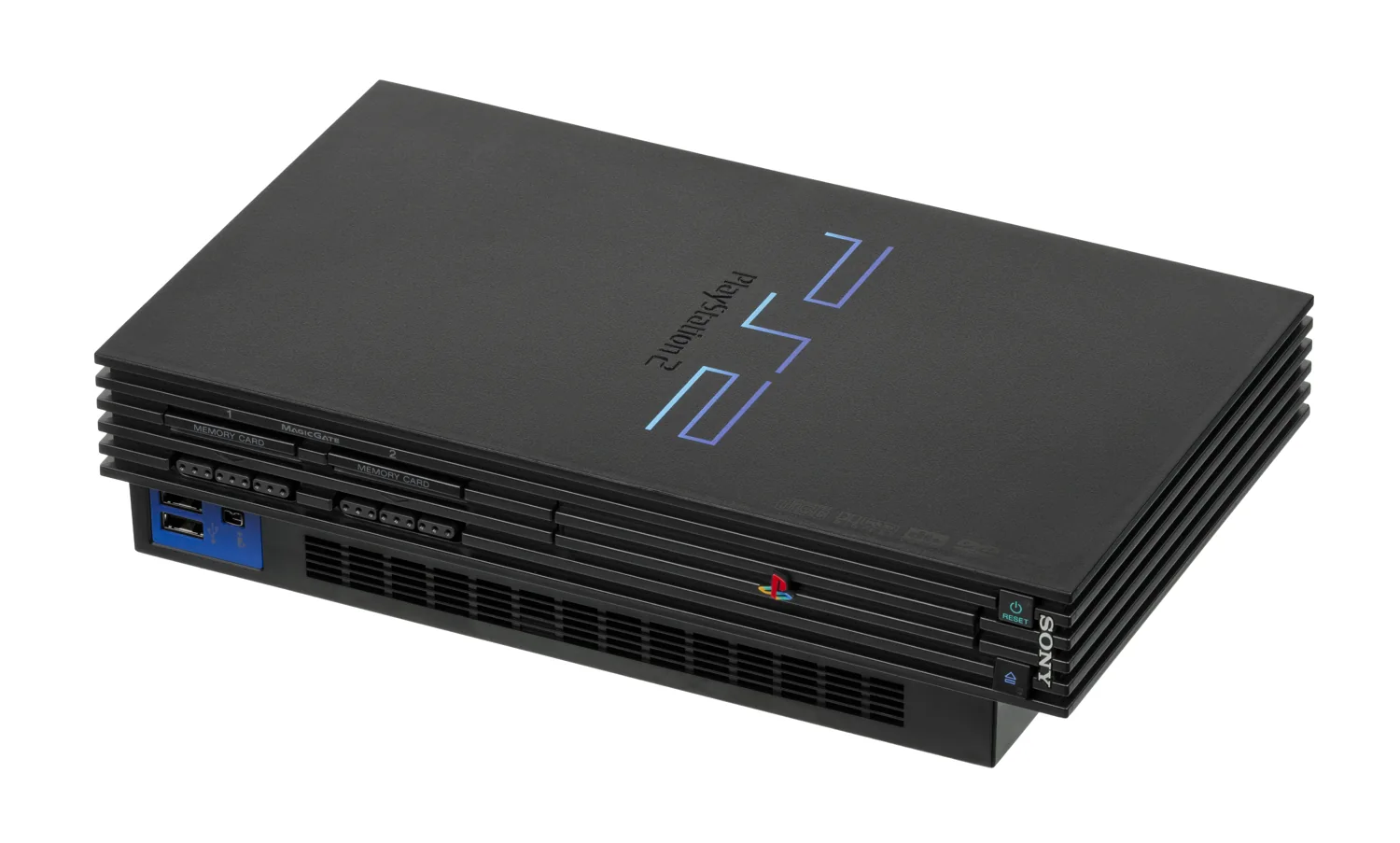

PlayStation 2 uses both CDs and DVDs
PlayStation 2 games were released on formats including CD-ROM and DVD-ROM. Many original PS2 CDs have a blue reading surface; many DVD releases are silver. This reflects the medium used and does not automatically mean a different console version. A working PS2 is designed for supported PS2 software on both types. You do not need to find a separate CD PS2 or DVD PS2 for your collection.
Use colour mainly as an initial clue. Then look on the printed side for PlayStation 2, the publisher and the medium designation. A normal DVD film, a PS1 game and a PS2 game may all come on round discs, but they are not the same product. Never judge solely by the underside colour. A photo taken under unusual lighting can also give the wrong impression.
Why does the difference help with testing?
An old console may read one disc type correctly and struggle with another. That calls for further investigation; it does not prove that the game is the wrong edition. If possible, test several games known to work. Note which discs start, how long loading takes and whether errors appear. This helps you describe the problem more accurately to a repairer or seller.
Keep the test calm and practical. Place the console securely, use the normal loading procedure and inspect the disc for dirt or obvious damage. Do not immediately change settings or parts because one blue disc will not start. The problem could be that disc, the reader or the mechanism. Before buying, a demonstration with the offered console and game is much more useful than a general claim that everything works.
How to assess a used PS2 game
Ask for photos of both the printed and reading sides. Check that the title and platform match the box. Look for cracks around the centre hole, prominent scratches and damaged edges. An original case does not prove that the correct disc is inside. For a special edition, compare the product information too: reissue packaging can differ without the game requiring a different system.
If you mainly want to play, have the start of the game loaded and ideally test a little further too. For collecting, the manual, box and matching edition also matter. The distinction is straightforward: blue often indicates a CD for PS2 games, silver often a DVD. The full printing and a working test provide reassurance that colour alone cannot offer.
If buying a console with a game collection, do not only let the seller test the game they already have ready. Choose another disc from the collection yourself too. You can then assess the drive and games more broadly without immediately making technical modifications.