
Compatibility · NexWave Games
Can you play PlayStation 1 discs on a PlayStation 3?
You find a stack of old PlayStation games and still have a PS3 under the television. Do you need a PS1 beside it? For many original PS1 discs, you do not. You do need to keep a few things separate: PS1 is not PS2, the region matters, and saving works differently from the old console.
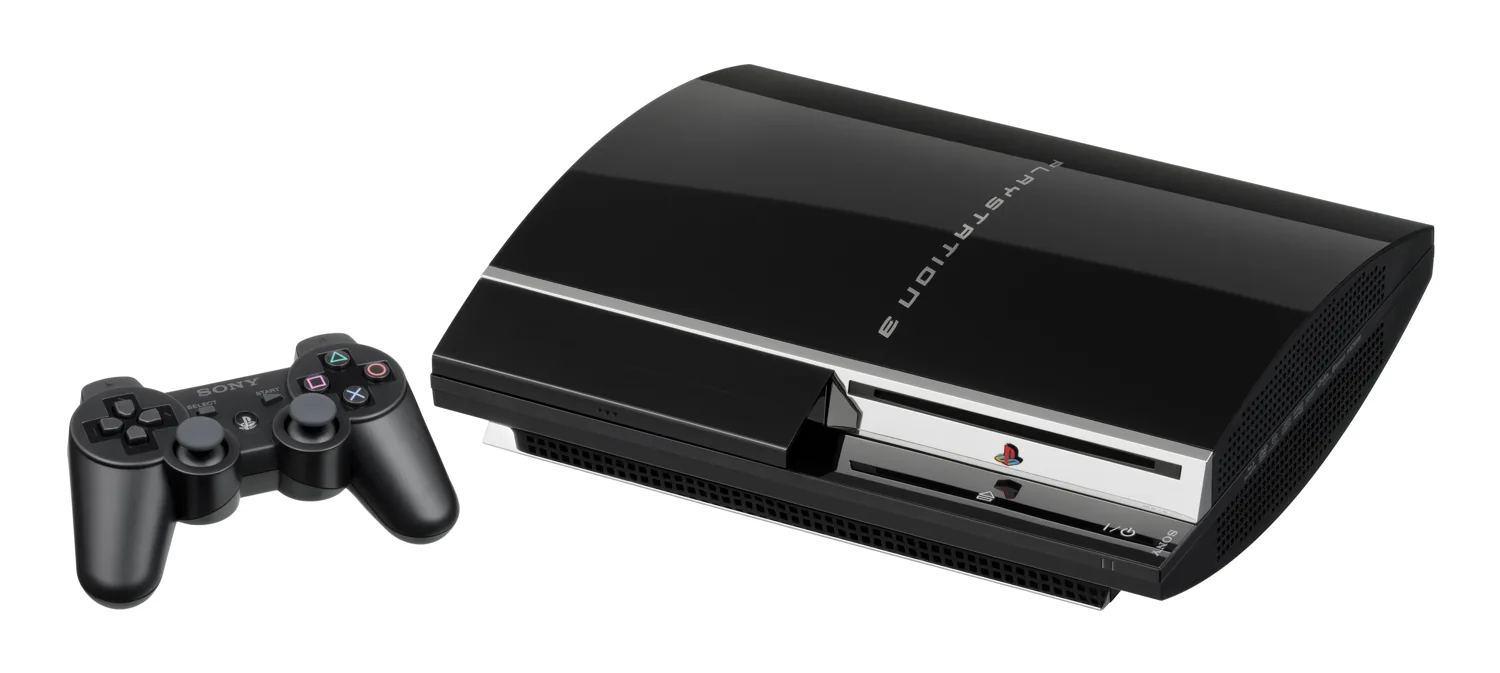

PS1 support is different from PS2 support
The PlayStation 3 family supports PlayStation software on disc. This means a PS3 can also play many original PS1 games. That is not limited to certain early, bulky models. The familiar question of which PS3 is backwards compatible often concerns PS2 discs. Different restrictions apply to those. Do not automatically use information about PS2 support to decide whether your PS1 game will work.
Sony notes that some PlayStation software may behave differently or not work properly on a PS3. Do not expect a guarantee for every game without checking the specific title. A normal retail disc is also different from a home-burned copy. When buying used, compare the actual game with the system you want to play it on, preferably with a brief demonstration.
Check the region and disc condition
With original PlayStation discs, the regional edition must match the console. An American or Japanese PS1 disc does not become a European release simply because you put it in a PS3. Check the label, packaging and regional information of the game being offered. A European case containing a different disc is still a mismatched set. For a loose disc, ask for a clear photo of the printed side.
Also inspect the reading surface for damage and have the game actually started. A disc can look tidy yet have reading problems. Conversely, a light sign of use does not necessarily make a game unusable. Try a known working game if you are unsure whether a problem comes from the disc or the PS3. Never force a disc when the loading mechanism is not responding normally.
Save using an internal memory card
To save PS1 progress on PS3, use an internal, virtual memory card through the memory card function in the game menu. Create a card for PlayStation software and assign it to the correct slot. That is not the same as inserting a physical PS1 memory card into a PS3. Transferring old saves requires a separate transfer method and possibly suitable additional equipment.
For a smooth start, prepare three things: a working PS3 with controller, a compatible original PS1 disc and a created internal memory card. Check the particular game if it uses unusual peripherals. A light gun or another old accessory does not work automatically just because you move the disc. This lets you enjoy your existing collection while remembering the exceptions associated with older hardware.
After the first test, also check that the same internal memory card is used next time. A game that starts but cannot find its save location can easily seem faulty when a setting is missing. Try loading a small save file again before finishing the test.