
Buying guide · NexWave Games
Original GameCube controller or alternative: what should you check?
You want to play Mario Kart: Double Dash!! again and find three controllers at very different prices. One is made by Nintendo, another looks similar and the third uses USB. Which can actually plug into the front of your GameCube?
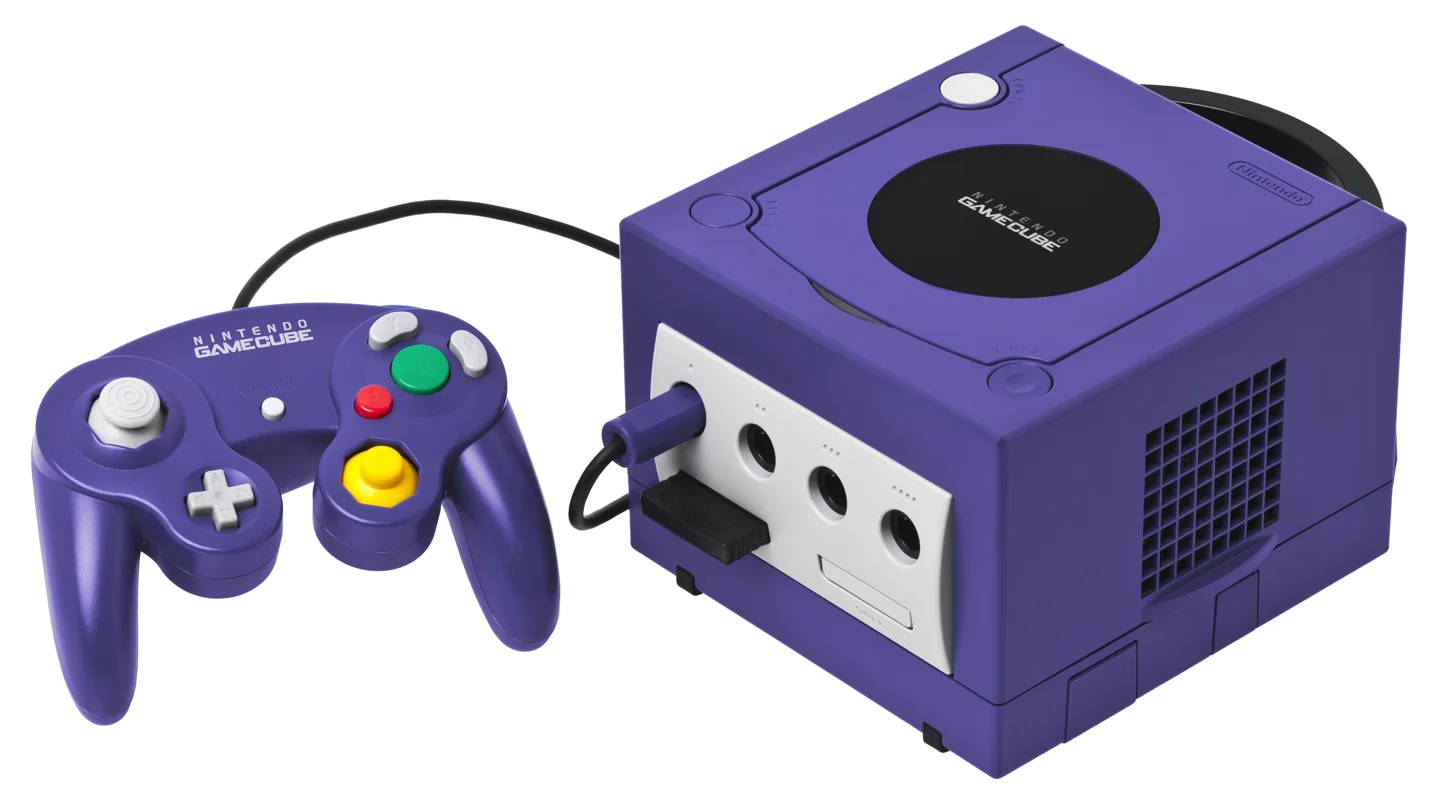

Check the connector first
An original wired GameCube controller has the distinctive plug for one of the console's four round controller ports. A modern USB controller advertised as 'GameCube style' does not plug straight in. It may be intended for a PC or a specific adapter. Look at the cable end, not just the buttons on top.
WaveBird is a separate case: this wireless Nintendo controller uses a receiver in the GameCube port. A wired model is simpler if you want to plug in and play. Compare cable length and condition too; a lovely controller face is little help if the wire is damaged near the plug.
Test the controls your fingers use
Move the main stick slowly in every direction and release it. It should return smoothly to centre. Then test the C-stick, directional pad, A, B, X, Y, Start and Z. Pay special attention to L and R: their travel is longer than on many modern controllers. Ask for a gameplay test, not just a menu demonstration.
Nintendo also says the sticks should be neutral when switching on. An odd response immediately after startup can sometimes be fixed by resetting them. If control problems persist, consider wear or a fault. Case scratches matter less to playability than a stick that will not centre properly.
Original or replacement: choose for your use
An original Nintendo controller is the natural choice for many collectors and offers the familiar layout. A good replacement may be enough for occasional play, but quality varies by brand and model. Ask which maker is named on the back and whether it was actually tested on a GameCube. 'For GameCube' on a box does not always identify the connector.
For multiplayer bundles, do not just count the controllers in the photo. Check every plug and stick individually. Pay for working player positions, not a pile of controllers with one that ruins the race immediately.