
Buying guide · NexWave Games
How do you recognise an original DualShock 4 controller?
In a photo, a PS4 controller may look exactly like a DualShock 4. Yet its appearance and a Sony logo do not tell you everything about its origin or operation. How can you assess a used one without getting lost in lists of supposedly foolproof signs? Start with the model and combine that information with a real gameplay test.
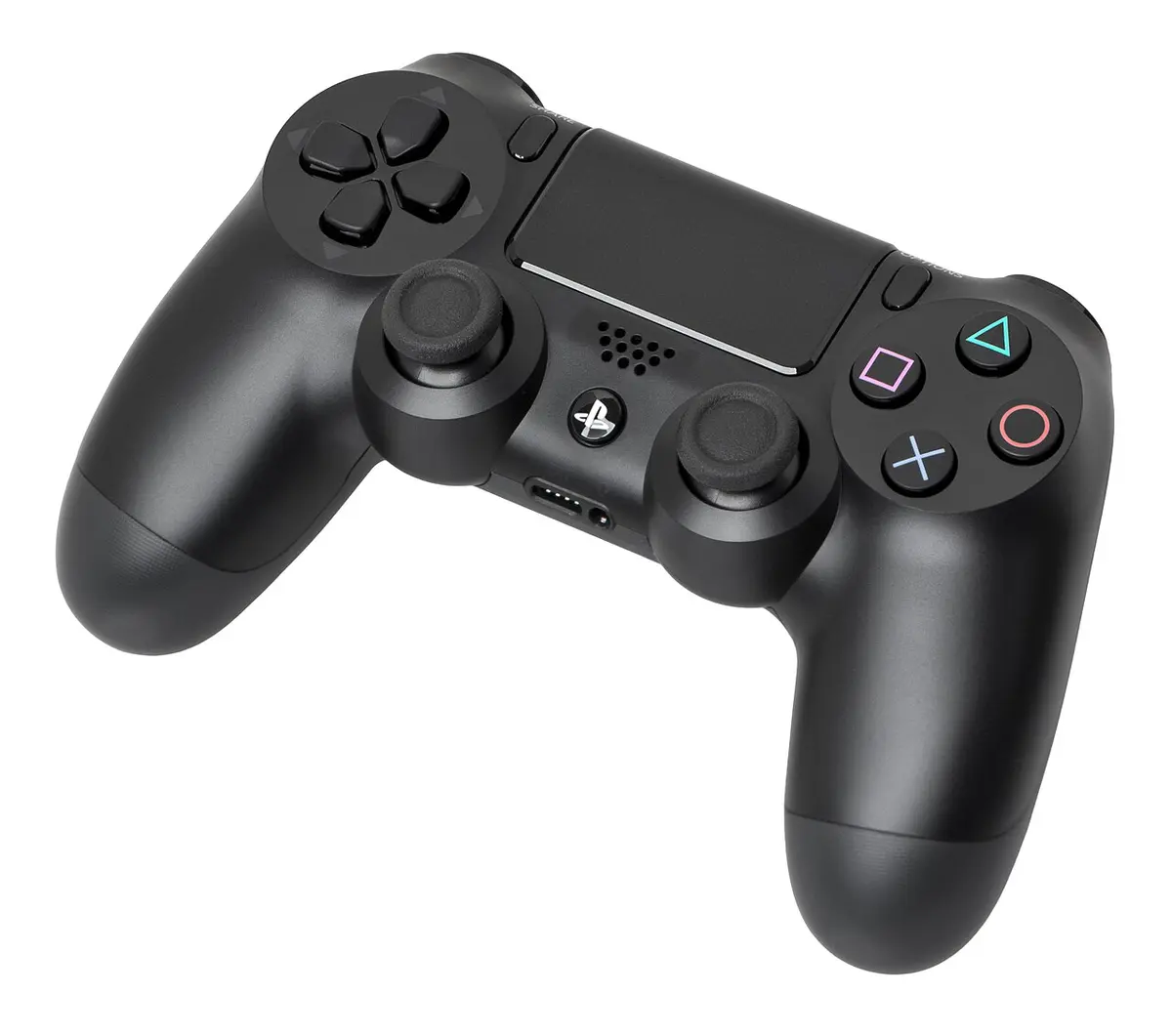

Check the model details and the whole controller
Sony places the DualShock 4's model and serial numbers on the back. Ask for a sharp photo of that label and compare the details with official product information. Several original versions and colours exist. A different colour is therefore not automatically suspicious, and a detail on one version need not appear on every other one. Always compare the same model, not a random internet photo.
Inspect the finish too: do the shell sections fit together neatly, is the text legible and do the ports look undamaged? These may give you reasons to ask more questions, but they do not prove authenticity. Logos, stickers and model numbers can be copied. A genuine controller may also have a replacement shell after repair. Ask about its origin, previous repairs and exactly what the seller means by original.
Test connection, charging and controls
Connect the controller to a PS4 using Sony's pairing procedure. Use a suitable USB cable that also carries data, then check wireless operation. Not every cable that lights the charging indicator supports data transfer. Inspect the micro-USB port for looseness and damage. A controller that only charges with the cable at a certain angle needs extra attention.
Start a game and test both sticks, directional buttons, action buttons, shoulder buttons, Options, Share and the PS button. Also check the touchpad and functions important to your games, such as motion or vibration. Release the sticks and see whether input returns to neutral. A brief movement in a menu tells you less than several minutes of play using different buttons and directions.
Distinguish an alternative from a counterfeit
Another brand's controller may be clearly sold as a PS4 alternative. That is different from a counterfeit pretending to be Sony. For an alternative, check which functions it supports and whether its cable or receiver is included. If you specifically want an original DualShock 4 for your collection, ask for confirmation and judge the offer against that promise.
No single home test gives complete certainty about originality. Combining clear photos, a credible history, matching model information and a thorough functional test can prevent many poor purchases. Finally compare condition and included parts. A neat label cannot compensate for a stick that keeps steering, while a light scratch says little about how comfortably a controller still plays.
If unsure, ask for photos of the actual controller with the included parts. Generic product images may show a different revision from the controller being sent. Clear confirmation of model, condition and contents makes comparing it with the received product much easier later.