
Practical guide · NexWave Games
Can you replace a PS3's hard drive?
Your PS3 says storage is almost full, even though plenty of games remain on the shelf. Can you replace its hard drive with a larger one? Sony provides a procedure, but swapping in any random drive is not a good start. First check the model, your data and the parts required.
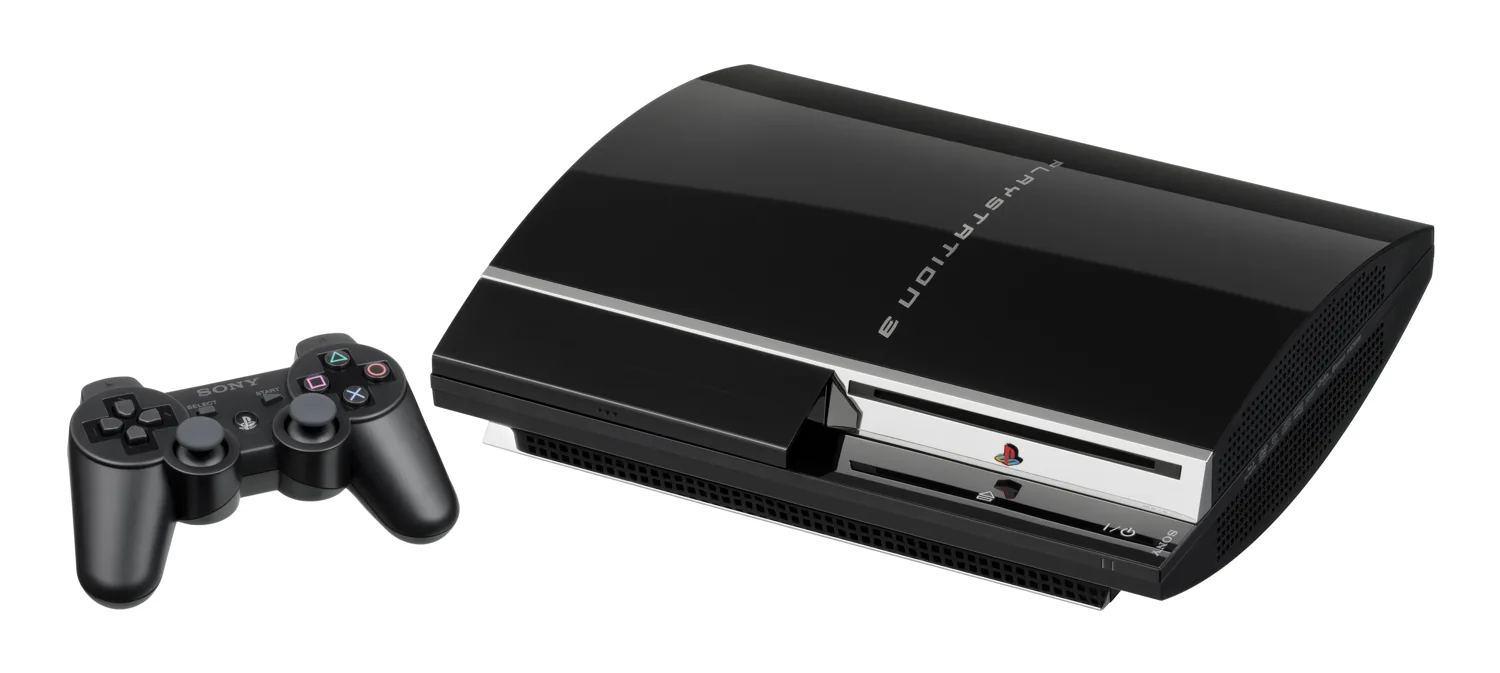

Choose a drive that fits your PS3
Sony specifies a 2.5-inch Serial ATA drive for PS3. This differs from an old Parallel ATA drive. The words 'laptop hard drive' in a listing are therefore not enough. Also check dimensions and suitability for your version; not every 2.5-inch drive automatically fits or is guaranteed to be supported. Start with the manual for the model number shown on your console.
A version with little built-in storage may also need extra mounting hardware. Certain 12 GB Super Slim models need a suitable bracket when adding a hard drive. For a used PS3, ask not only about capacity but also which drive, bracket and fasteners are included. A loose drive without the required parts does not automatically make a bundle complete.
Make a backup before removing anything
Use the PS3's backup features and read Sony's information about what is and is not included. Make sure important saved data has been secured correctly. Also check your account details and any separate conditions applying to particular files. Removing the old drive before deciding how to preserve its contents makes things needlessly difficult. Switch off the console and follow the model's manual before touching the hardware.
After replacement, PS3 may initialise the new drive and request system software. Use PlayStation's official files and instructions. A drive from another PS3 is not a box of games that simply become available when you insert it. Expect formatting to be able to erase data, and keep the original storage device until you have checked the transfer thoroughly.
More space does not solve every problem
A larger drive mainly gives more space for the data PS3 stores there. It does not make the console support PS4 games or repair a damaged game disc. If the Blu-ray drive has problems, replacing storage is not automatically the answer. First describe what goes wrong: full storage, error messages, failure to start or discs that will not read. This avoids a replacement that leaves the original problem untouched.
If buying a used PS3 with an already-replaced drive, ask whether installation, startup, saving and loading have been tested. Check the capacity shown in the system menu and assess the whole console, including controller and disc drive. If replacing it yourself, use the official procedure for your model and stop if a part will not release normally. If unsure, a repairer can first assess both drive and system.
Before replacement, note the console's model number and photograph the existing mounting arrangement. This helps when comparing parts and the manual. Keep the screws and bracket safe: a compatible drive is less useful if its mounting hardware goes missing during the work.