
Practical guide · NexWave Games
Connect GameCube to HDMI: Which options do you have per model?
Your GameCube still works fine, but the new TV only has HDMI. Online all adapters look the same: a small cabinet, an HDMI port and big promises about sharp image. The right choice starts from the back of your own GameCube.
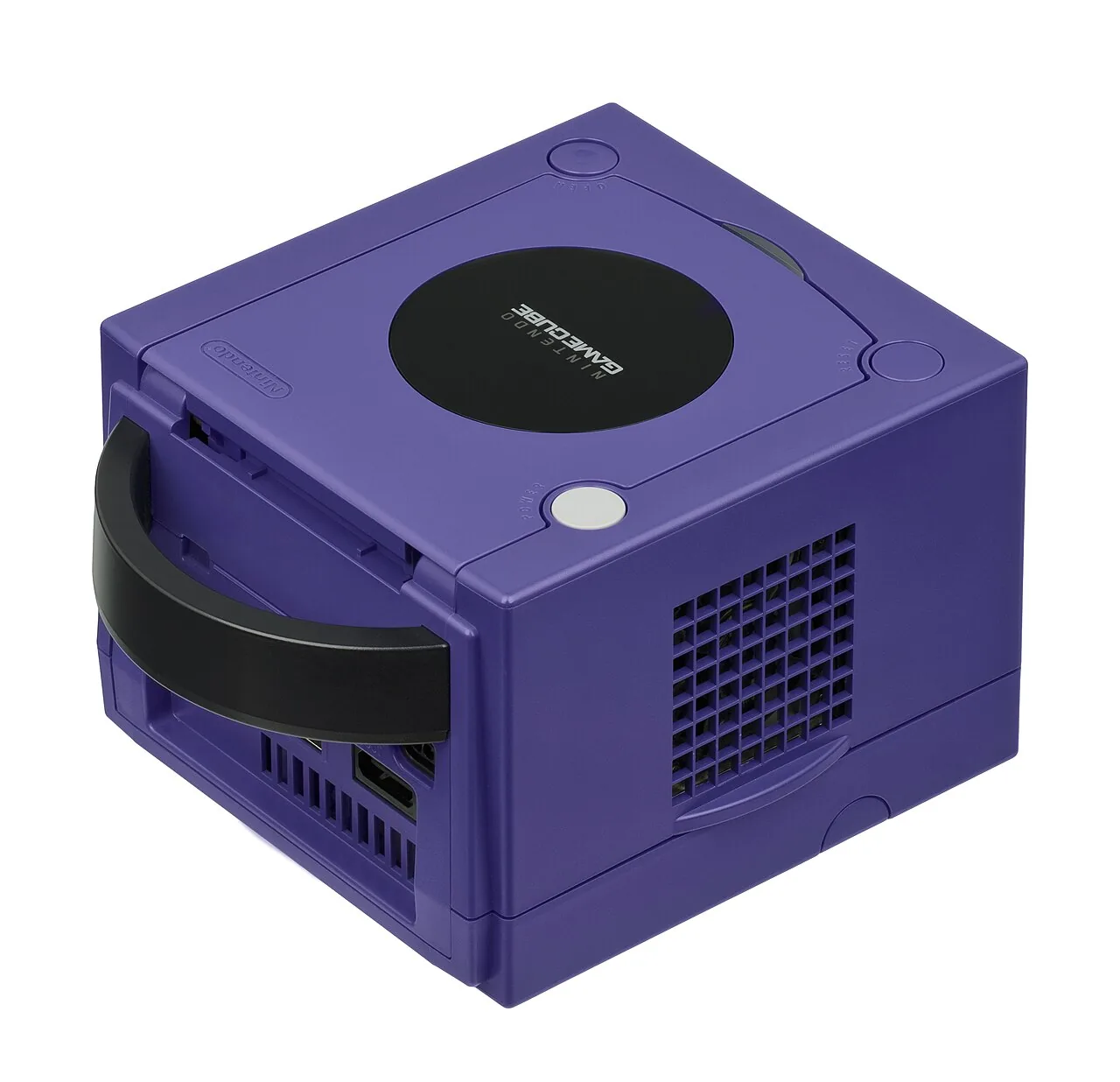

What exits does your console have?
Every regular GameCube has an ANALOG AV OUT. There you connect the familiar cable with yellow, red and white plugs, or another matching analog video cable. A DOL-001 also has DIGITAL AV OUT; the later DOL-101 does not have that extra port. So turn your console first and read the model number. If you only have a product photo from the front, ask for a picture of the connections.
The console does not use HDMI without a tool. An analogue signal shall be converted for an HDMI TV. At DOL-001 you can also use a suitable adapter for the digital output. Those two routes are technically different, even if both end up in the same HDMI input of your TV.
Option one: Analog AV to HDMI
An active AV-to-HDMI converter receives the analogue image of the GameCube and returns HDMI. This route can work with the appropriate AV cable at both DOL-001 and DOL-101. See if the converter supports composite, works towards AV-in to HDMI-out and needs power. A passive adapter can't convert this for you.
Composite image remains an old signal. A converter allows the TV to display, but does not create details that were never in the source image. The quality and possible delay depend on the converter. For quiet play a simple device is sometimes enough; for a nicer retro set-up a better scaler can be more interesting.
Option two: DOL-001 digital output
If your GameCube has a DIGITAL AV OUT, there are specific HDMI adapters. They don't look after a DOL-101. Check the exact port, product support and power supply before ordering. Don't expect an automatic HD remaster here either: the possibilities for image modes vary by game, region and adapter. Sales pages that promise one resolution for all games deserve extra control.
The DOL-001 is therefore an interesting choice if you want to try this route later. If you play on a TV with SCART or composite and if you are satisfied with the image, you don't have to change for it. Our separate DOL-001/DOL-101 guide shows how you recognise the models.
That's how you avoid a miscarriage.
Take a picture of the back, write down which cable you already have and see which entrances your TV has. Then buy an adapter that fits exactly that route. Test image and sound with a game before working everything out properly. An HDMI cable alone is not a solution; the correct conversion between console and television is the difference between playing and a black screen.