
Buying guide · NexWave Games
A Game Boy with battery corrosion: what should you look for?
A Game Boy looks tidy from the front, but beneath its battery cover you find white or greenish deposits. These can indicate leaking batteries and damaged contacts. On a second-hand handheld, this is not a detail you can judge from an attractive product photograph alone. The battery compartment deserves a separate inspection, even if the seller says the device worked previously.
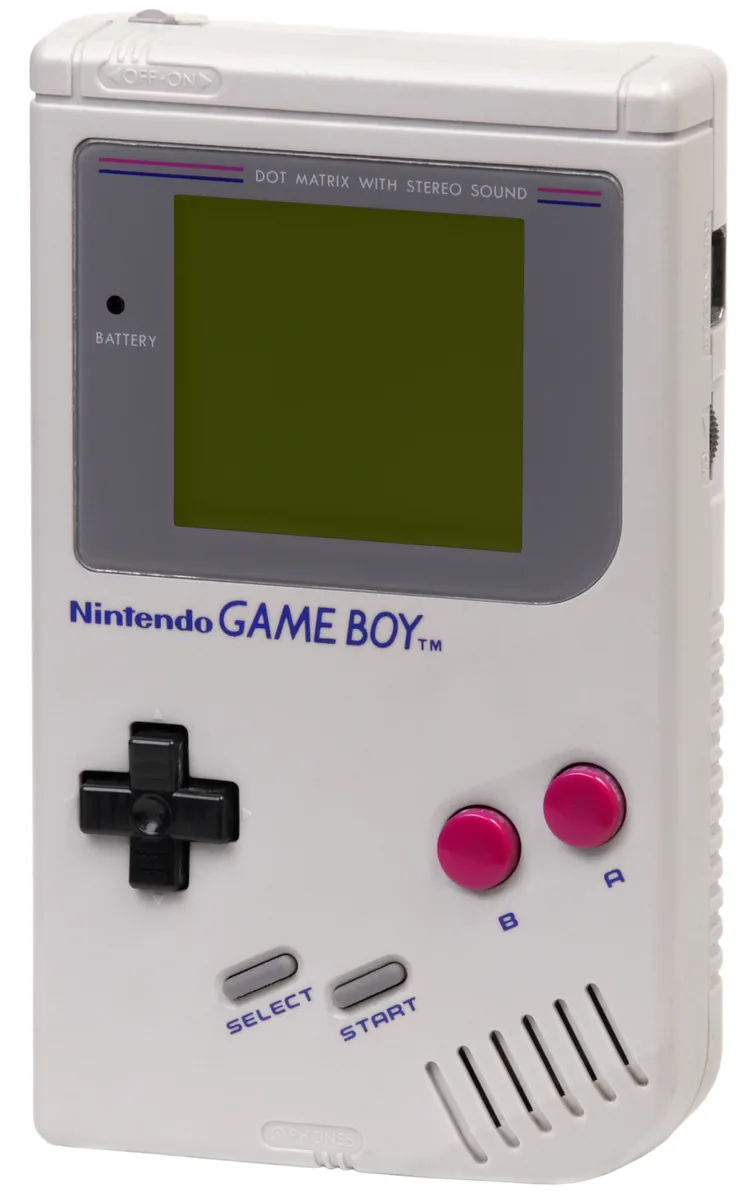

Inspect the battery compartment before testing
Ask for a sharp photograph of the open battery compartment without batteries inside. Look for deposits, discoloured or damaged springs and contacts, rust-like patches and damaged plastic. Inspect the battery cover and the compartment's edge too. Missing parts or clearly weakened contacts may mean a purchase needs more work than simply fitting new batteries. A dark or blurry photograph provides little reassurance.
If you see leakage or corrosion, do not turn the Game Boy on just to see whether it still works. Avoid contact with leaking material and follow the battery manufacturer's safety information. Do not simply scrape or blow deposits away. This article concerns assessing a device before purchase; the correct repair approach depends on the damage and should be determined by someone who can inspect the handheld safely.
A tidy exterior does not reveal the condition inside
Battery corrosion may be confined to the contacts, but damage can also extend farther into the device. The amount of visible residue does not establish that with certainty. Even a cleaned compartment does not rule out earlier leakage. Ask whether the device has been treated, which parts were replaced and whether the interior was examined. A specific explanation is more useful than a promise that it is probably minor.
Also distinguish the handheld's batteries from a battery inside a game cartridge. The battery compartment powers the Game Boy itself. Some cartridges additionally have their own battery for saved data or a clock function. A saving problem therefore does not automatically prove corrosion in the console. Conversely, a game that still saves does not establish that the handheld's battery compartment is in good condition.
Ask for a complete functionality test after repair
Once a knowledgeable repairer has restored the handheld and confirmed it is safe to use, testing should go beyond a screen lighting up. Start a compatible cartridge and check the picture, sound, directional controls and action buttons. See whether it continues running reliably and the battery cover closes properly. A photograph of a startup screen does not prove every button, contact and connection works.
If you deliberately buy a repair project, allow for uncertainty about replacement parts and repair costs. Compare the total with a demonstrably working unit instead of looking only at the low asking price. If you mainly want a Game Boy to play, choose clear photographs, an honest description of any previous corrosion and a complete functionality test. That reduces the chance of spending your first weekend searching for replacement parts.