
Controller Help · NexWave Games
DualShock 4 or DualSense on PS5: Which controller works at which games?
You want to play on the PS5 together and have another DualShock 4 of your PS4. Convenient: it can be paired with a PS5. Yet it is not said that you can start any game. The difference depends on the version of the game you are playing: a supported PS4 game or a real PS5 game.
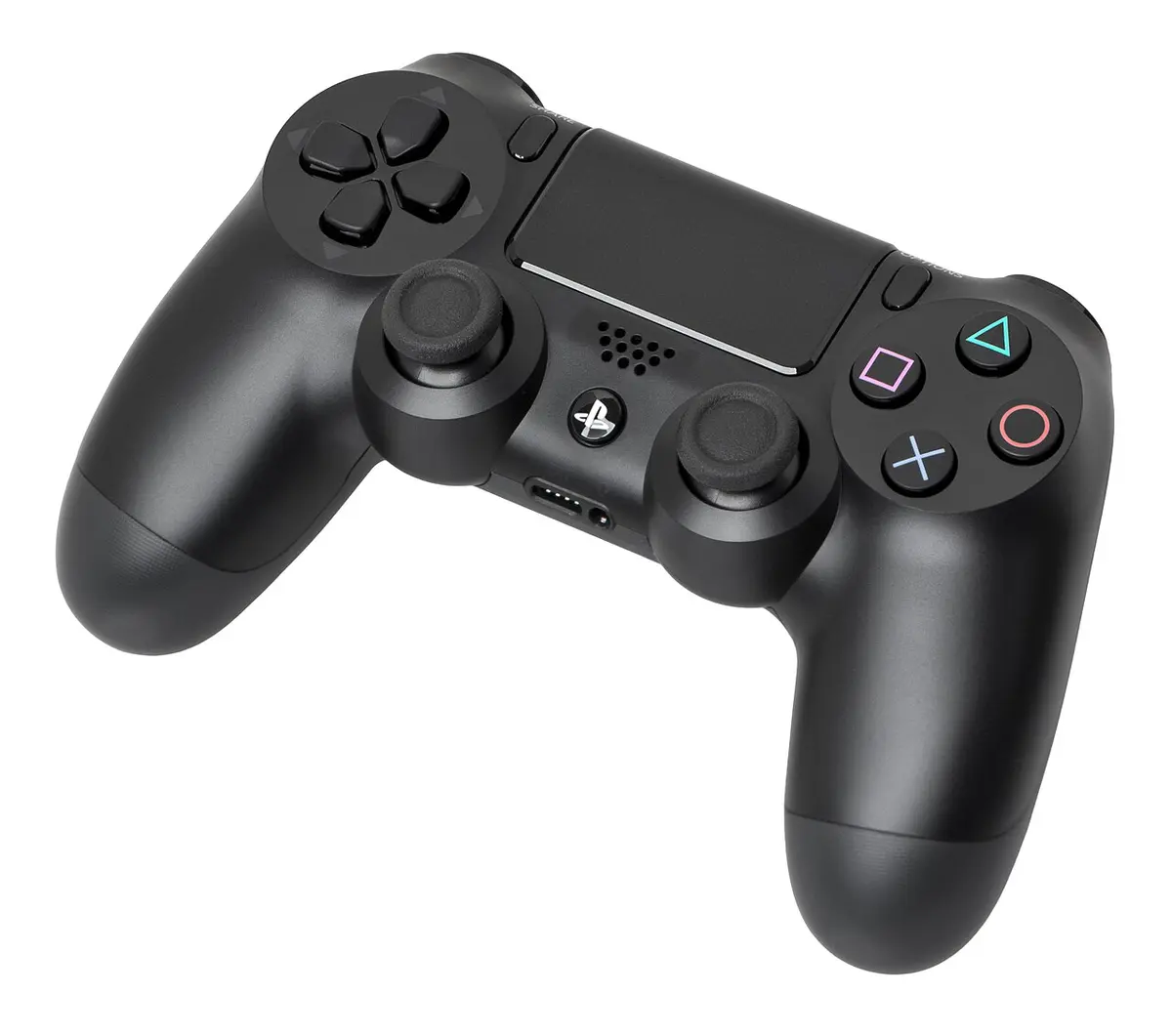

PS4 games on PS5: both controllers can work
If you play a supported PS4 game on a PS5, you can use both a DualShock 4 and a DualSense according to PlayStation. This makes an existing PS4 controller useful as a second copy for a PS4 racing game or cooperative game on your new console. Of course, check if the game itself offers local multiplayer; an additional controller does not create a split screen in a game intended for only one player.
Look on the start screen which version you really open. Some titles have both a PS4 and a PS5 version. The icon and the game designation are more important than the cover you used to buy. If you accidentally start the PS5 version, the controller rule changes.
PS5 games ask for DualSense
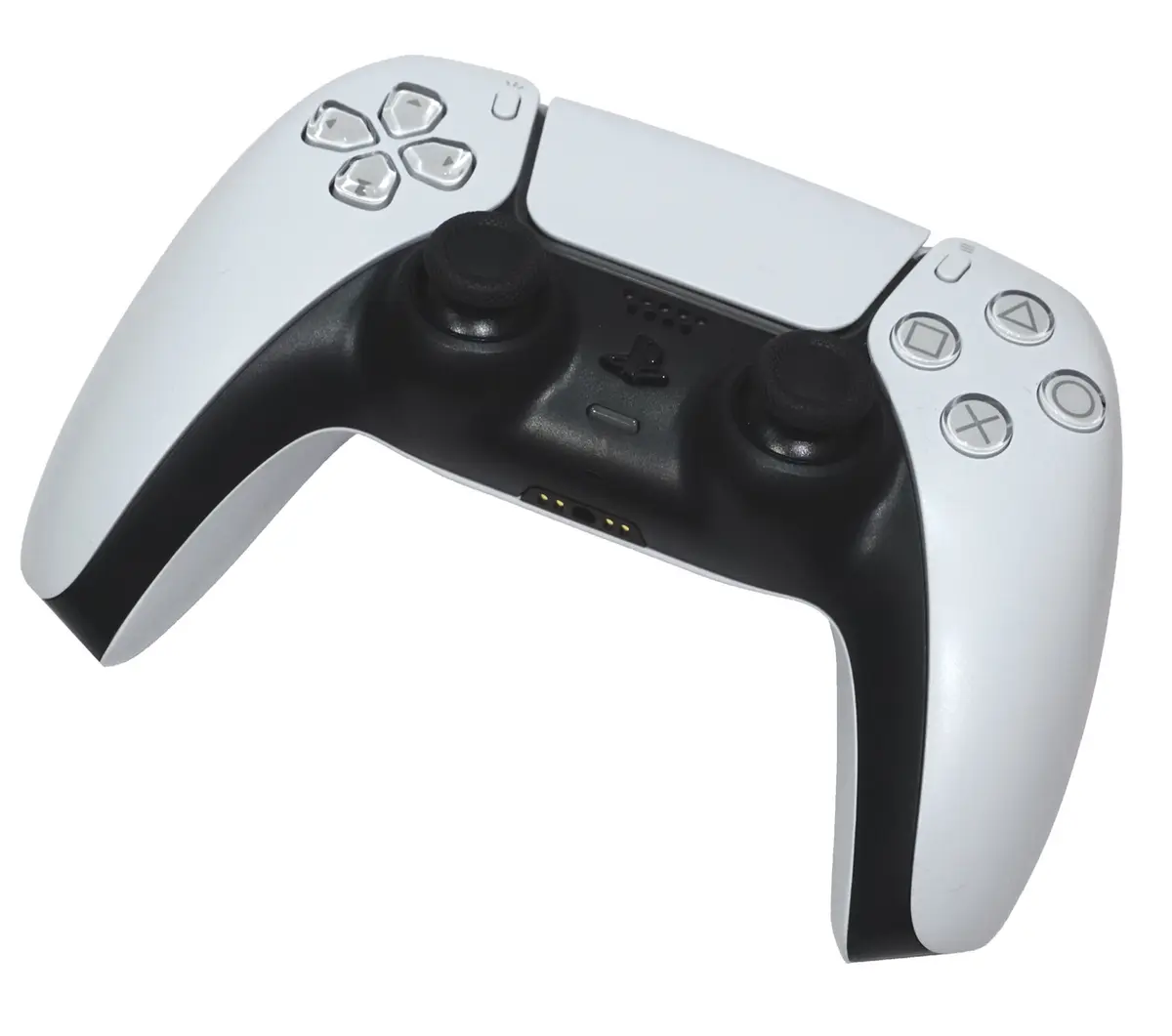
PS5 games require a DualSense. A DualShock 4 that connects in the menu does not suddenly become playable in a native PS5 game. If you want a second player to participate in a PS5 release, buy an extra DualSense. This is the practical rule that prevents much confusion with second hand controllers.
DualSense also has features such as haptic feedback and adaptive triggers when a game uses them. A PS4 game on the PS5 does not automatically become a PS5 game with all those features. In a title read which version you install and which controller recommends the game. Specific PS VR games and special accessories are subject to specific requirements.

This is how you test a used controller
Ask for a picture of front and back, including the model writing, the sticks and the loading gate. Connect the controller to the PS5 and test both sticks slowly for unwanted movement. Walk through all buttons and triggers and let the controller work wirelessly for a while after charging. A battery that immediately drains makes a cheap controller less attractive.
With a DualSense, you can test the extra feedback with a PS5 game that supports haptics and adaptive triggers. With a DualShock 4, that is not a meaningful comparison: it is another device for another generation of games. Above all, check that the controller you buy works well for the type of game you want to play.
A cable with the advertisement is useful to pair and charge a controller, but ask which type of cable is included. A DualShock 4 uses micro-USB; a DualSense uses USB-C. Also check if it is an original if you expect specific functions. A generic controller may differ in operation, loading behaviour and support.
Which one are you taking home?
If you play on PS5 especially your existing PS4 library, a tested DualShock 4 can be a useful second controller. Buy your new PS5 games or want to experience the special controller functions, choose DualSense. If you have both types of games, DualSense is the widest choice. Finally, check how many players support your favorite game before ordering a second controller.