
Buying guide · NexWave Games
Buying a console in its original box: how do you check the contents?
An original box makes a used console appealing, particularly if you want to collect it alongside other systems. However, a box with the right picture is not proof that all the original components are inside. Complete in box can also mean different things to different sellers. A targeted check helps you understand what you are buying and what you may still need before you can play.
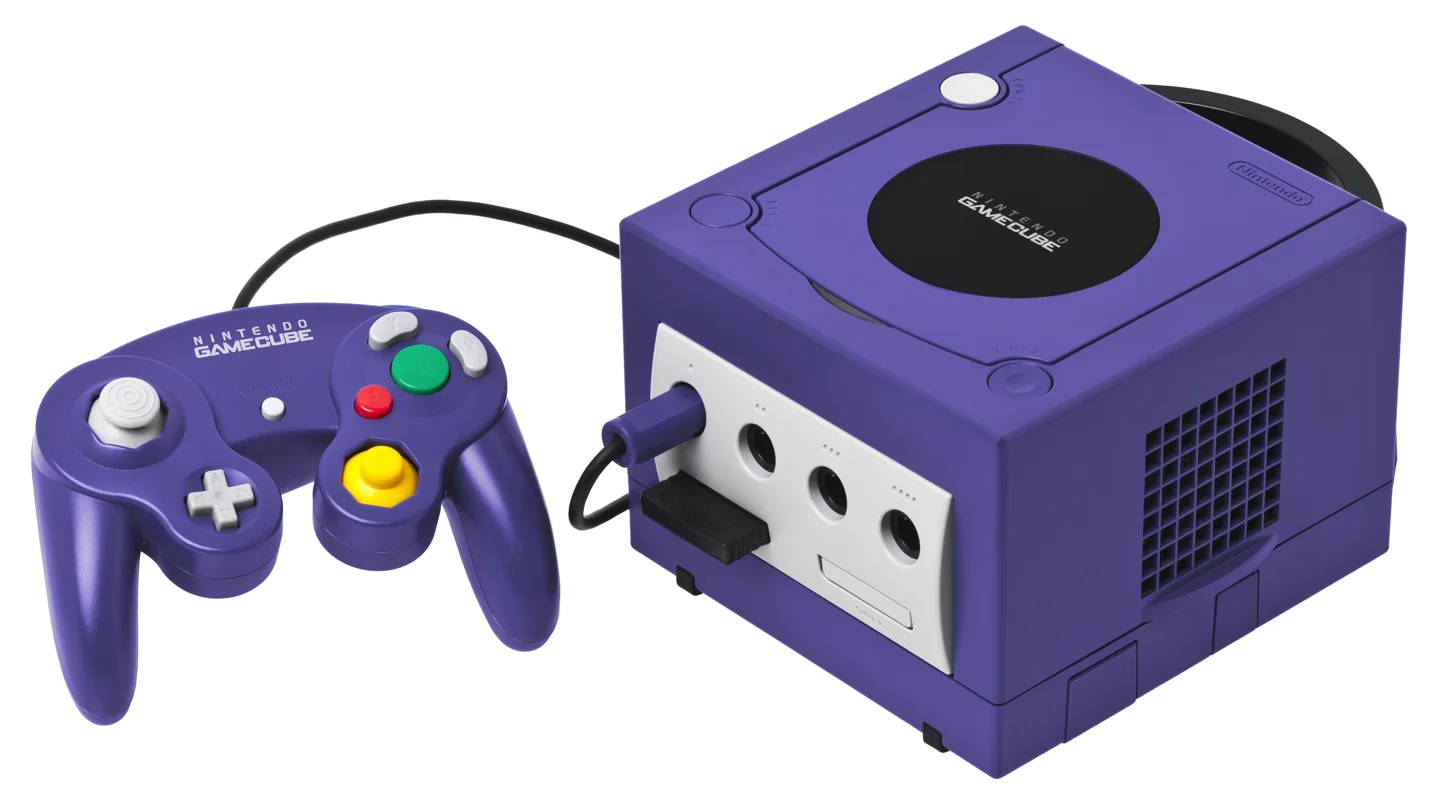

Identify the exact edition first
Start with the console model and the edition shown on the packaging. A console family can contain different models, colours and bundles. A standard package may have different contents from a promotional bundle with an extra controller or game. Find the official manual or contents list for that specific package. Do not treat a random picture of a similar console as the definitive list: it may make you expect something this edition never included.
Then compare the actual console with the box. Do the model, colour and any bundle description match? If both the packaging and device carry a serial number, ask whether they belong together. Not every package makes this comparison possible. A matching type of box is therefore different from a box demonstrably supplied with this particular unit. Ask the seller to explain clearly which situation applies to the offered set.
Lay out all the components
Ask for one overview photograph of everything outside the box. Look for the console, power adapter or lead, video cable, controllers and any booklets. Some systems include other specific pieces, such as a sensor bar or a particular stand. Check whether each accessory is original or a later replacement. A working replacement can be practical, but matters to someone collecting an original set.
Inspect the inner packaging too. Cardboard dividers, protective bags and inserts can matter as much to collectors as the outside. Do not assume they are present because a listing says complete. Ask which pieces remain and request photographs of tears, damp marks and crushed corners. An attractive front can conceal a damaged underside. Use this information to assess physical condition separately from whether the console still works.
A complete box does not replace a working test
Ask to see the system start and read an appropriate game. Also check the picture, controller ports, buttons and connections you intend to use. For a handheld, include the screen, charging and battery behaviour. A photograph of a power light is not enough. Ask how testing was done and which cables were used, so a successful demonstration does not turn out to rely on an accessory excluded from the sale.
Finally, distinguish what you need for playing from what you want for collecting. Make a separate list of missing components, then compare the full purchase. A tidy loose console may suit a player perfectly, while a collector may care more about the correct internal packaging. By checking contents, the box’s connection to the console and operation separately, complete in box becomes a concrete description of your purchase.